
Site settings
Manage your Recurly account configuration, company profile, email settings, address requirements, IP allowlisting, and site customizations from a single location.
Definition
Key benefits
Key details
Clear test data
The Clear Test Data button removes all test data from your Recurly sandbox site — including all test accounts, their associated subscriptions, and transactions — giving you a clean slate for further testing.

This action does not affect configuration elements like subscription plans, coupons, or email templates. However, it does remove third-party integrations (such as Xero and QuickBooks Online) and any configured webhook endpoints.
Site details
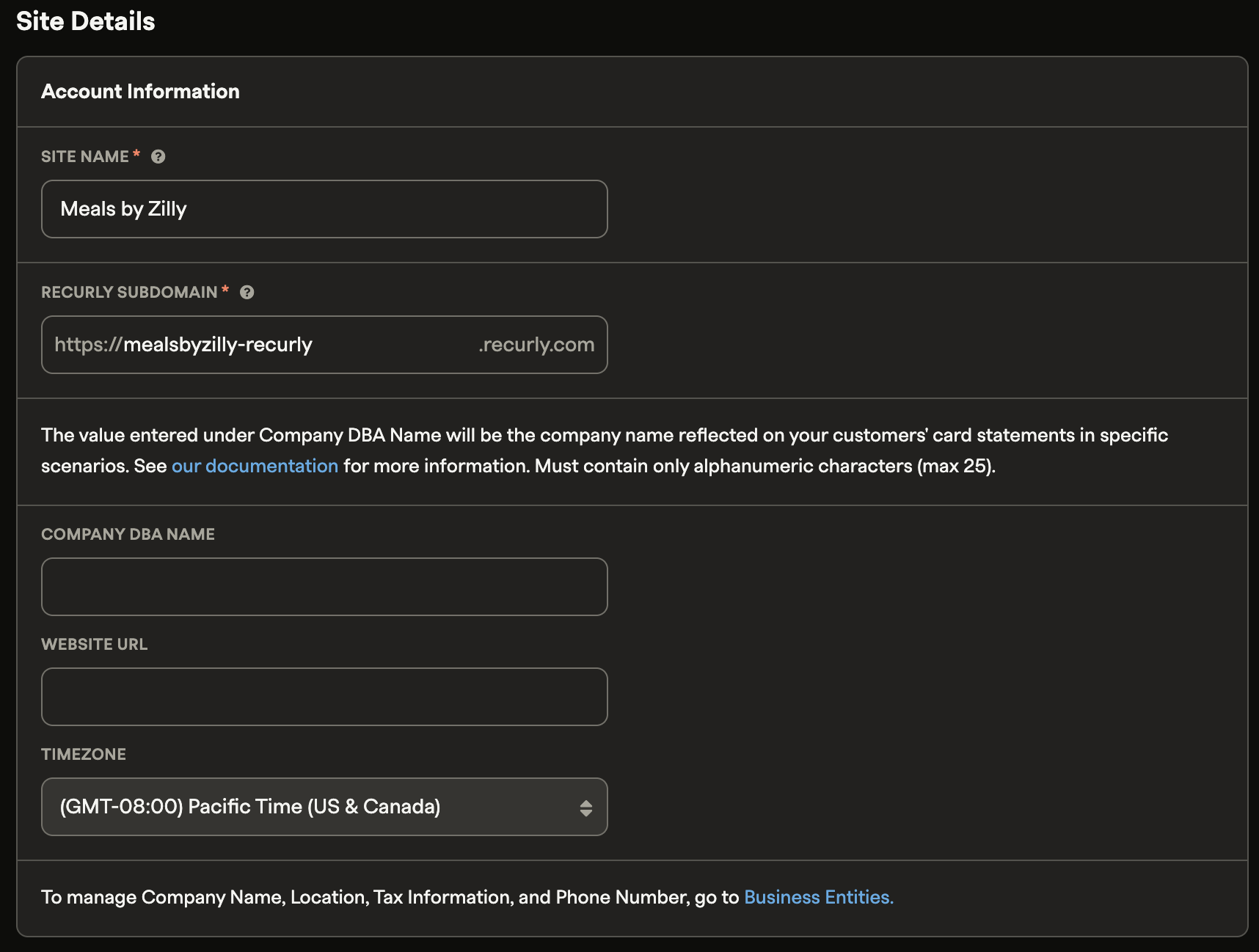
Site Details is where you manage your company's core information and profile.
Account information
Update the following fields under Account Information:
- Site Name
- Recurly Subdomain
- Company DBA Name
- Website URL
- Time Zone
Company profile
In Company Profile, provide additional details about your business including your industry and estimated annual revenue.

Advanced settings
Advanced Settings is where you configure technical and communication settings for your site — including email preferences, address requirements, IP allowlisting, order number prefixes, and site customizations.
Email settings
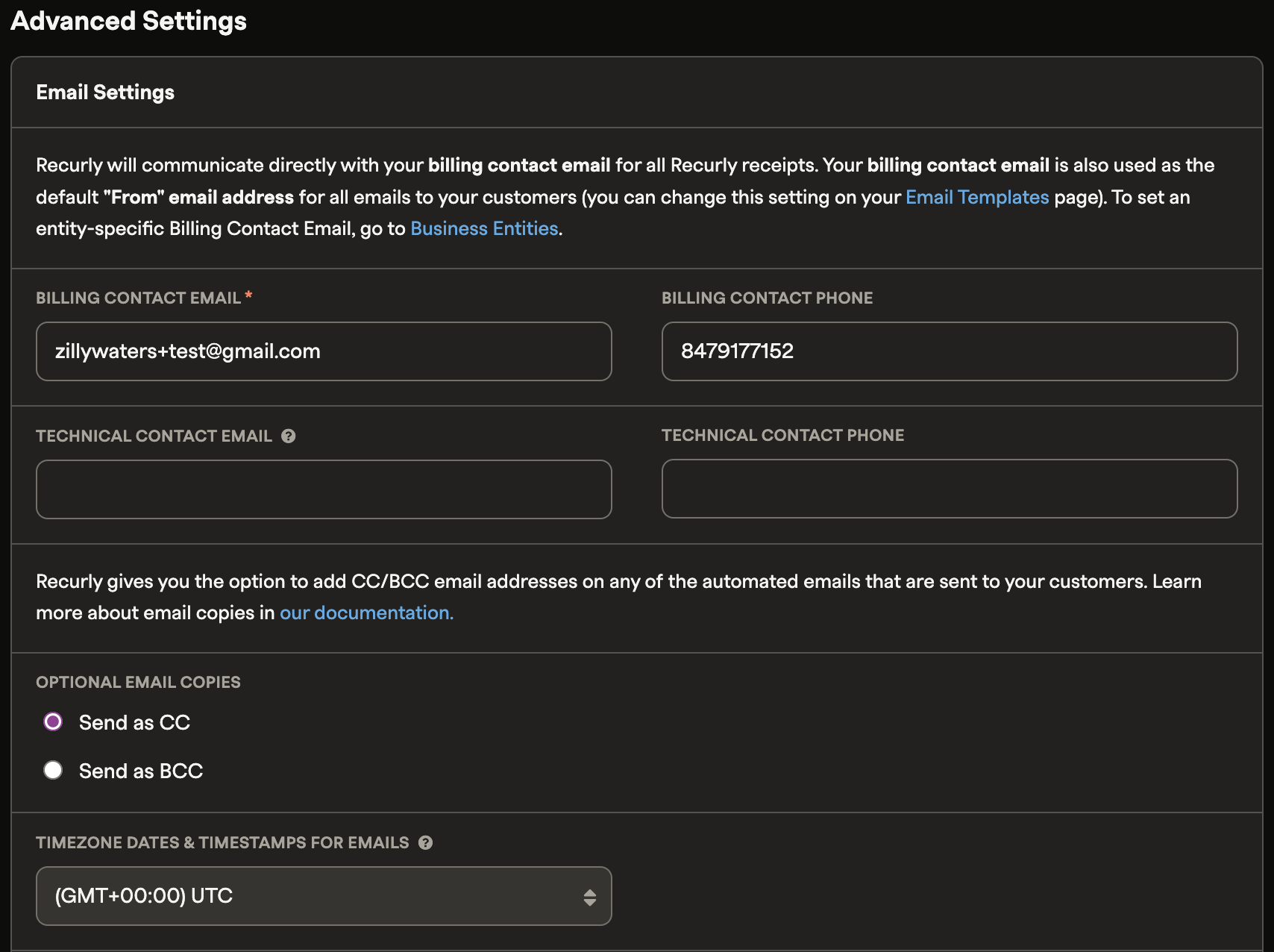
Manage your contact and technical email configuration from this section:
- Choose whether optional email copies are sent as CC or BCC
- Set the default timezone for dates and timestamps in emails
See the Email Templates documentation for more on managing email copies and templates.
Billing Contact Email
The Billing Contact Email is the default "from" address for all customer communications and the address displayed on Recurly receipts. Keeping this accurate ensures consistent, professional correspondence with your customers. You can override this default for specific accounts on their individual account pages.
If you're on the Recurly Elite plan with multiple business entities configured, you can set a unique billing contact email for each alternate entity. If no entity-specific addresses are set, all entities — including the Site Default Entity — fall back to the address entered here.
SendGrid API key
Recurly integrates with SendGrid to give you greater control over email deliverability and analytics. Connecting via SendGrid's SMTP relay ensures your messages reach customers reliably and lets you track performance in detail.

See the SendGrid integration documentation to set this up for your site.
Debt collection email notifications
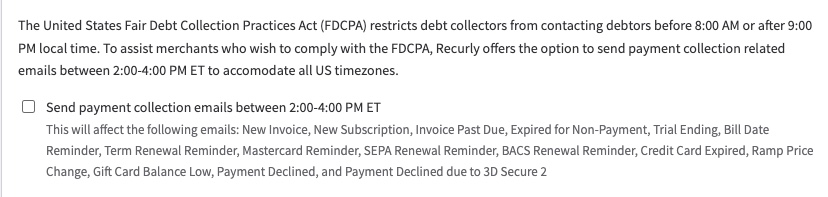
The federal Fair Debt Collection Practices Act (FDCPA) restricts debt collector contact with customers about money owed — communications between 9 PM and 8 AM are prohibited.
To help you stay compliant, Recurly can limit payment-related emails to a 2:00–4:00 PM ET daily window. Enable this by checking "Send payment collection emails between 2:00–4:00 PM ET" in your email settings.
Address requirements
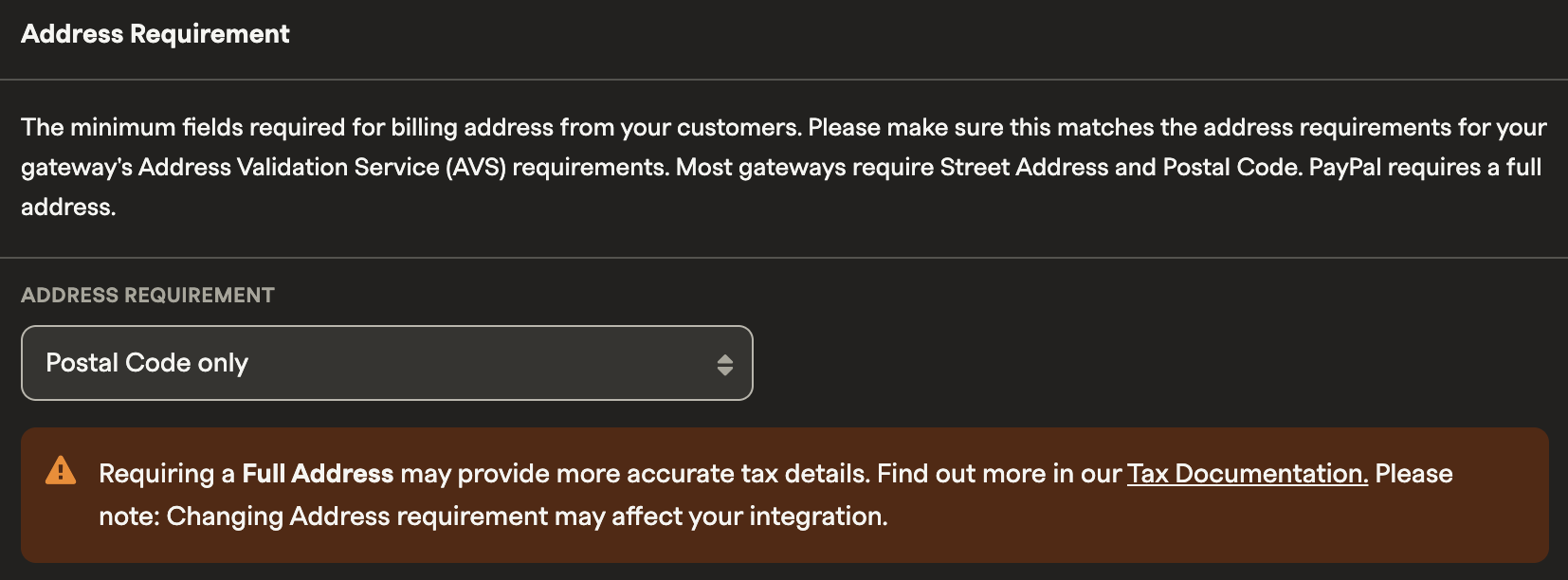
Configure the minimum fields required for customer billing addresses. These requirements should align with the Address Validation Service (AVS) rules for your payment gateway.
Gateway-specific minimums:
- Most gateways — Street Address and Postal Code
- PayPal — Full address
- Beanstream — Full address and phone number
Allowlist IP addresses
Designate a public IP address or range to bypass Recurly's fraud checks — useful when manually processing transactions on behalf of customers.
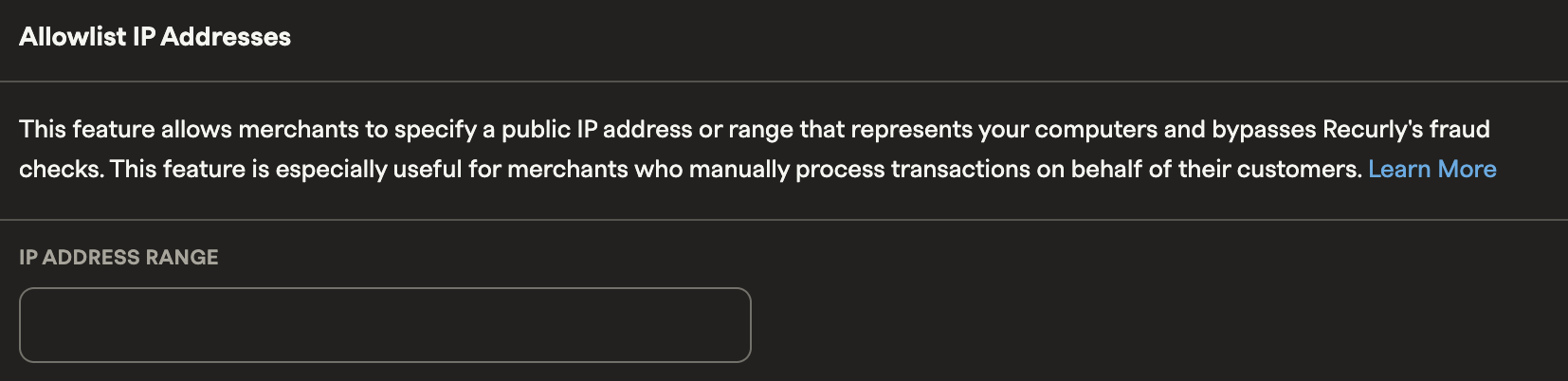
Accepted formats:
- Single IP:
192.168.0.1 - IP range:
192.168.12.0/24— the range must be narrower than /24
Order number prefix
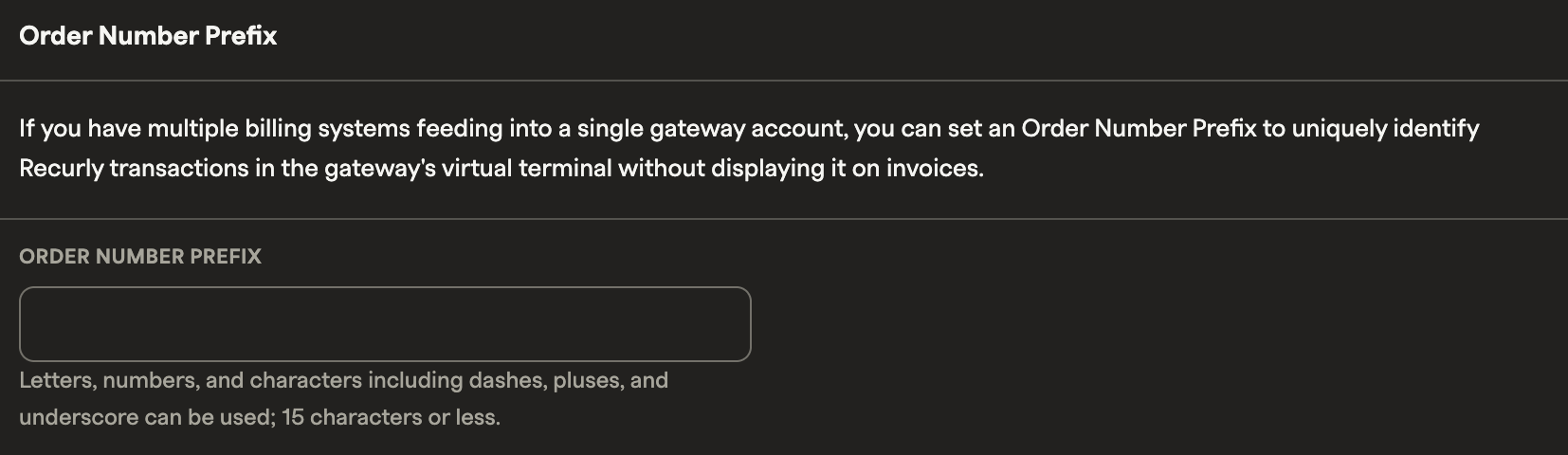
If you consolidate multiple billing systems into a single gateway account, an Order Number Prefix lets you identify Recurly transactions in your payment gateway's virtual terminal.
Site customizations
Personalize the Recurly sidebar by choosing a sidebar theme that fits your brand. Select from the available style options to create a consistent visual experience for your team.

Additional subdomain
Merchants looking to expand their online presence can add an extra subdomain through Recurly. This dedicated space also lets you allocate Total Processed Volume (TPV) from another existing subscriber account, offering more flexibility in managing your billing operations.
Updated 3 months ago