
Compass skills
Skills make AI capabilities visible and tangible through clickable cards that show exactly what Compass can do.
Prerequisites
- All users must have permissions within a site that has the Compass Assistant Chat feature flag enabled
Definition
Key benefits
Skills page
The Compass Skills page displays cards that connect you with Compass Assistant to accomplish specific outcomes. Guided workflows with progress tracking support configuration changes and activation.
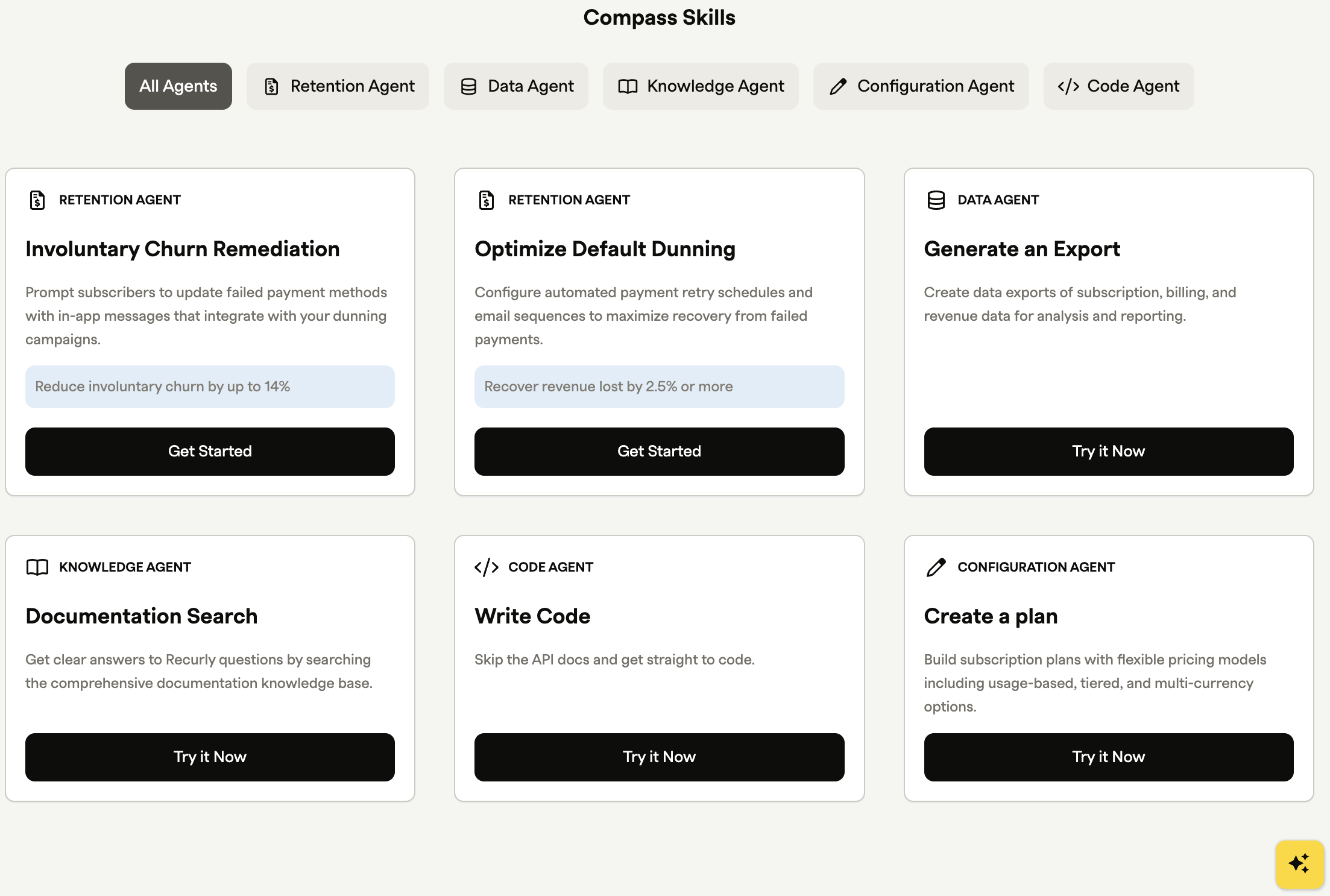
Click a skill card to begin the workflow. Each guided workflow includes steps that lead you to your outcome, and a Completed badge appears in the upper-right corner of any card whose skill is done.
Skills that introduce you to an agent you can query can be repeated as often as you need. Use the filters at the top of the page to narrow skills by agent type.
Guided skills
Several skills guide you through configuration steps.
- If you leave a skill before finishing, clicking the card again picks up from your last step.
- Guided skills are generally completed once — afterward, the card gives you the option to view the details.
- Guided skills configure settings for the whole site, so once one user completes a skill, everyone else sees it marked as completed.
Involuntary churn remediation skill
This skill prompts subscribers to update failed payment methods using in-app messages, engaging them to update their payment information proactively. It enables a small campaign targeted to subscribers with failed payment methods.
Customizing your prompt
Compass Assistant guides you through customizing an involuntary churn prompt. You can configure the background and button colors, the title, the message, and the button text to match your brand.
The assistant also asks for your site's domain. For the call-to-action (CTA) button, it needs to know where to send subscribers when they click to update their payment method — provide the exact URL of the page where users update their payment information. Once you've reviewed the details, Compass Assistant saves the prompt.
Next steps outside Compass Assistant
There are two quick technical steps to complete before your customers can see the prompt. Each adds a small code snippet to your site — you'll only do this once, and your campaign goes live as soon as both are in place.
Identify your logged-in users
This snippet tells Recurly Engage who's using your app so it can match them against your subscriber list and show the overlay to the right people. Add it to every page of your app, replacing the account-code placeholder with the subscriber's Recurly account code — typically available in your session or user context once someone is logged in.
Learn more about adding Recurly Engage to your site via your tag manager
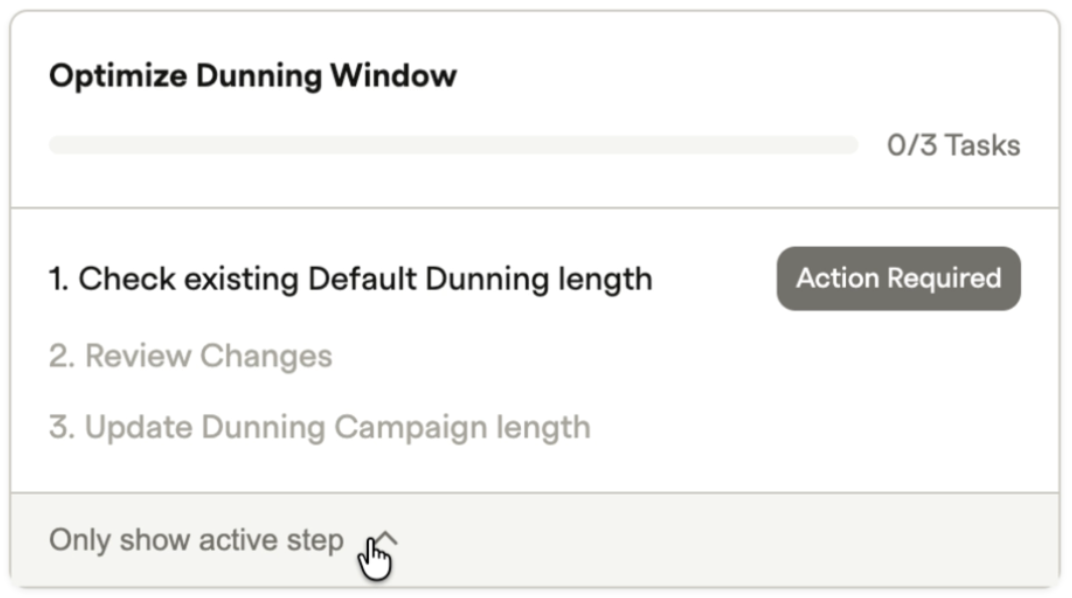
Optimize default dunning skill
This skill creates an additional email that's sent before the final Expired for Non-Payment email, extending your total dunning length to 27 days. It changes only the default dunning campaign for your site.
Updated about 2 months ago