
MOTO transactions
An overview of Mail Order / Telephone Order (MOTO) transactions in Recurly, including supported gateways, compliance considerations, and configuration steps.
Definition
Key benefits
Key details
MOTO indicators are reserved for specific use cases: one-time, customer-initiated transactions using fresh billing details entered by the merchant into a system the customer typically doesn't access — such as a back-office system or virtual terminal.
Supported gateways
Many gateways support MOTO transactions, including Adyen, Braintree, Chase Orbital, Cybersource, Stripe, and WorldPay. Before enabling MOTO, confirm your gateway supports it for your specific use case.
Configure MOTO transactions
Gateway configuration
Before enabling MOTO in Recurly, confirm that your gateway has MOTO transactions enabled on your account.
Recurly configuration
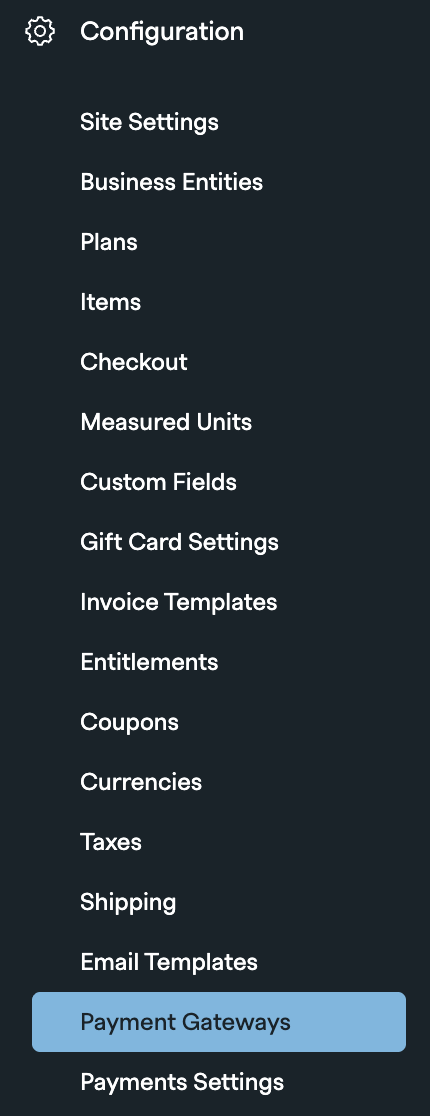
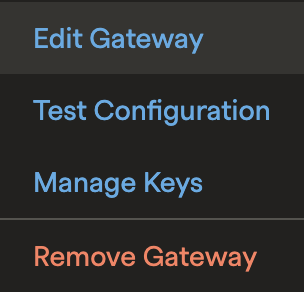
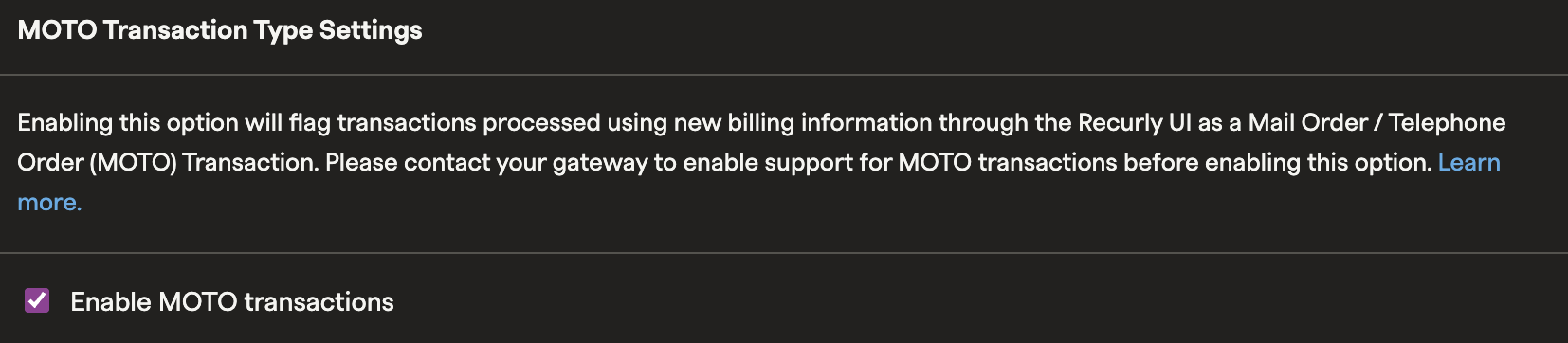
Once your gateway is configured, enable MOTO in Recurly from the Payment Gateways settings. This step applies to supported gateways only.

FAQs
Can I use MOTO transactions when a customer is active on my website?
No. When a customer is in session on your website, that transaction is considered customer-initiated and is subject to PSD2 and SCA compliance mandates where applicable. Classifying these transactions as MOTO could result in regulatory fines from the card brands.
How do I process a MOTO transaction through Recurly?
If you're integrating with Recurly via API from your back office, classify your transactions through the /purchase endpoint using the transaction_type parameter set to MOTO.
You can also add billing information and create invoices directly in the Recurly Admin UI. When doing this, create an invoice and charge it immediately — do not create subscriptions or invoices that are collected at a later date. Transactions processed directly by customers on your website, and recurring subscriptions, should never be classified as MOTO.
What's the difference between MOTO and Unscheduled Card on File MIT transactions?
MIT (Merchant Initiated Transactions) occur without direct customer interaction — for example, processing a transaction on a pre-approved schedule outside a subscription environment, such as a top-up or resubmission scenario.
MOTO, by contrast, is driven by direct customer interaction (such as a phone call or email), but the actual transaction is entered and processed by the business on the customer's behalf.
Updated 4 months ago