
Custom fields - API
API and UI reference for reading and writing custom field values on Recurly accounts, charges, subscriptions, items, and plans — with code examples for v2 and v3.
Account
Account custom fields capture customer-specific information — subscriber IDs from external systems, sales rep names, channel partner names, subscriber segments, and regions.
API
Custom field values are available via the API regardless of the field's Admin Console visibility setting.
Read custom fields on an account with a GET call (available from API v2.14).
Write custom field data with a PUT or POST call.
<account>
  <custom_fields type="array">
    <custom_field>
      <name>foo</name>
      <value>asdf</value>
    </custom_field>
  </custom_fields>
</account>
Charge
Charge custom fields attach additional context to non-subscription line item charges or credits. You can set values through a Line Item (charge or credit) or through a Purchase. Charge custom fields can also be used to conditionally tailor email communications.
UI
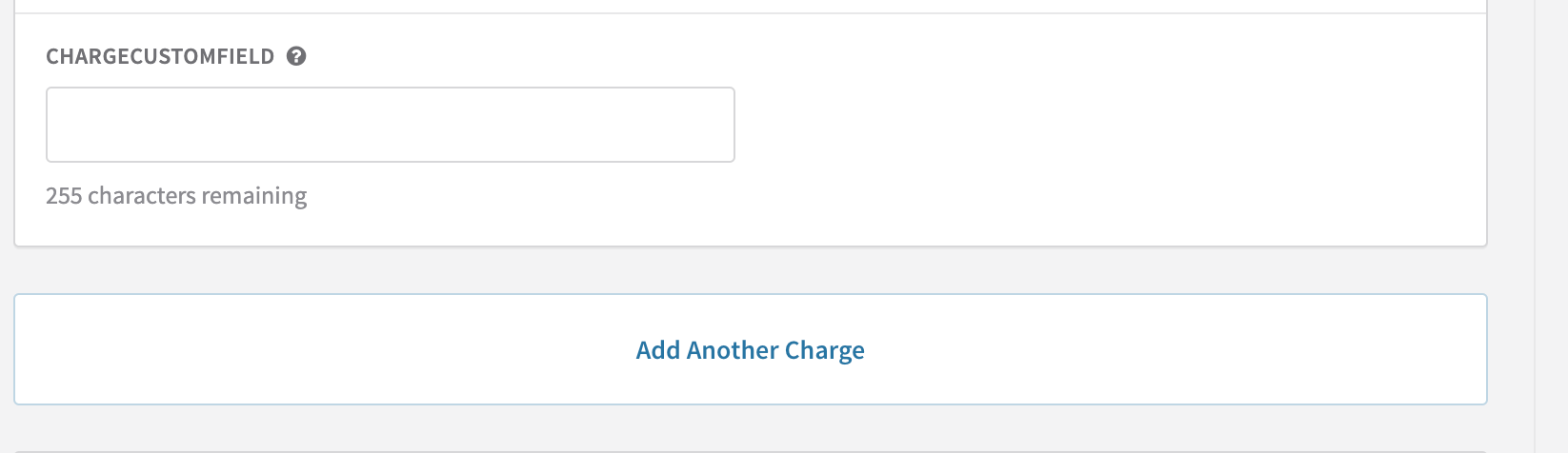
If the field was defined with Able to set in the Admin Console access, set values by opening a customer's account, selecting Add Charge/Item or Add Credit, and scrolling to the Custom Fields section at the bottom of the page — just above the Add Another Charge button. The field name displayed is whatever you entered as the Admin Console Field Name.
Once saved, data is only viewable via API — it won't display in the UI.
API
Custom field values are available via the API regardless of the field's Admin Console visibility setting.
Write custom field data to a line item via POST to Line Items or Purchases.
Read custom fields in GET calls for Line Items, Purchases, and Invoices — field data appears as a custom_fields array within the line_items array.
"line_items": [
  {
    "currency": "USD",
    "unit_amount": "1.05",
    "type": "charge",
    "quantity": 1,
    "custom_fields": [
      {
        "name": "Foo",
        "value": "bar"
      }
    ]
  }
]
v3 API reference · v2 API reference
Subscription
Subscription custom fields capture subscription-specific information. Common uses: customer device IDs (for IoT businesses), acquisition channels, customer segments, subscription IDs from external systems, and partner IDs.
UI
If the field is set to editable in the UI, values can be set when creating or editing a subscription.
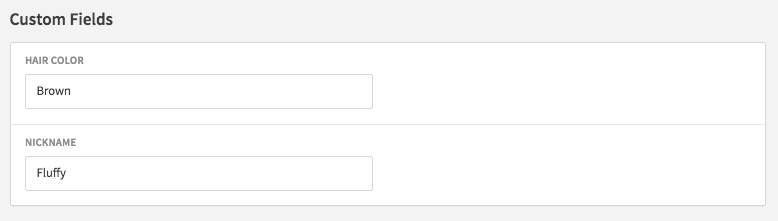
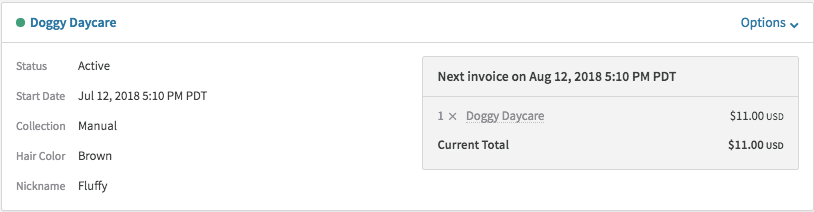
After saving, field values are visible on the subscription detail screen in the Admin Console and on the subscription view on the account screen.
API
Custom field values are available via the API regardless of the field's Admin Console visibility setting.
Read custom fields on an individual subscription with a GET call.
Create a subscription with custom fields using a POST call (available from API v2.14).
<subscription>
  <custom_fields type="array">
    <custom_field>
      <name>foo</name>
      <value>asdf</value>
    </custom_field>
  </custom_fields>
</subscription>
Update custom fields on an existing subscription via the subscriptions/notes route. Using this route prevents collisions with other in-progress subscription changes (available from API v2.14).
<subscription>
  <terms_and_conditions>Payment can be sent to Acme Cloud, Inc.</terms_and_conditions>
  <customer_notes>Thanks for your business!</customer_notes>
  <vat_reverse_charge_notes>No VAT was applied on this invoice.</vat_reverse_charge_notes>
  <custom_fields>
    <custom_field>
      <name>foo</name>
      <value>bar</value>
    </custom_field>
  </custom_fields>
</subscription>
Item
Item custom fields capture additional information about individual items. Common uses: product variant information (size, color), product family or category, sales channel, and sales region.
UI
If the field is set to editable in the UI, values can be set when creating or editing an item.
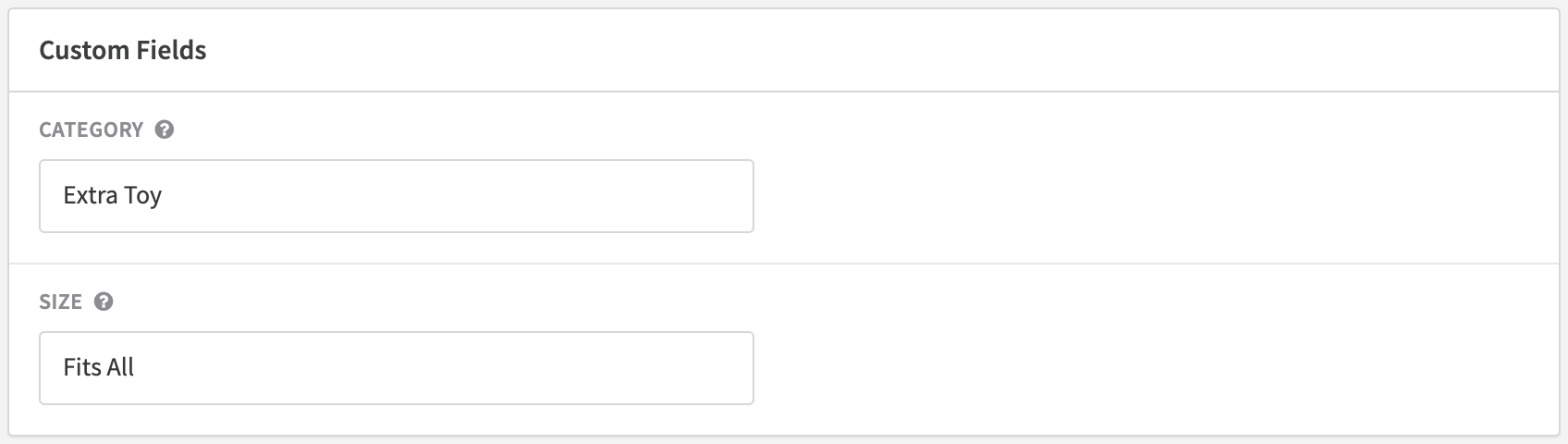
If the field is set to read-only in the UI, values are visible on the item view screen but won't appear on the edit screen.
API
Custom field values are available via the API regardless of the field's Admin Console visibility setting.
Read custom fields on an individual item with a GET call.
Write custom field data with a POST or PUT call.
<item>
  <custom_fields>
    <custom_field>
      <name>foo</name>
      <value>asdf</value>
    </custom_field>
  </custom_fields>
</item>
Plan
Plan custom fields attach metadata to individual plans. Common uses: customer region or location (US vs Europe, California vs New York), specific customer channel, new vs returning customer status, and tax-related attributes.
UI
If the field is set to editable in the UI, values can be set when creating or editing a plan.
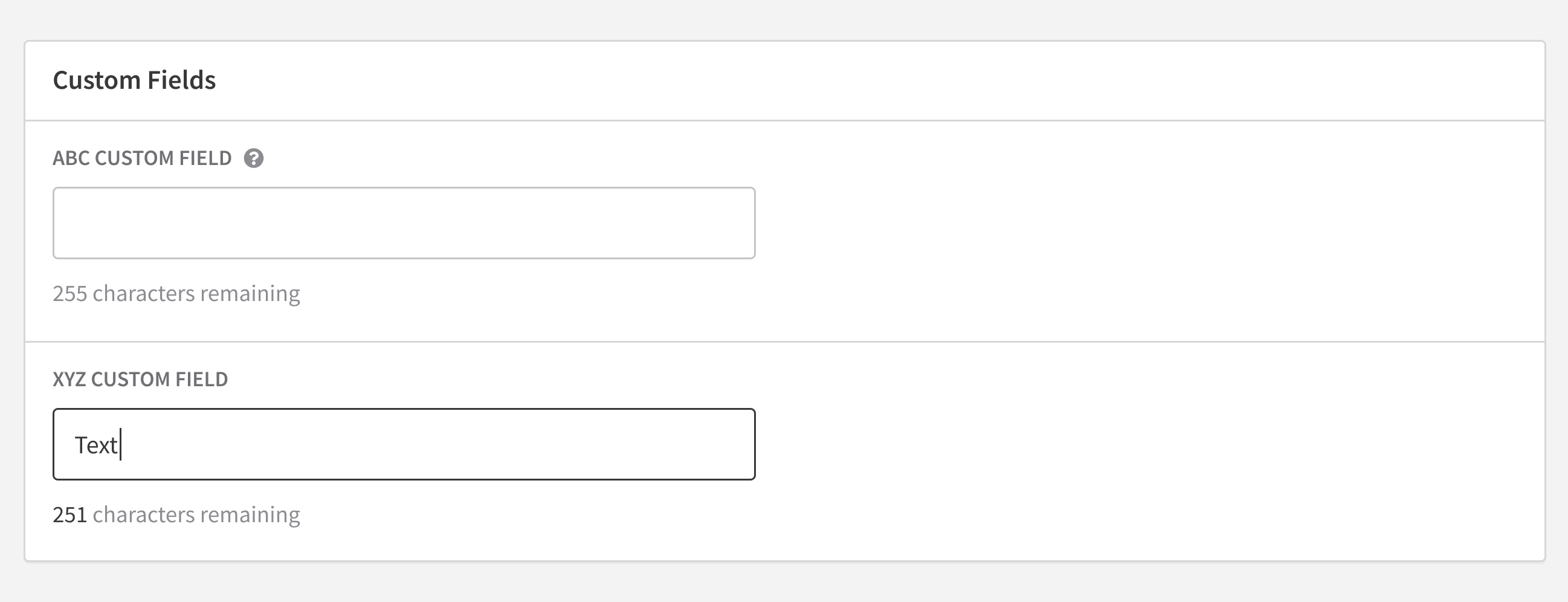
If the field is set to read-only in the UI, values are visible when viewing the plan but won't appear on the edit screen.
API
Custom field values are available via the API regardless of the field's Admin Console visibility setting.
Write custom field data with a PUT or POST to Plans.
Read custom fields on all plans or an individual plan with a GET Plans call.
<plan>
  <custom_fields>
    <custom_field>
      <name>region</name>
      <value>central</value>
    </custom_field>
  </custom_fields>
</plan>
v3 API reference · v2 API reference
FAQs
Are emojis supported in custom field values?
No. Emojis are stripped when values are submitted via API, and will produce an error in the UI. All other characters are saved normally.
Can I search for custom field values in the Recurly UI?
Searching by custom field value is not currently supported in the Recurly Admin Console.
Can custom field values be passed from Salesforce to Recurly?
The Recurly for Salesforce integration doesn't currently support passing custom field values from Salesforce to Recurly.
What happens if I enter a credit card number or CVV in a custom field?
Recurly will delete any values that appear to be credit card numbers or CVV codes. These values are never stored in order to maintain PCI compliance.
Are custom fields on Items and Plans available via export?
No. Item and Plan exports are not currently available, so custom field data on those objects cannot be accessed via export.
Updated 3 months ago