
Compass agents & skills: Compass Assistant
Discover how the Recurly Compass Assistant unifies agentic AI skills into a single conversational chat, enabling you to build plans, write code, run exports, and optimize dunning using plain language.
 Scale · Compass Agents & Skills
Compass Assistant
The sparkles chat on every page in your Recurly app — run any agent's skill and get best-practice guidance, all just by asking.
Navigation Menu
 Navigate Home
 Compass Assistant
What Compass Assistant does
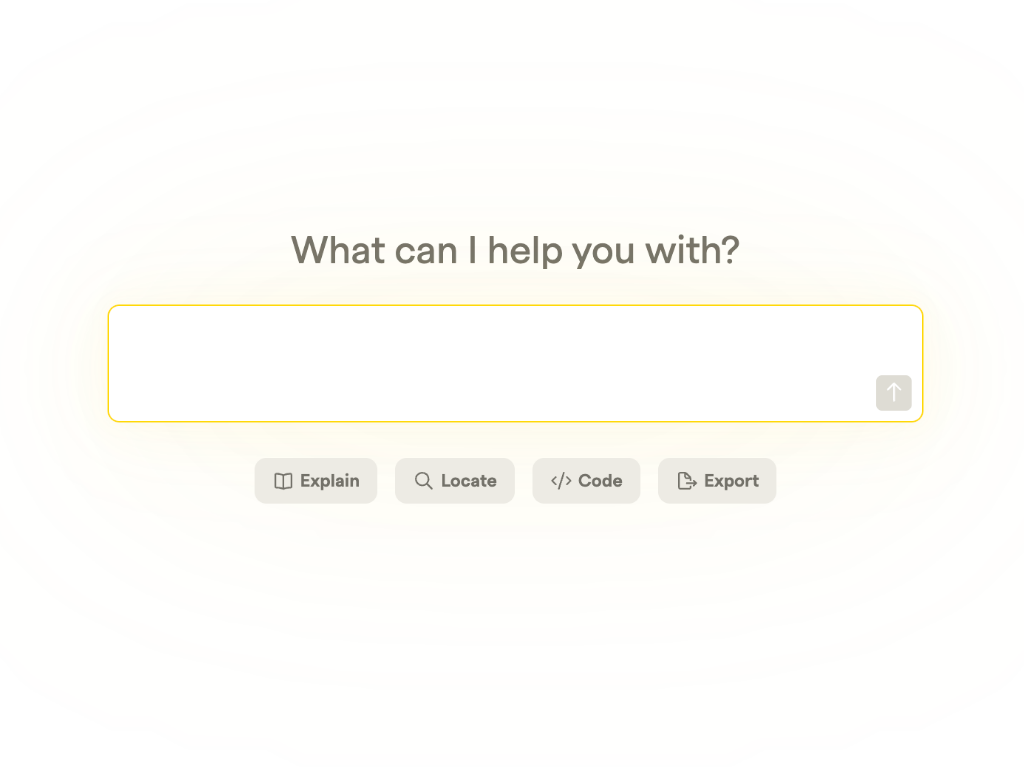
What it is:Compass Assistant is the chat behind the sparkles button  in the corner of Recurly. It's the single place where every agent comes together — ask for anything the five agents can do, and the Assistant runs the right skill for you.
How to use it: No special commands. Ask in plain language, the way you'd ask a colleague, and follow up to refine. It also answers best-practice questions, so it's often faster than logging a support ticket.
Compass Assistant overview
Deploy any skill, right from the chat
Every skill in this path runs straight from the Assistant. Ask in plain language — search the docs, write code, create a plan, run an export, optimize your Dunning, or build a churn prompt — and it deploys the matching skill for you, with no trip to the Skills page.
It goes beyond the skill cards, too: create add-ons and items on request, get best-practice guidance, or ask it to analyze your data and recommend what to do next — the kind of help you'd get from a Customer Success rep.
Deploy a skill from chat
Ask in plain language and the Assistant runs the matching skill — one prompt to try for each:
How does dunning work in Recurly?
Generate a Python snippet to create a subscription via the Recurly API.
Create a monthly plan for $9.99/month with a 14-day free trial.
Show me all past-due invoices from the last 30 days.
Optimize my default dunning campaign to the recommended length.
Set up an in-app prompt to recover past-due payments.
No skill card needed — Compass Assistant can also create add-ons and items on request:
Add a $5/month priority-support add-on to my Pro plan.
Create a new item for a one-time onboarding fee.
Or just ask
The Assistant is also an advisor — ask for guidance or analysis, no skill required:
I want to launch a new Dunning campaign — what best practices should I follow?
Analyze my churn over the past 90 days and recommend a playbook to optimize retention.
How to open it
Compass Assistant lives in the sparkles button in the bottom-right of any Recurly page, or use the full-screen Assistant view under Compass in the left navigation, which keeps your chat history.
Pro tips
- Ask follow-ups to refine an answer — you don't need to start over.
- Use the thumbs up/down buttons to help improve accuracy over time.
- It's on every page — Compass Assistant is available anywhere in Recurly.
Updated about 1 month ago