
Compass agents & skills: Data agent
Discover how Recurly's data agent converts plain language prompts into ready-to-download revenue, invoice, and subscriber reports.
 Scale · Compass Agents & Skills
Data agent
Ask for the data you need in plain language and get an export ready to download — no navigating export forms or picking filters.
Navigation Menu
 Navigate Home
 Data Agent
What the data agent does
The data agent pulls subscription, billing, and revenue data on request. Describe what you want in plain language, and it understands your export schema, builds the right report, and hands you a link to download it — no export forms or filter menus to work through.
It keeps context, so you can refine a request or ask for a different cut without starting over. It's the quickest way to get data out of Recurly when you don't want to dig through the exports area or wait on someone else to pull it.
Data agent skills
Open a skill below to learn more and try it in your own account. New data agent skills will be added to this list as they deploy.
Generate an export
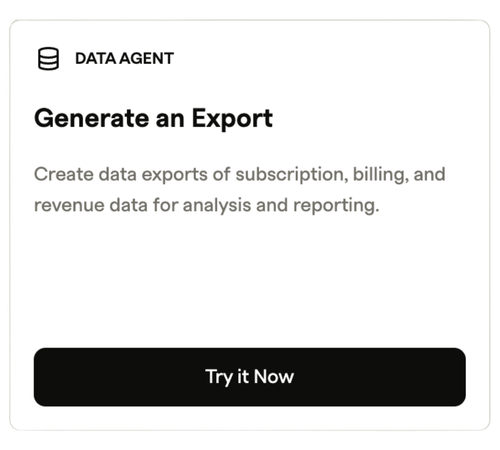
What it does: Create exports of subscription, billing, and revenue data for analysis and reporting by describing what you need. The agent maps your request to the right export, runs it, and gives you a download link.
How to use it: Open Compass → Skills and choose "generate an export," or ask Compass Assistant (the sparkles icon) directly. Say what data and time range you want, confirm, and it runs the report to your exports area.
Compass AI skills: Generate an export - Data agent
Try it yourself
Open Compass Assistant or the generate an export skill, and try one of these:
Which accounts have open invoices older than 60 days?
Show me total invoice revenue by plan for the last 30 days.
Give me a list of subscribers who canceled in the past 90 days.
Heads up: these pull from your live data, so run them in your own Recurly account to see real results.
Updated about 1 month ago