
Recurly account
Manage your Recurly subscription, billing information, company address, plan upgrades, invoices, and site closure from your Recurly account page.
Definition
Key benefits
Key details
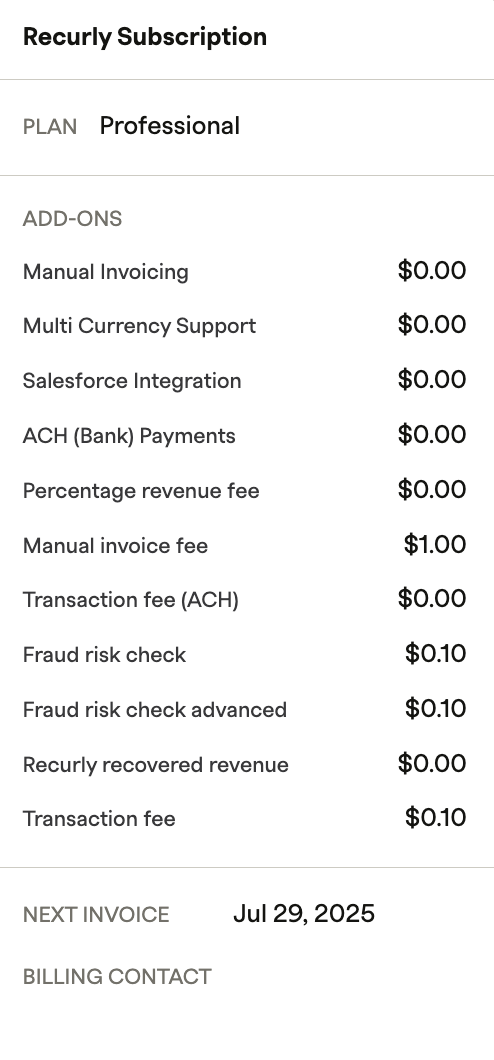
Recurly subscription
This section shows a complete description of your plan — including the plan name (Starter, Pro, or Elite), any add-ons and their costs, the next invoice date, and your billing contact.
Billing information
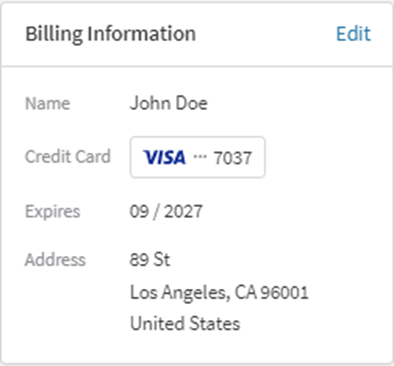
This section displays your primary billing details — name, the credit or debit card used to pay your plan, the card's expiration date, and the associated billing address.
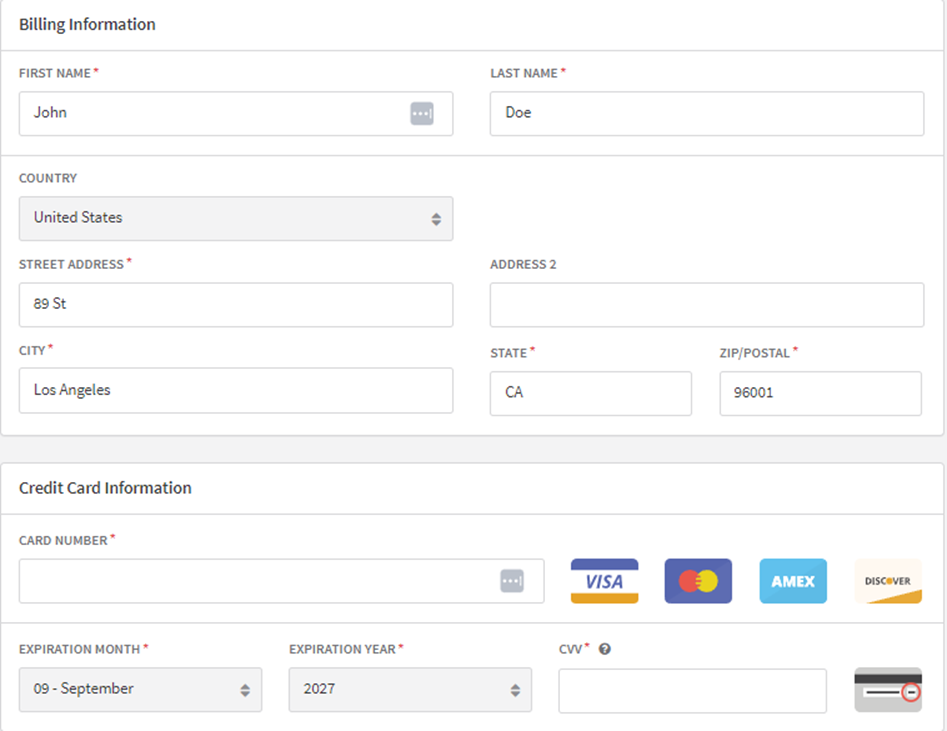
To update your billing details, click Edit, fill in the required information, and click Update Billing Info.
Company address
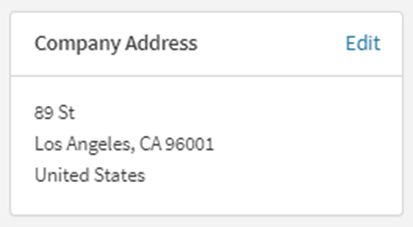
This section displays your company's address. Click the Edit button to update it.
Current plan and upgrading
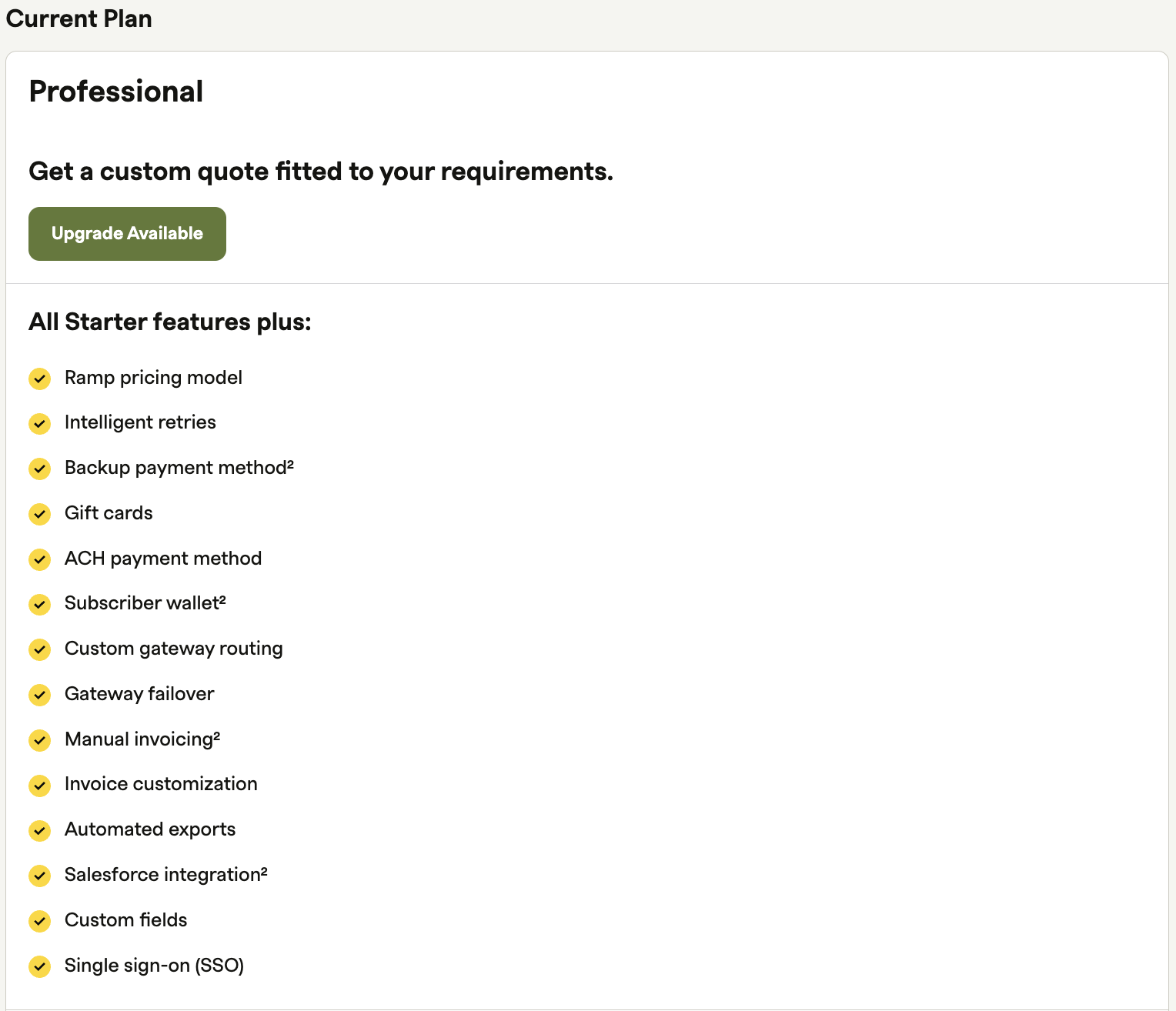
The Current Plan section displays your active plan. Below the plan cost, an Upgrade Available button indicates that additional Recurly features are accessible. If the button isn't visible, you're likely already on an Elite plan. If you think this is an error, contact us.
Invoices
Review your past and upcoming invoices from the Invoices section.

Close your Recurly site
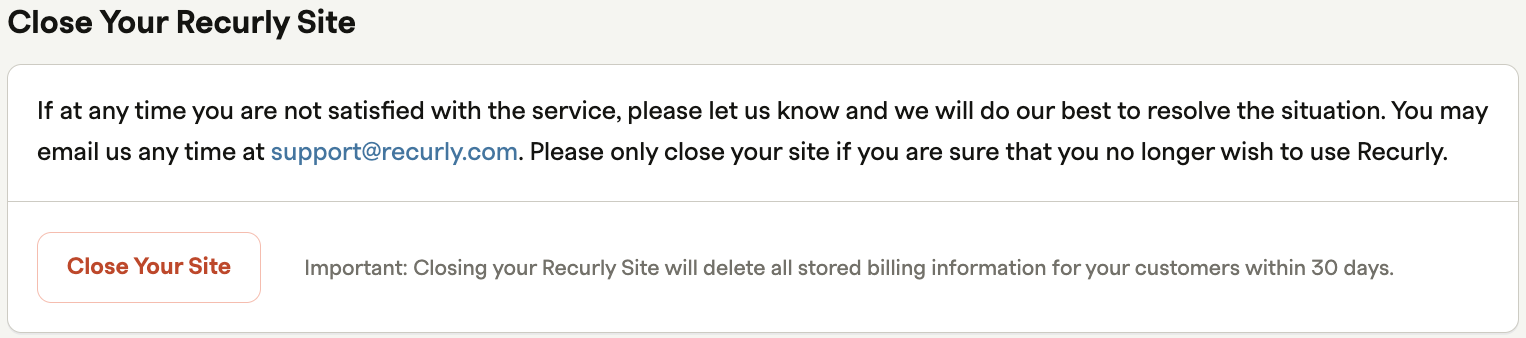
To close your site, click the designated button in this section and follow the steps. Only proceed if you've decided to discontinue using Recurly.
Updated 3 months ago