
Account activities - export
Learn how the Account Activities export provides a detailed log of user actions and modifications made within customer accounts in Recurly.
Overview
The Account Activities export gives you a detailed log of every user action and modification made within your customer accounts. Use it to monitor account behavior, investigate specific interactions, and make informed decisions based on real activity patterns across your subscriber base.
Required plan
This feature is available to all merchants on an Elite Recurly plan with an Admin and Integrations role, or a role that includes Admin and Integrations permissions. To enable this feature on your Elite site, create a support request or contact your CSM. This export is also available as an optional add-on for customers on Recurly's Starter and Professional plans — reach out to Support or your CSM for more information.
Filters
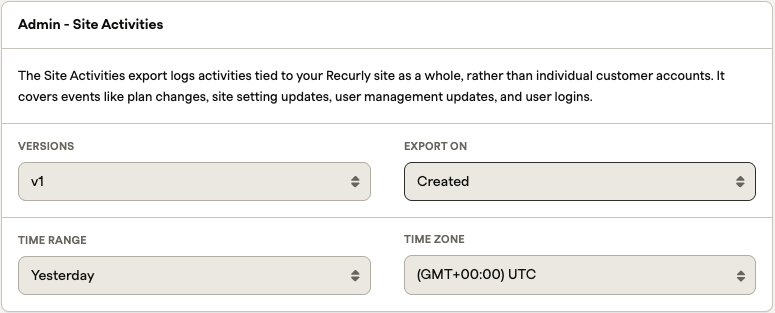
Use these filters to narrow down the activities displayed in your export:
- Versions: Select the export version that best fits your needs. Versions are based on the changelog at the bottom of this page
- Export on: Defaults to the creation timestamp of each activity
- Time range: Defaults to yesterday, capturing all activities created on that day in your site's default time zone
Exports table
| Id | Example | Description | Data type |
|---|---|---|---|
| account_code | 123456789, [email protected] | A unique identifier for your customers within Recurly. Defaults to the customer's email address if no specific value is provided. This unmodifiable code is Recurly's primary identifier and is used to link records across multiple exports. | string |
| acted_id | 6ee26cd0ad75ffe2311e3e4f00a2f990 | The unique identifier for the object where the activity occurred, such as an invoice or a transaction. | string |
| acted_type | subscription | The type of entity associated with the activity, such as an invoice or a subscription. | string |
| actor_name | Default API Key | The entity responsible for the activity. This may be the Recurly Background Bot, an API call, or a specific user on your site. | string |
| actor_type | api_key | The type of actor who performed the activity. Accepted values: user or api_key. | string |
| created_at | 2014-01-01 10:00:00 PST | The date and time when the activity occurred. | timestamp |
| verb | subscribed | The action performed on the object, describing what changed and how. | string |
| metadata | {"plan_name":"trial_plan"} | A JSON string containing additional details about the activity. | string |
Version changelog
- N/A
Updated 5 months ago