
Test users
Configuration guide for the Test Users feature, which allows whitelisted users to preview active prompts in a production environment.
Test users let you preview prompts in production before your real audience sees them. Recurly Engage creates a Test Users segment for every app, and you decide which user IDs belong to it.
Available on all Recurly Engage plans
Prerequisites
- You must have Company or App Administrator permissions in Engage.
Definition
The Test Users segment is an automatically provisioned group that lets you restrict prompt visibility to a curated list of user IDs for quality assurance (QA) and preview purposes.
Key benefits
Safe testing environment
Preview prompts in production without impacting all users.
Rapid iteration
Validate creative, triggers, and actions with a controlled audience.
Granular control
Whitelist or remove specific test accounts on demand.
Set up test users
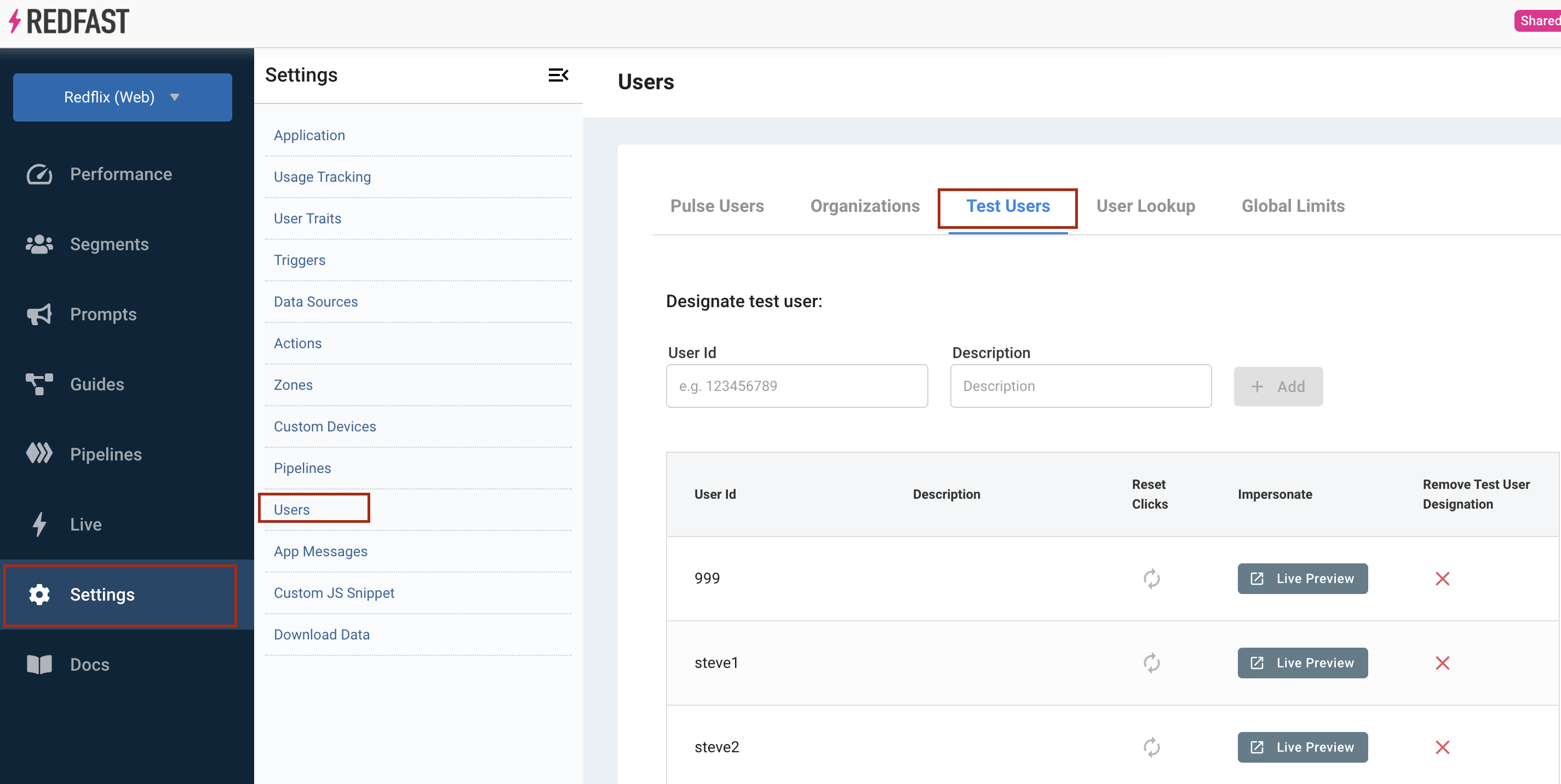
Engage automatically creates a Test Users segment for each app when you create it. To choose which users belong to this segment:
2
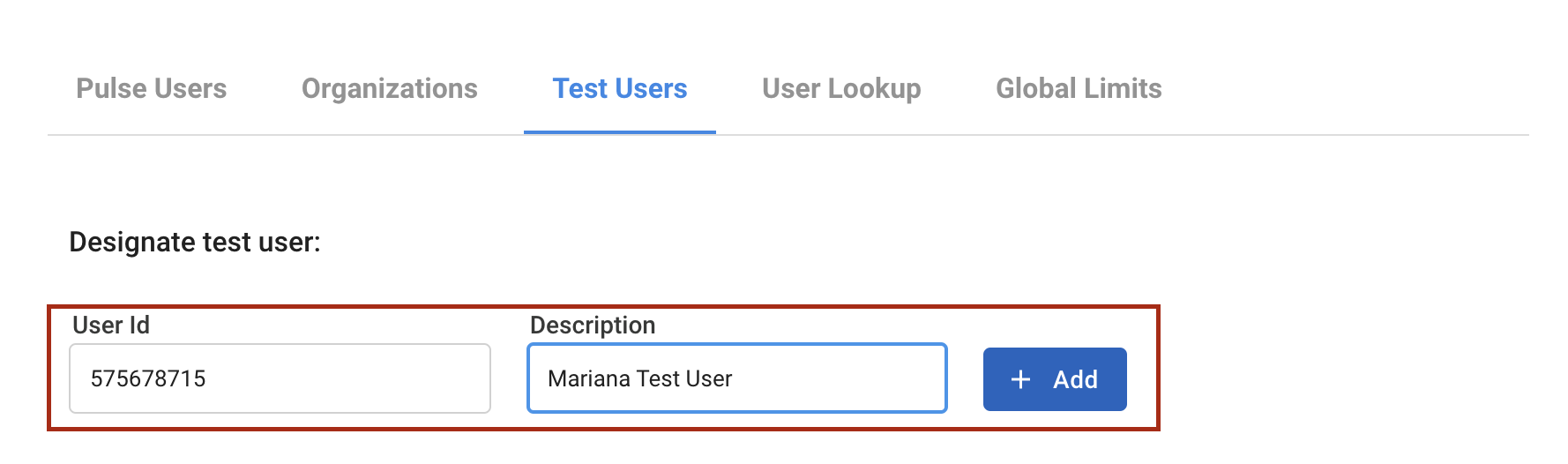
Once added, this user sees all active prompts targeted to Test Users when they log in.
Preview with Live Preview
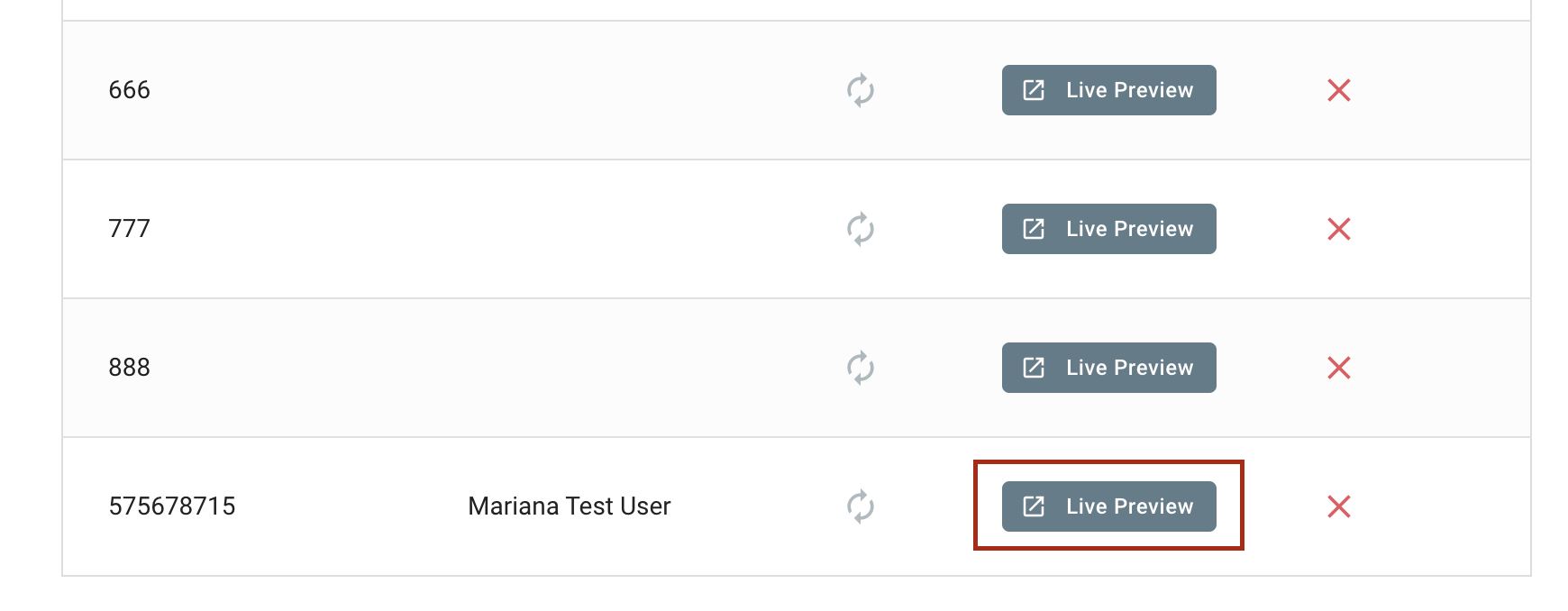
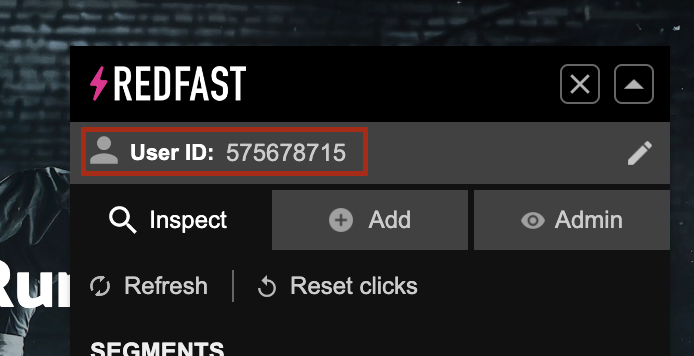
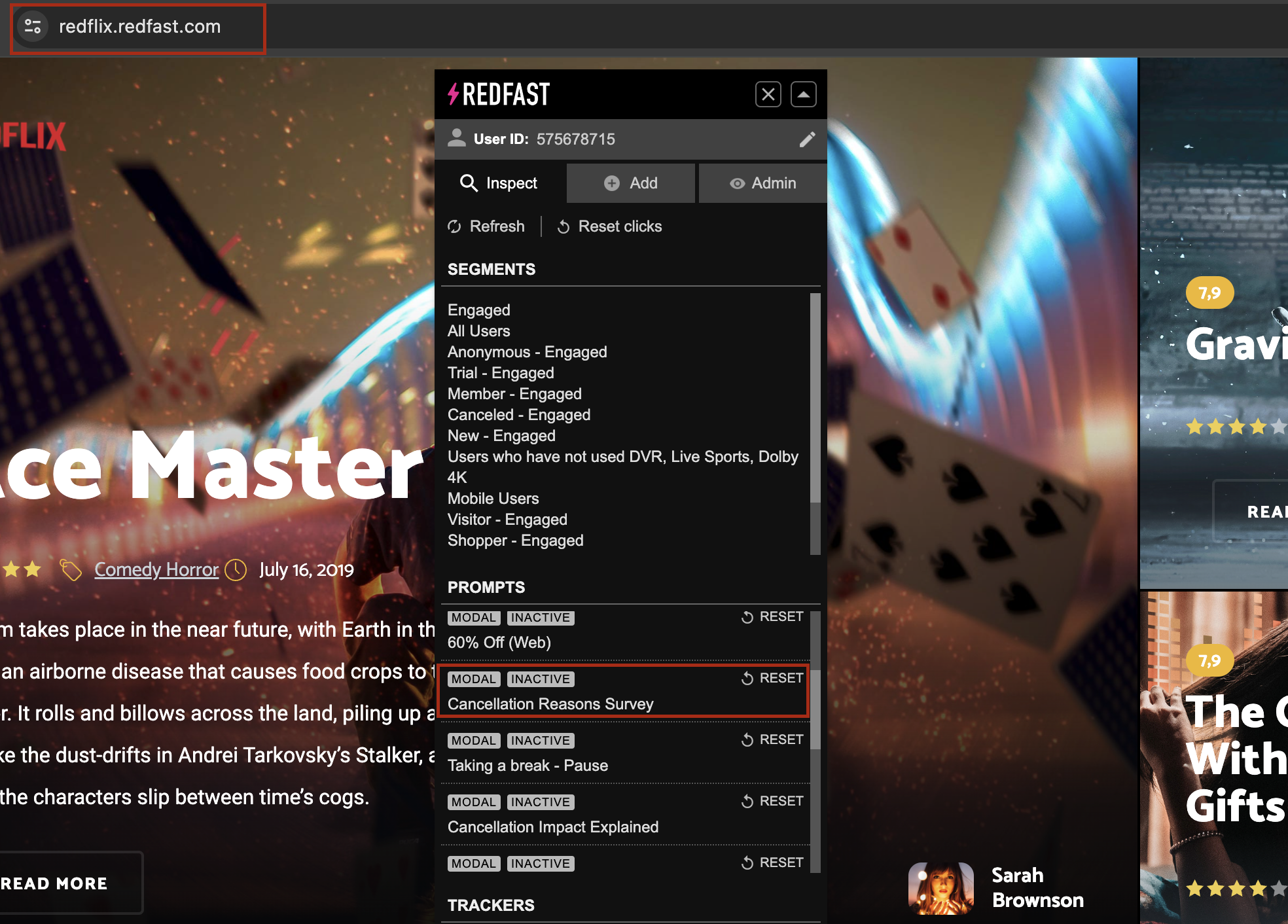
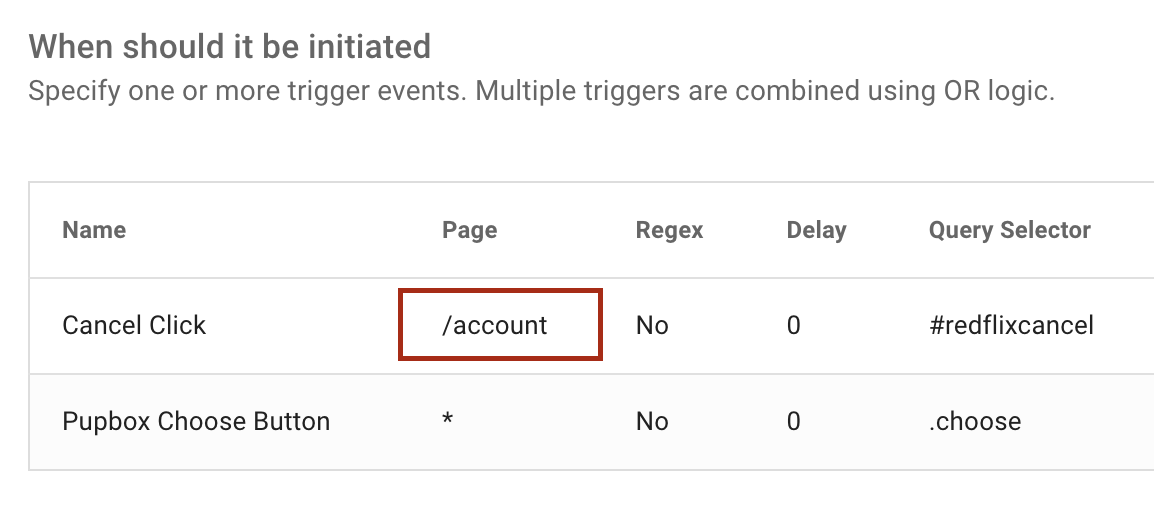
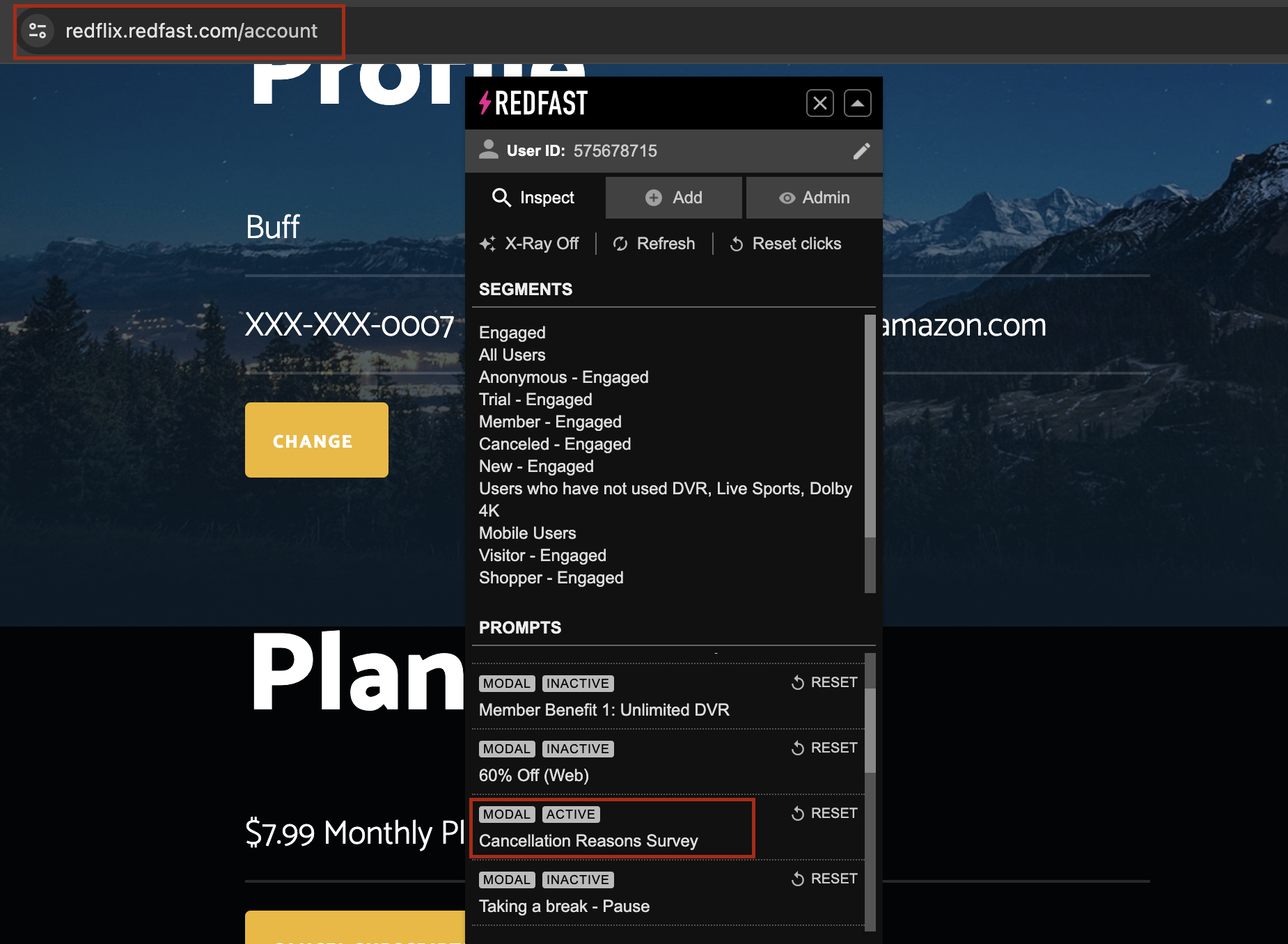
You can also simulate a test user using the Live Preview feature:
Updated 24 days ago
Did this page help you?