
Debugging a prompt that is not showing
Configuration guide for debugging prompts that fail to display in Recurly Engage.
When a prompt doesn't show, work through a short checklist to find out why. It covers your tag and segment setup, triggers, experiments, and limits.
Available on all Recurly plans
How do I debug a prompt that isn’t showing?
Work through these checks in order:
1
2
- Page-based: Make sure you’re on the exact URL defined.
- Click-based: Verify the element’s Cascading Style Sheets (CSS) selector matches your trigger settings.
- Survey or multi-step guides: Ensure any prerequisite prompt is also Active and has fired.
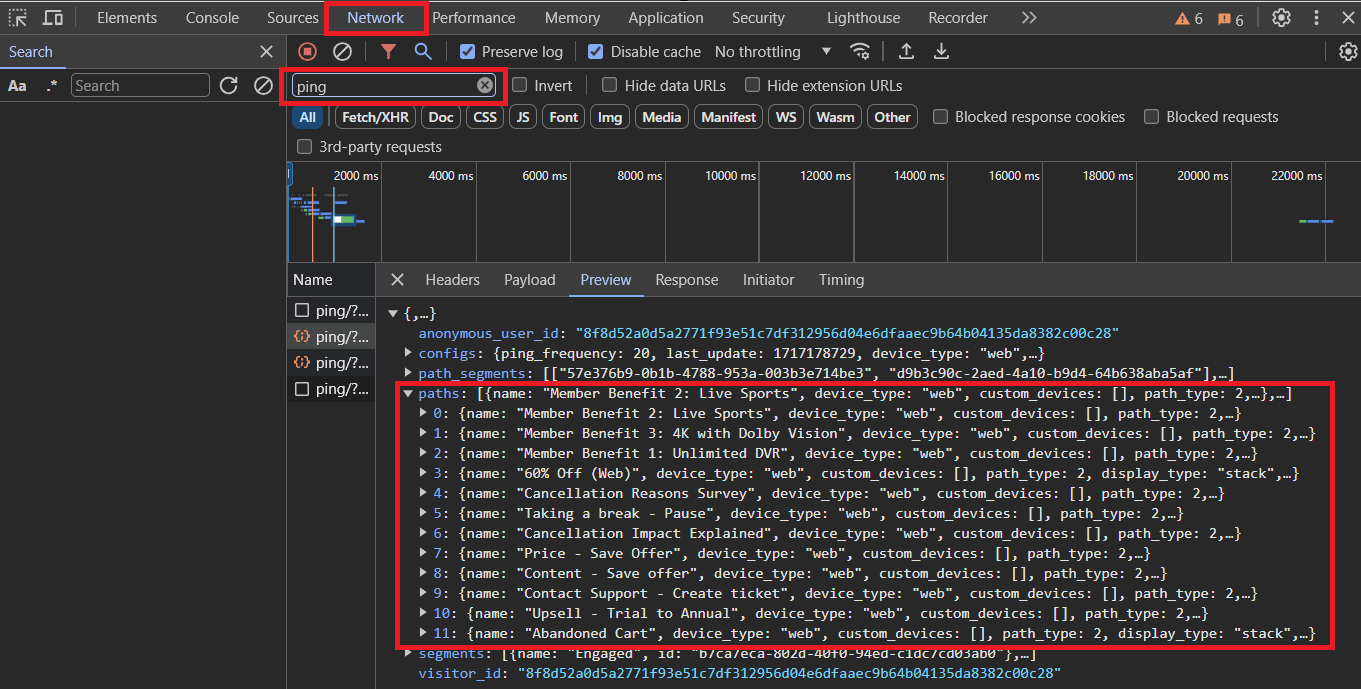
If the prompt is delivered but doesn’t render
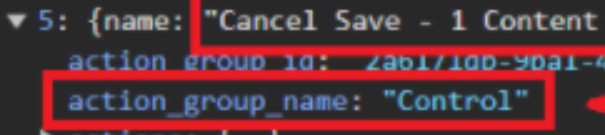
If the prompt appears under paths but doesn’t render, check for an active experiment control group. Open the corresponding path object in the payload and inspect its action_group_name. If it’s set to Control, that User ID is held out by design.
If no path is delivered
Review any limits or interaction settings. Make sure impression limits, frequency caps, or “Show prompt again after button click” options aren’t preventing display.
Reset suppression and re-test
To reset any suppression, clear the user’s prompt state and re-test.
In Live: Go to Settings > Users > Test Users > Reset Goals.
In the console:
RecurlyEngage.resetGoals(true);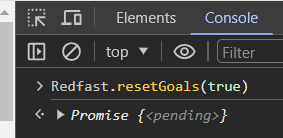
Updated 24 days ago
Did this page help you?