
Limits
Guide to configuring prompt delivery limits—impression, frequency, budget, user, and delivery caps—in Recurly Engage.
Prerequisites
- To create or update prompt limits, you must have Company, App Administrator, or App Member permissions in Recurly Engage.
- To update Global limits, you must have Company or App Administrator permissions in Recurly Engage.
Limitations
- Global limits affect all prompts and require appropriate application-level configuration.
Definition
Key benefits
Key details
Impression limit
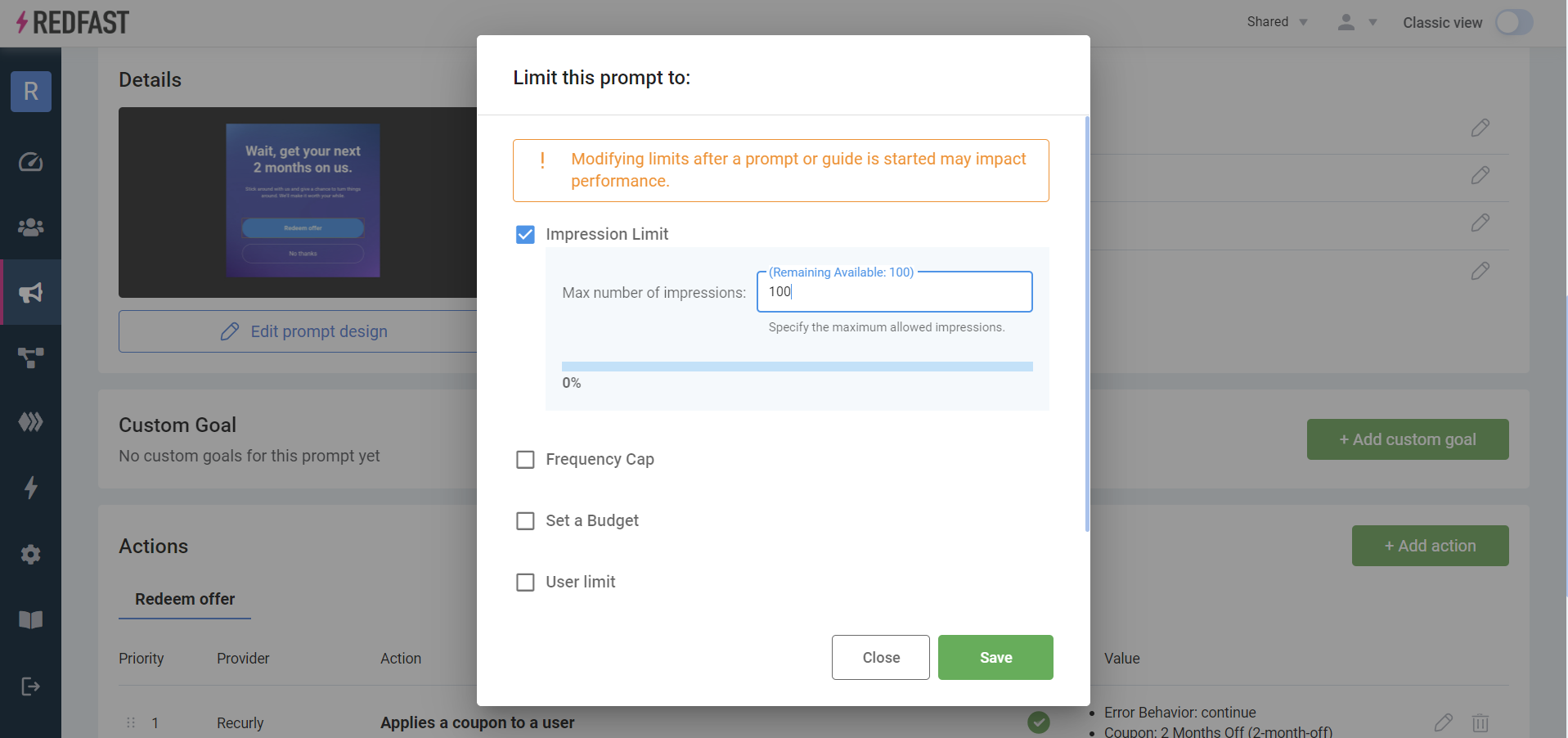
An impression limit restricts the total number of times a prompt is shown to the targeted segment, regardless of user. Once the impression count is reached, the prompt stops displaying.
Frequency cap
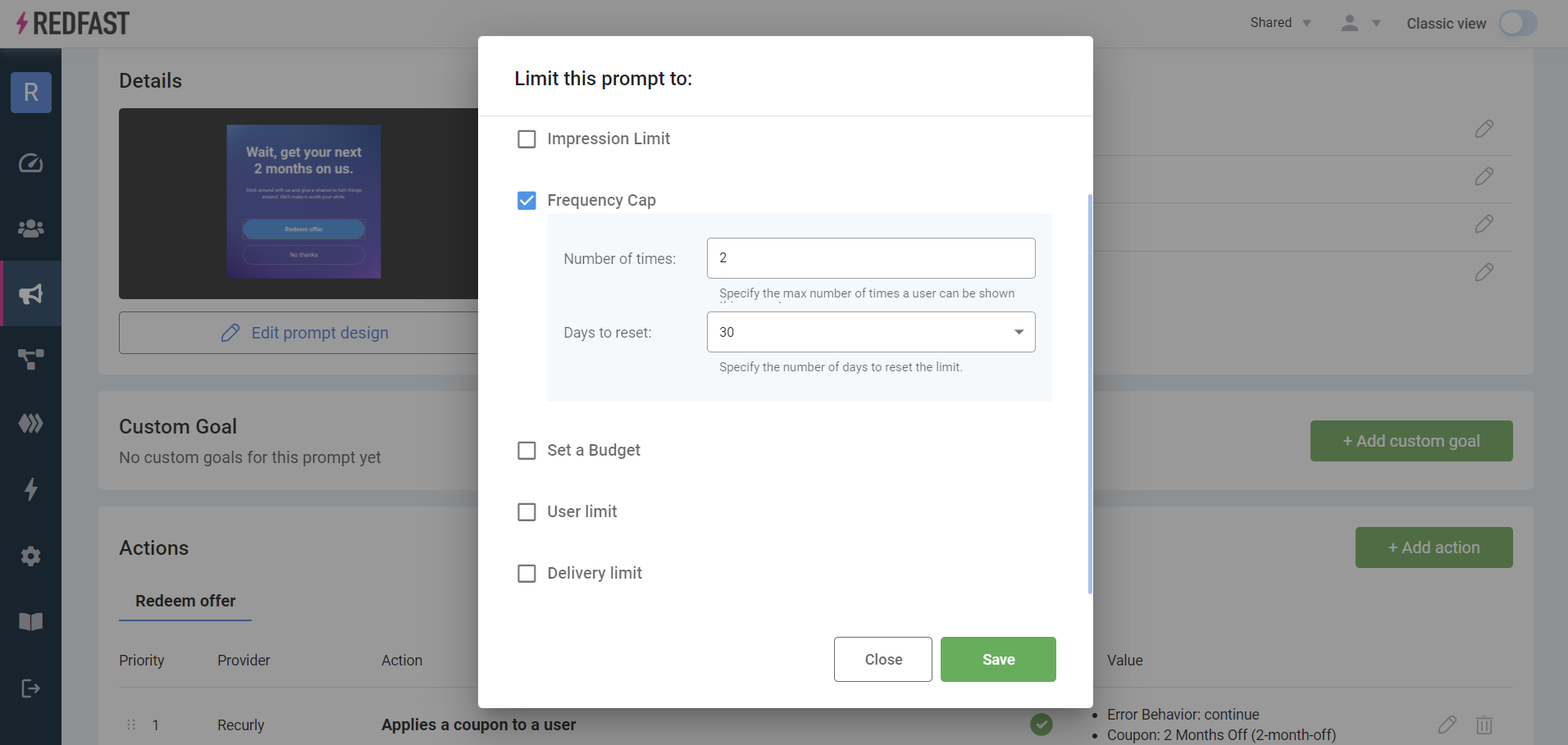
A frequency cap limits how many times an individual user can see the prompt within a defined period. For example, two impressions over 30 days means each user can view the prompt twice in a rolling 30-day window that starts from their first impression.
Budget limit
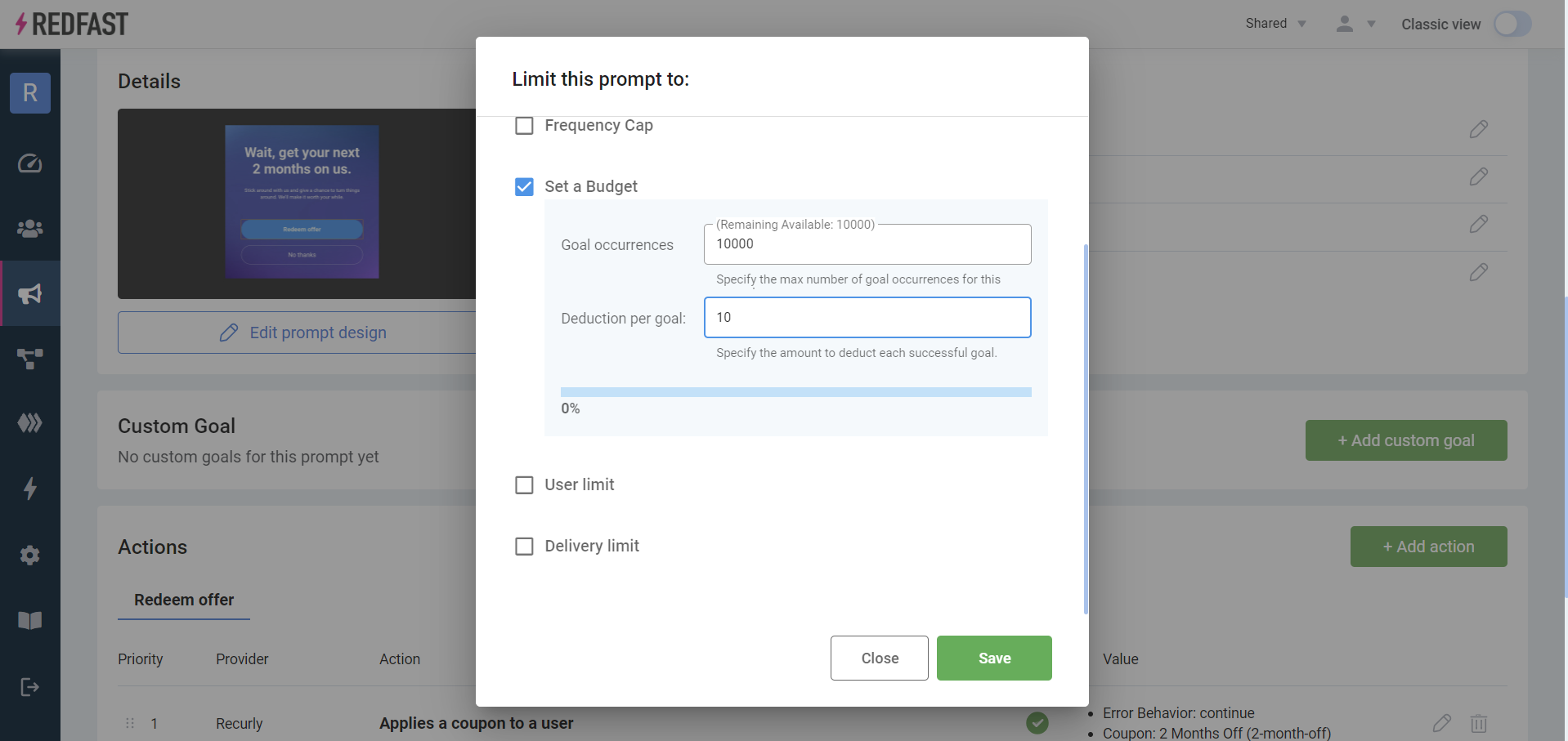
A budget limit sets a consumable budget that decreases each time a user takes the prompted action. Configure a total budget and a decrement value. For instance, a $10,000 budget with a decrement of $10 charges $10 per user interaction until funds are exhausted.
User limit
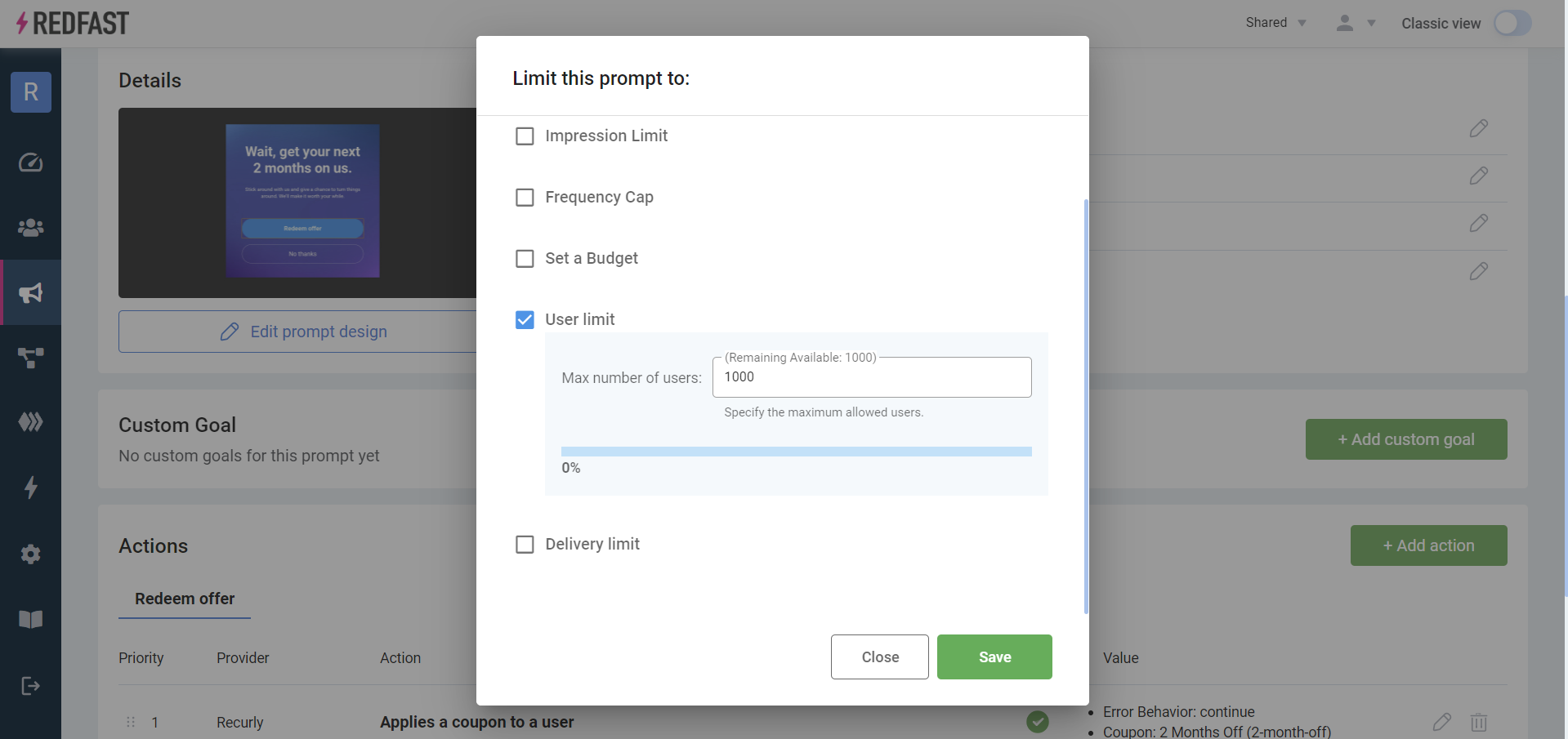
A user limit caps the total number of unique users who can receive or act on the prompt. For example, a user limit of 1,000 ensures that only the first 1,000 eligible users see the prompt.
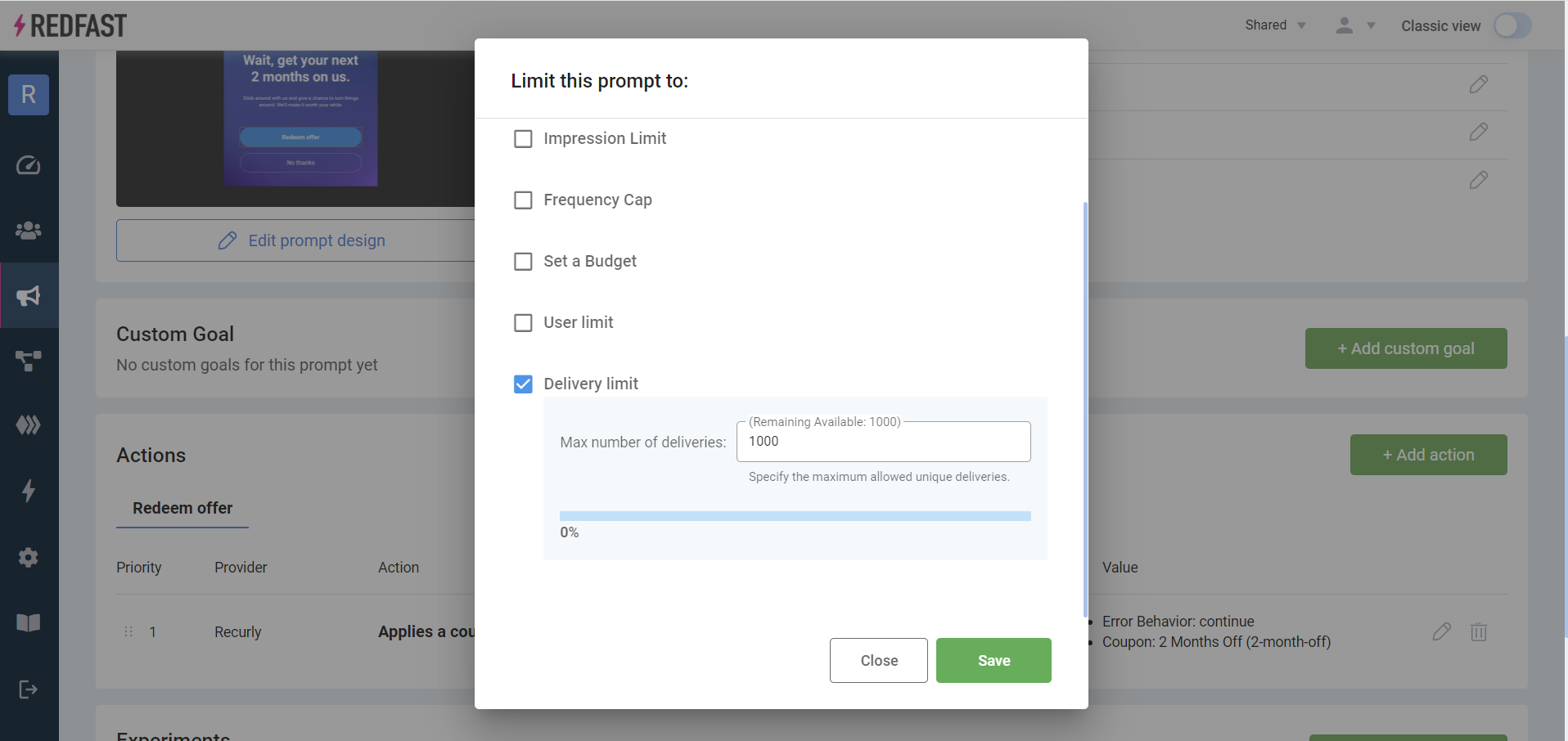
Delivery limit
A delivery limit restricts the number of unique deliveries — instances when a user meets the trigger conditions and is eligible to see the prompt. A delivery limit of 1,000 delivers to the first 1,000 unique users who match the trigger, then stops.
Updated about 1 month ago