
Cross app prompt cloning
A guide on how to clone prompts across different applications in Recurly Engage. It explains how to copy prompts from a staging environment to a live production app to maintain consistency and streamline workflows.
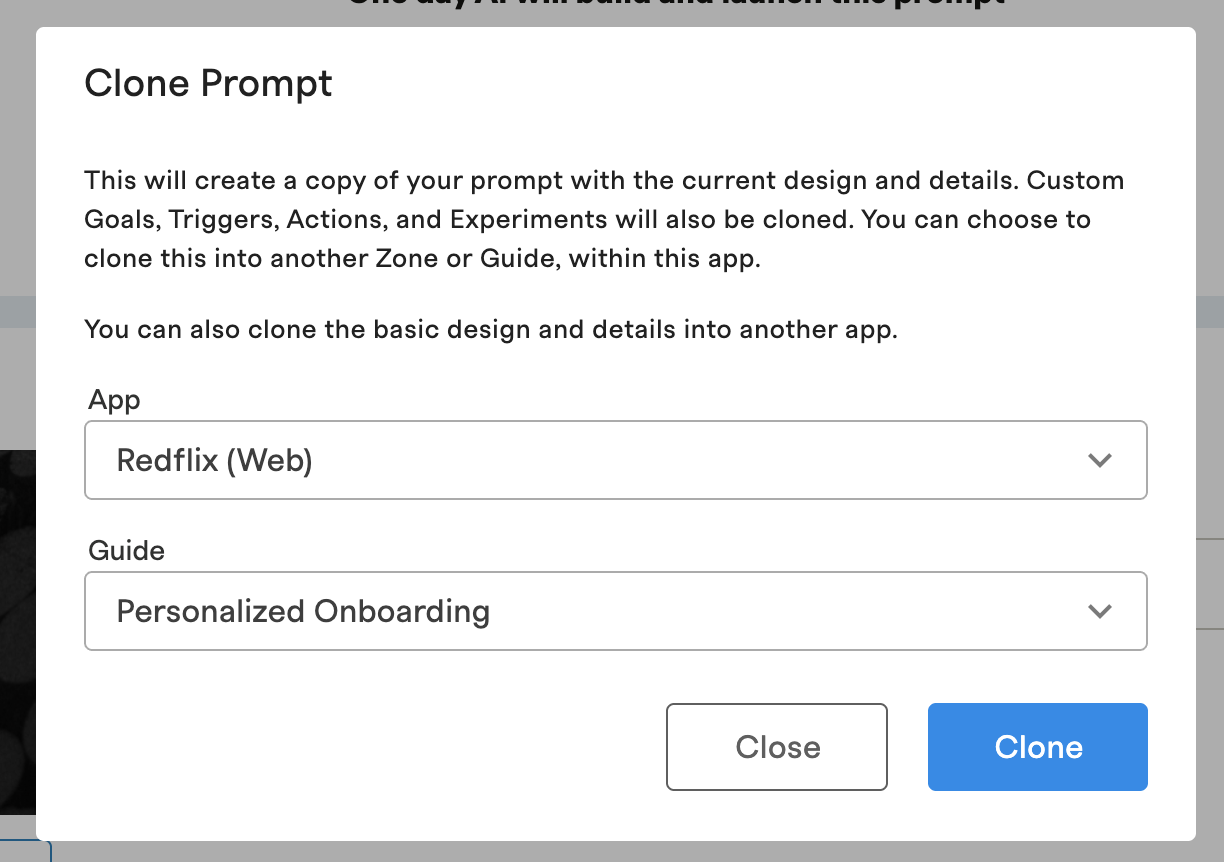
You can clone prompts across apps in Recurly Engage. Copy a prompt directly from one environment, such as a staging app, to another, such as a live production app. You can also clone a prompt from one guide to another within the same app.
Available on all Recurly plans
Prerequisites
- You must be an active Recurly Engage member. If you're not, book a demo.
Definition
Cloning copies an existing prompt to another app, or to another guide within the same app, so you don't have to re-create it manually.
Key benefits
Consistency
Maintain a consistent brand voice and customer experience without manually re-creating prompts across apps.
Streamlined workflows
Build and test prompts in a staging environment, then deploy them to your live apps. You save time and reduce the risk of errors.
Improved accuracy
Minimize mistakes by copying an exact duplicate of a prompt that's already been tested and approved.
Clone a prompt to another app
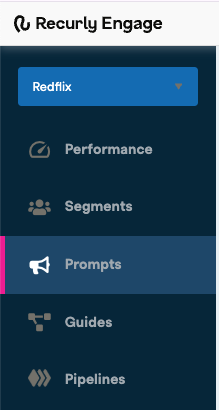
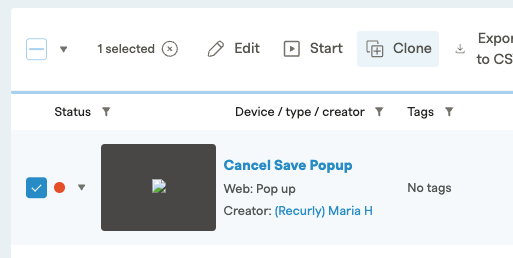
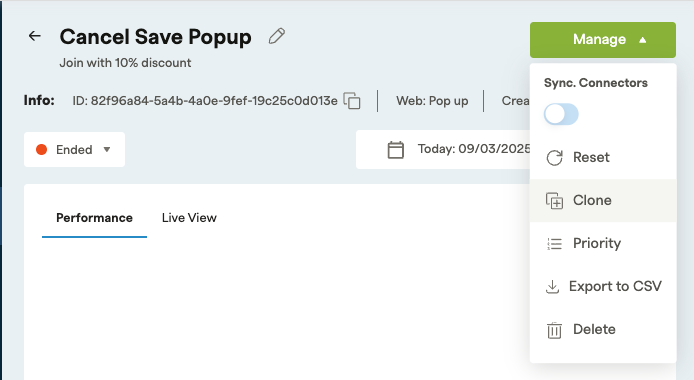
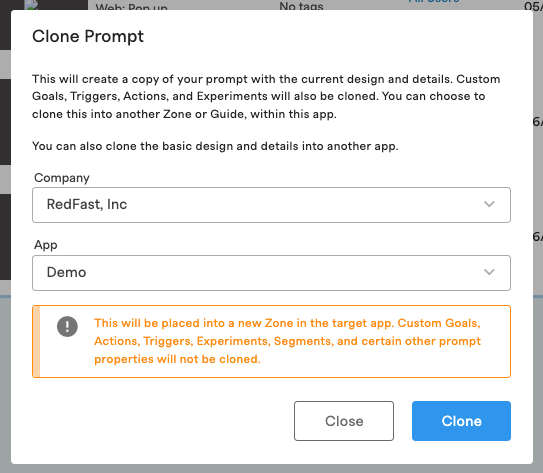
ImportantAfter cloning, reset the custom goals, actions, triggers, experiments, and segments on the cloned prompt.
Clone a prompt to another guide
You can clone an existing prompt from one guide to another within the same app, without re-entering it manually.
Updated 17 days ago
Did this page help you?