
Data sources
Use CSV uploads as data sources for dynamic prompt content and enrich in-app messages.
Prerequisites
- You must have Company or App Administrator permissions in Engage.
Definition
Key benefits
Key details
Any user information synced to Engage can be used not only for segmentation but also as dynamic content within a prompt’s title or message body, using Dynamic Variables.
Data source variables are another way to expand the content you can show. By uploading a CSV, you can import structured content to use within prompts.
For example, say you want to tell the user “Get 1 month off,” but the actual discount varies by marketing department based on the time of year, so it becomes “Get 2 weeks off.” One way to handle this is to edit the prompt manually each time something changes. A better way is to use a coupon data source.
In this example, you upload a CSV with various coupon attributes:
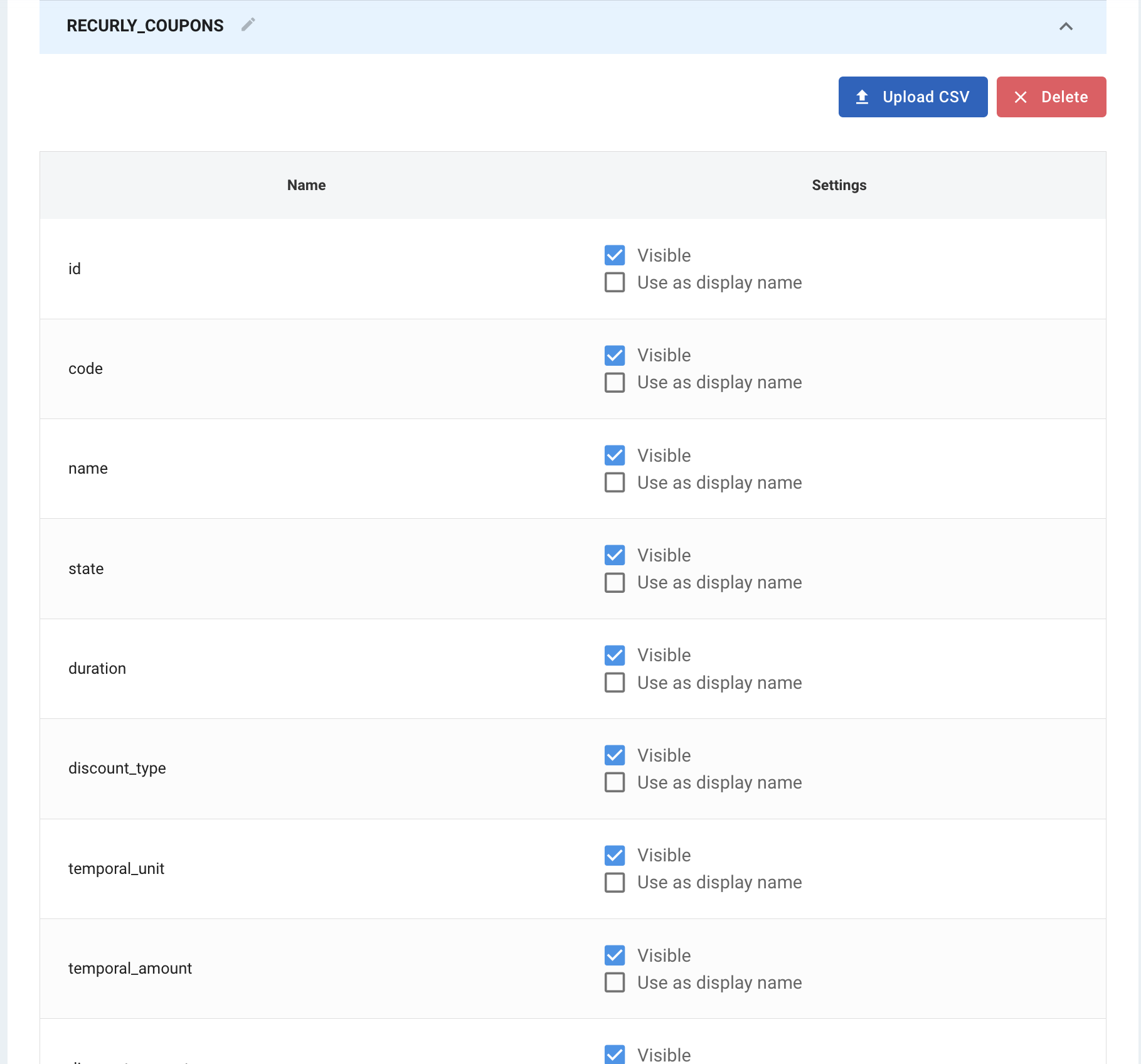
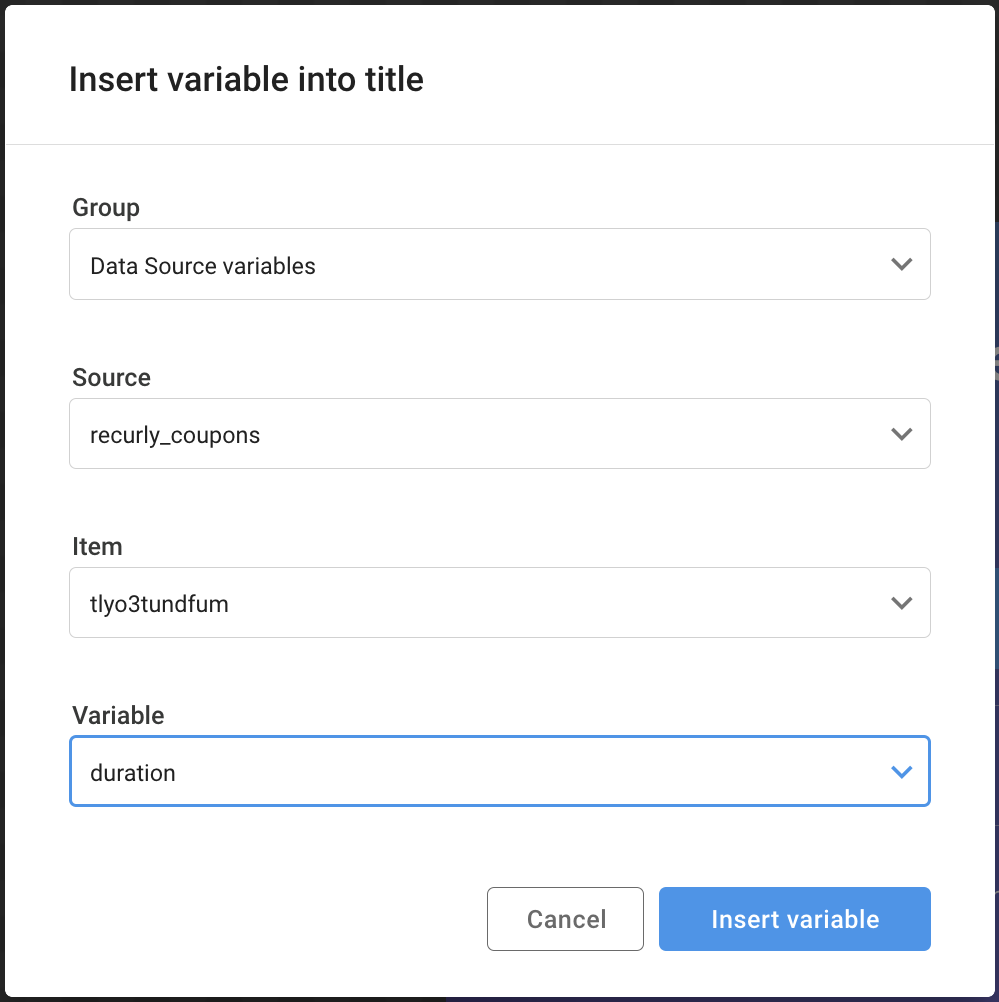
Then you reference just the value in the prompt by inserting dynamic content. This eliminates errors and lets you import structured data from external sources into the system:
Updated about 1 month ago