
Live
Guide for the Live view in Recurly Engage, which provides near-real-time monitoring of prompt interactions and errors.
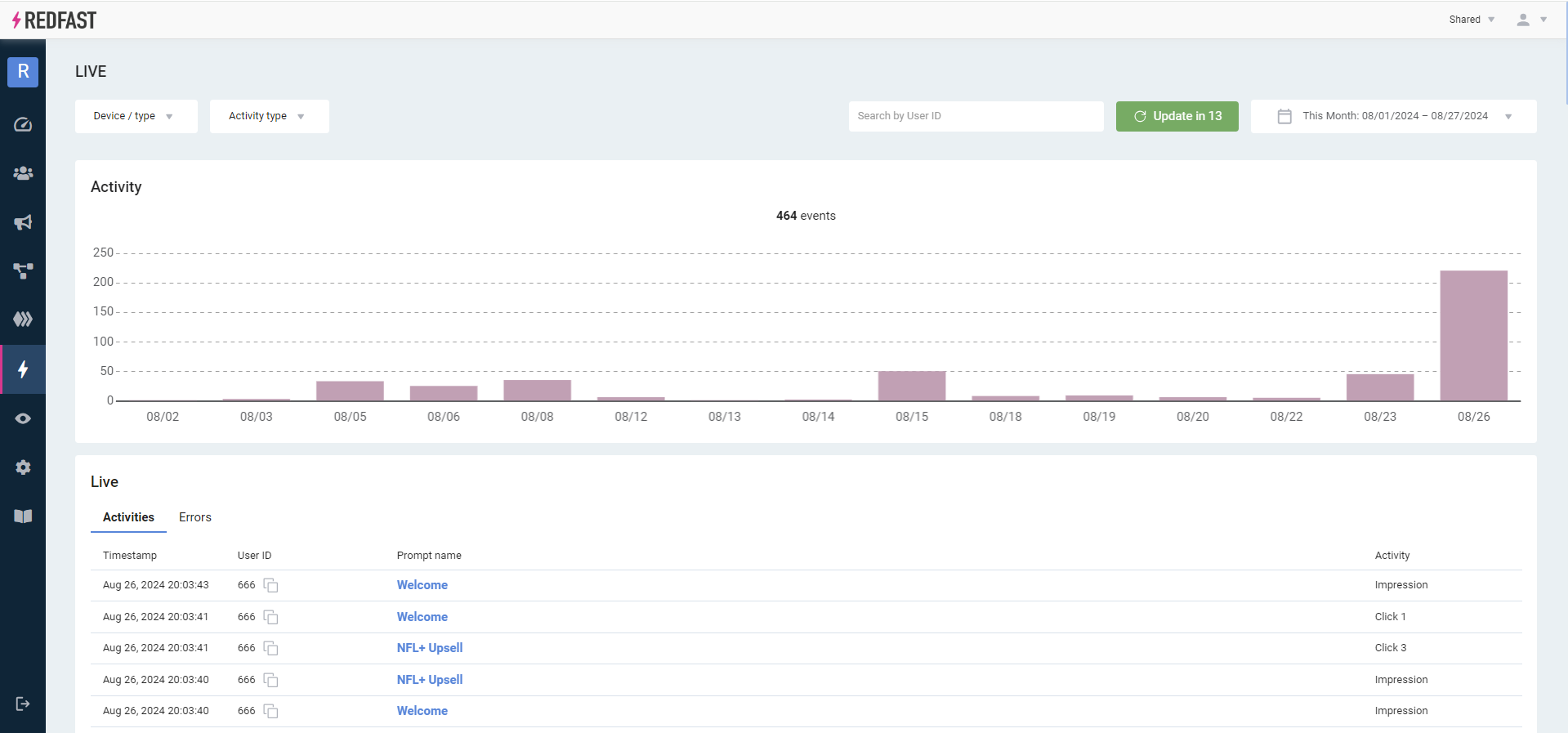
The Live view displays near-real-time prompt interactions and exceptions for the prompts you currently have active. Use it to filter, search, and troubleshoot your live prompts.
Available on all Recurly Engage subscription plans
Prerequisites
- You must have Company, App Administrator, or App Member permissions in Recurly Engage.
Definition
The Live feature streams prompt events, such as impressions, clicks, and timeouts, along with any action errors (External, API, or Website) as they occur, so you can validate behavior and resolve issues immediately.
Key benefits
Instant validation
Verify that newly launched prompts are firing correctly the moment they go live.
Comprehensive monitoring
Filter interactions by device platform, prompt type, or user ID to pinpoint activity.
Error tracking
Switch to Errors mode to surface and investigate any action failures in real time.
Key details
Use the Live feature to:
- Ensure that recently launched prompts are working properly.
- Monitor live prompts during critical events.
- Debug end user support issues.
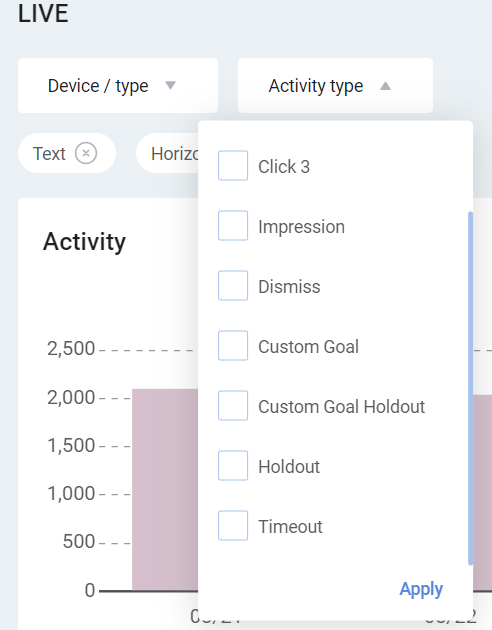
Event types
| Type | Description |
| Impression | User was shown the prompt. |
| Timeout | User did not respond before the prompt timer ran out. |
| Dismiss | User dismissed the prompt by clicking on the X or outside the window (as configured in the Recurly Engage console). |
| Decline | User clicked on the decline link. |
| Click | User accepted the prompt (this has been phased out in favor of Goal). |
| Goal | User accepted the prompt. |
CustomGoals[Activity Type] | User completed the defined custom goal after previously performing the specified activity type on a prompt. |
| Exclude | User is part of the holdout group or not eligible for a prompt after the specified User Limit has been exceeded. |
| Holdout | User is part of the holdout group or not eligible for a prompt after the specified User Limit has been exceeded. |
Updated 29 days ago
Did this page help you?