
APIs
How to configure custom API actions within Recurly Engage, including setting up credentials and defining action details.
Prerequisites
- You must have Company or App Administrator permissions in Engage.
Definition
Key benefits
Key details
You can define custom API actions to use your existing backend endpoints, sending dynamic user data and secure credentials as needed.
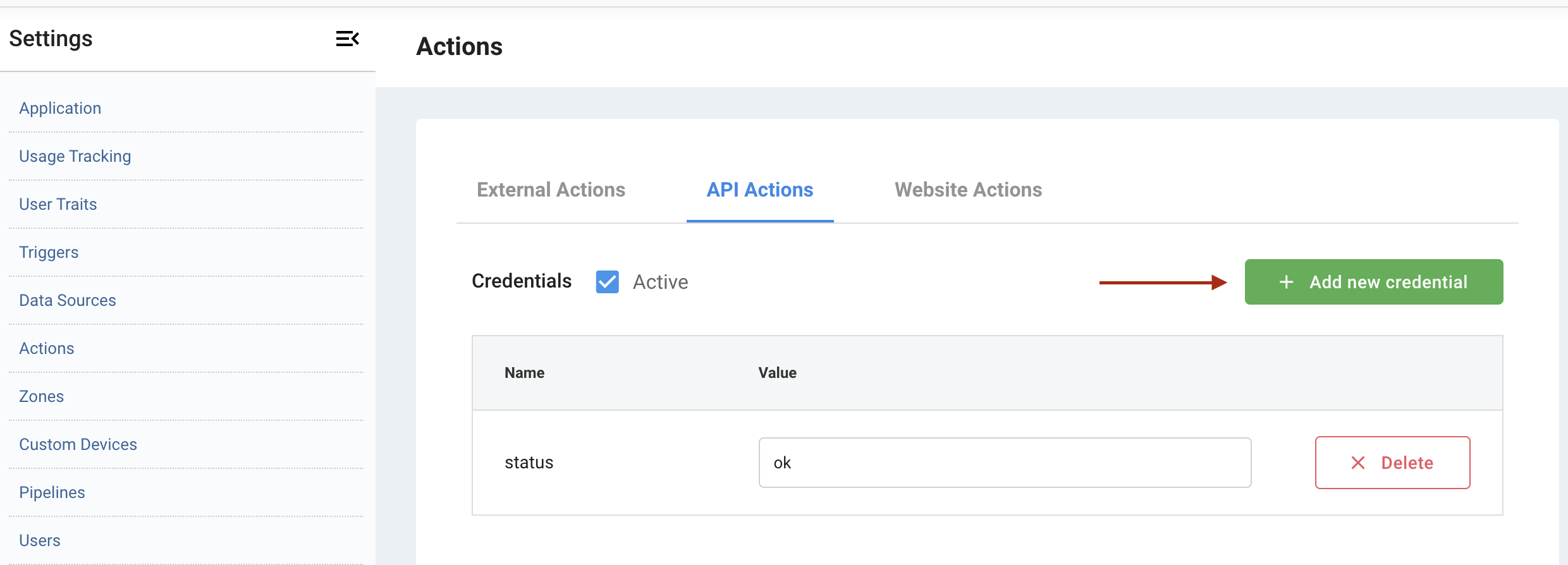
Add credentials
Credentials data is stored in a secure, encrypted location that is only accessible to components tasked with performing the action. The most common credentials are API keys and client secrets.
Add a new credential and specify its name and value.
Add actions
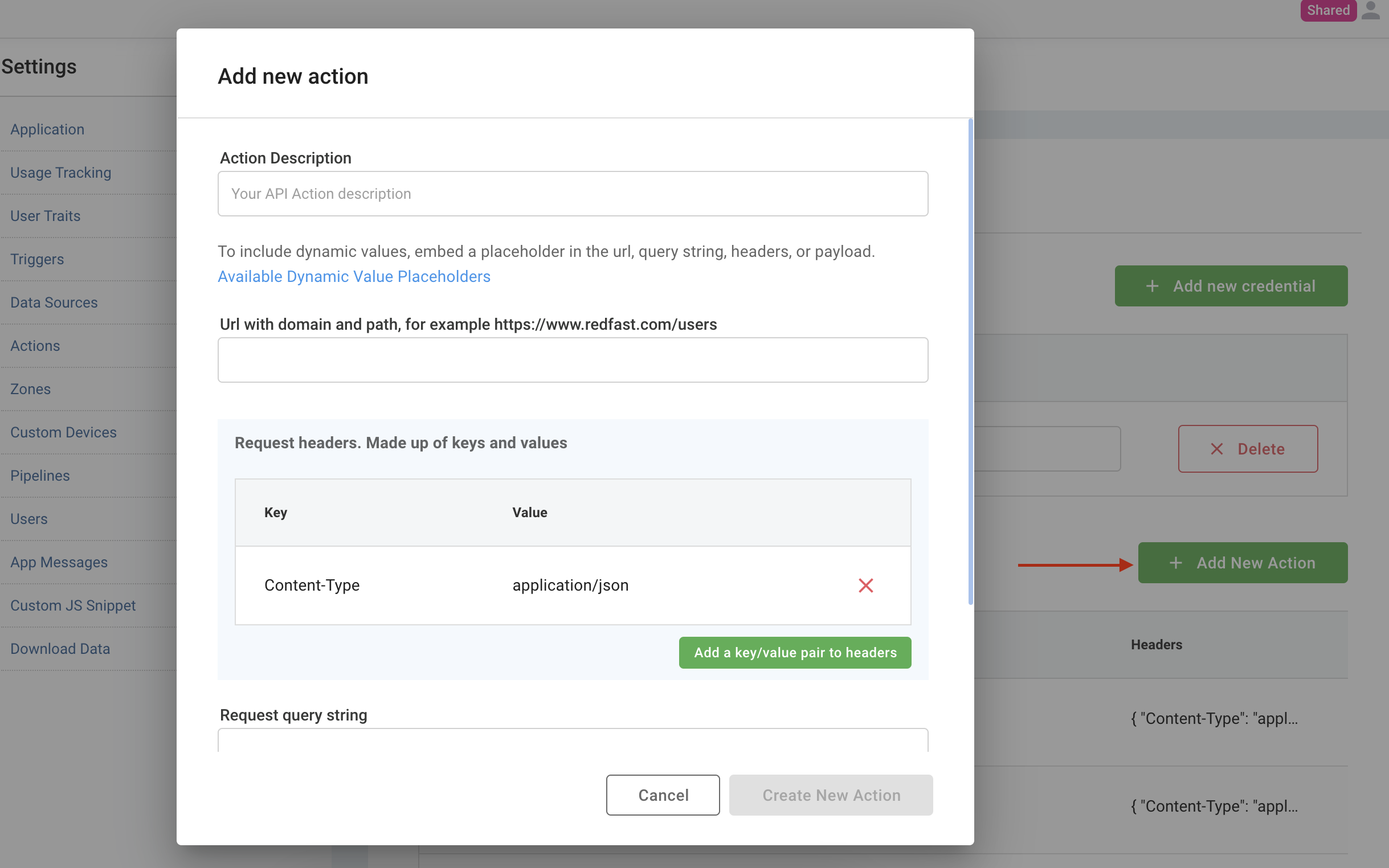
Define a custom API action by specifying the URL, HTTP method, request headers, query string, and request payload (if necessary).
Engage supports static and dynamic values. Use the special character (%) and placeholders to inject dynamic user data. You can reference placeholders like %provider.api_key% or %provider.client_secret%, user traits ingested via Engage, and form inputs. Dynamic values work in URLs, payloads, headers, and query strings.
Updated about 1 month ago