
Integrating a prompt inside an iFrame in my site
Configuration guide for triggering Recurly Engage prompts from within a child iFrame using the browser postMessage API.
Show a Recurly Engage prompt from a button or event inside an iFrame. Your iFrame sends a message to the parent page, where the Recurly Engage software development kit (SDK) displays the prompt.
Available on all Recurly plans
How can I trigger a prompt from inside an iFrame?
1
Format the message as "rf_prompt_<PROMPT_ID>".
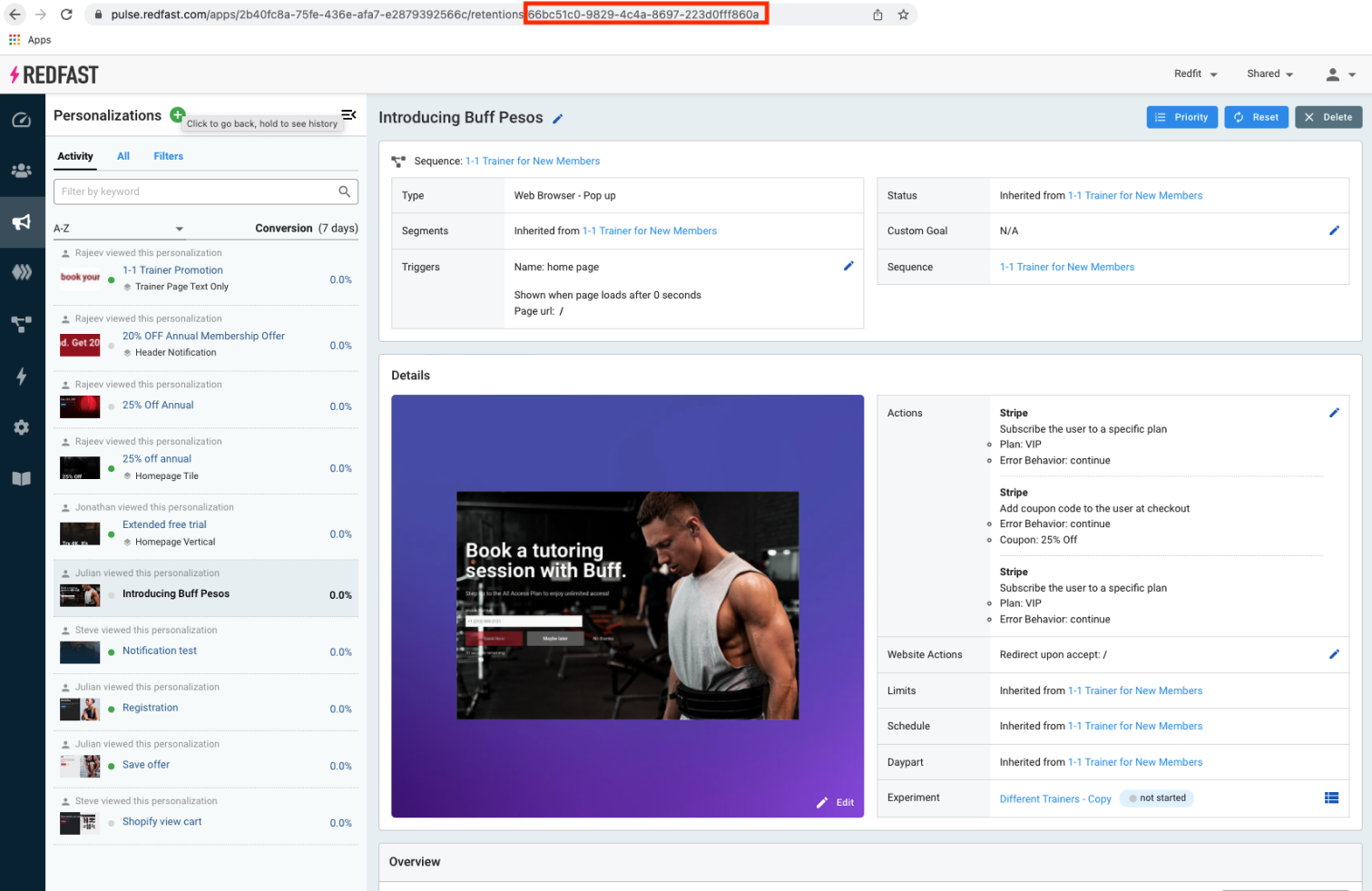
In your iFrame’s HTML and JavaScript, attach a click handler that sends the prompt ID to the parent. Replace 66bc51c0-9829-4c4a-8697-223d0fff860a with your own prompt ID:
<button onclick="postSubmitPayment()">Submit Payment</button>

<script>
  function postSubmitPayment() {
    parent.postMessage("rf_prompt_66bc51c0-9829-4c4a-8697-223d0fff860a", "*");
  }
</script>
Once the SDK on the parent page receives that message, it opens the specified prompt just as if it were triggered natively. You can call postMessage as many times as needed, and all user interactions (accept, decline, dismiss) function normally.
ImportantFor cross-domain iFrames, replace
"*" with your parent page’s origin for secure messaging.Updated about 1 month ago
Did this page help you?