
Hightouch
Learn how to connect your data warehouse to Recurly Engage using Hightouch’s HTTP Request destination to automate user property updates and personalizations.
This guide walks you through syncing customer data from Hightouch to Recurly Engage. Using the Recurly Engage Ingest API keeps user attributes, such as subscription plans, names, and custom tags, up to date, so you can trigger more relevant user experiences and retention workflows.
Available on all Recurly plans
Definition
The Hightouch integration syncs user data from your data warehouse to Recurly Engage. It uses a Hightouch HTTP Request destination that sends each user's attributes to the Recurly Engage Ingest API.
Key benefits
Automated personalization
Keep user properties in Recurly Engage in sync with your source of truth, such as Snowflake or BigQuery, without manual uploads.
Low-code integration
Use Hightouch's flexible HTTP Request destination to connect to the Recurly Engage API without custom engineering resources.
Real-time accuracy
Make sure changes in a user's status (for example, upgrading from "Basic" to "Premium") are reflected immediately in your engagement campaigns.
Key details
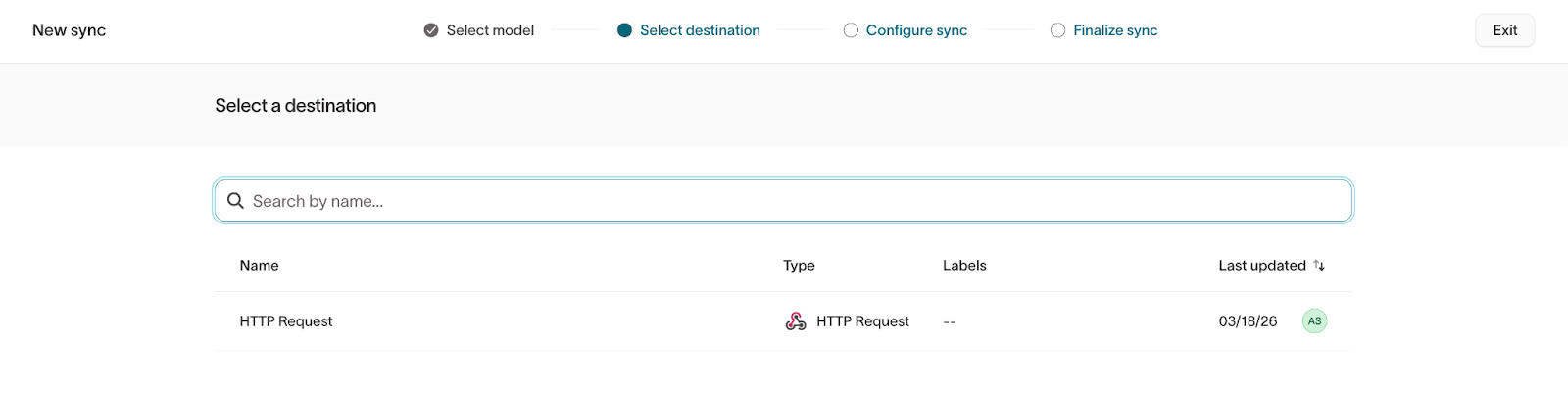
Set up the sync
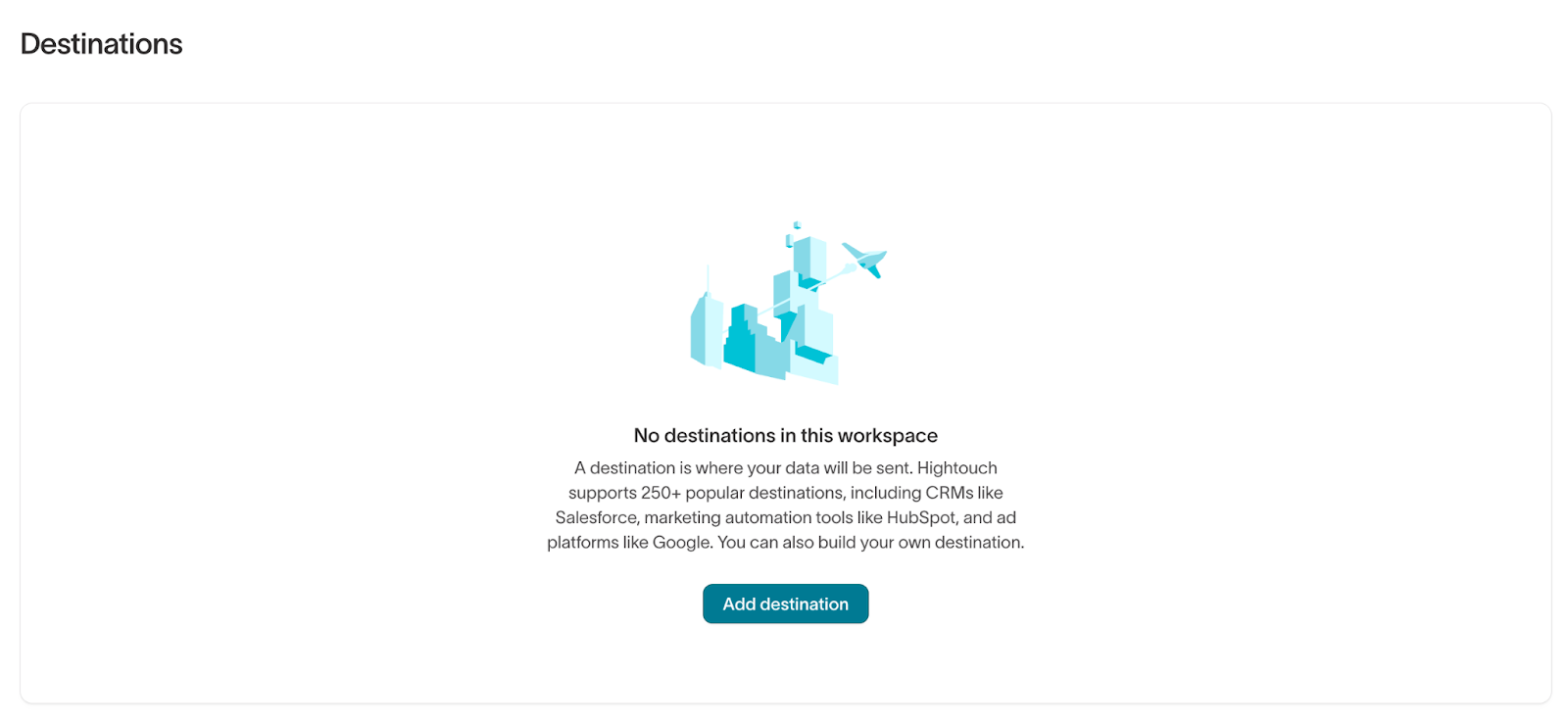
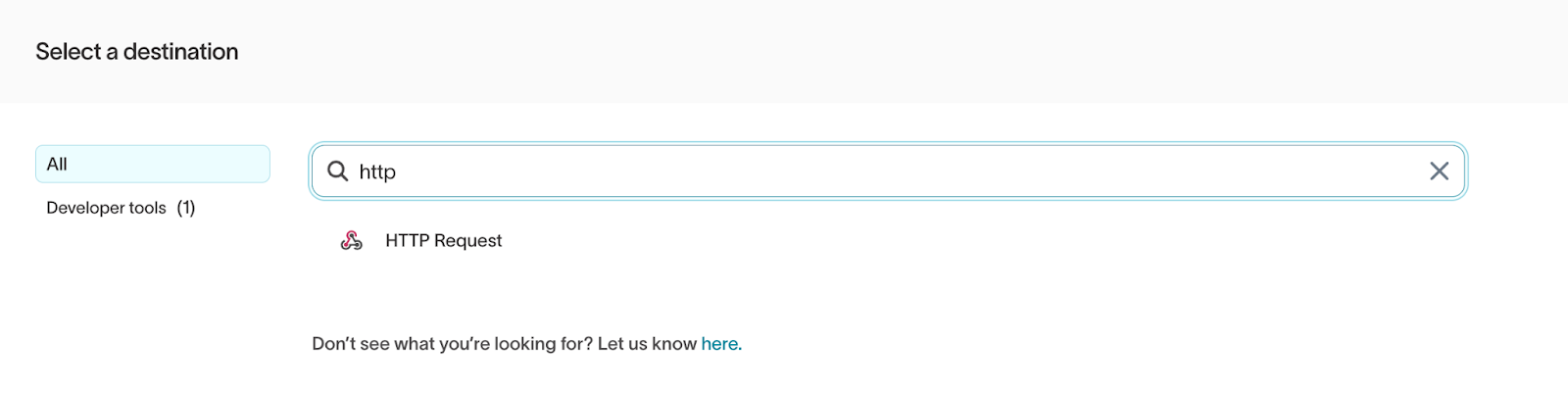
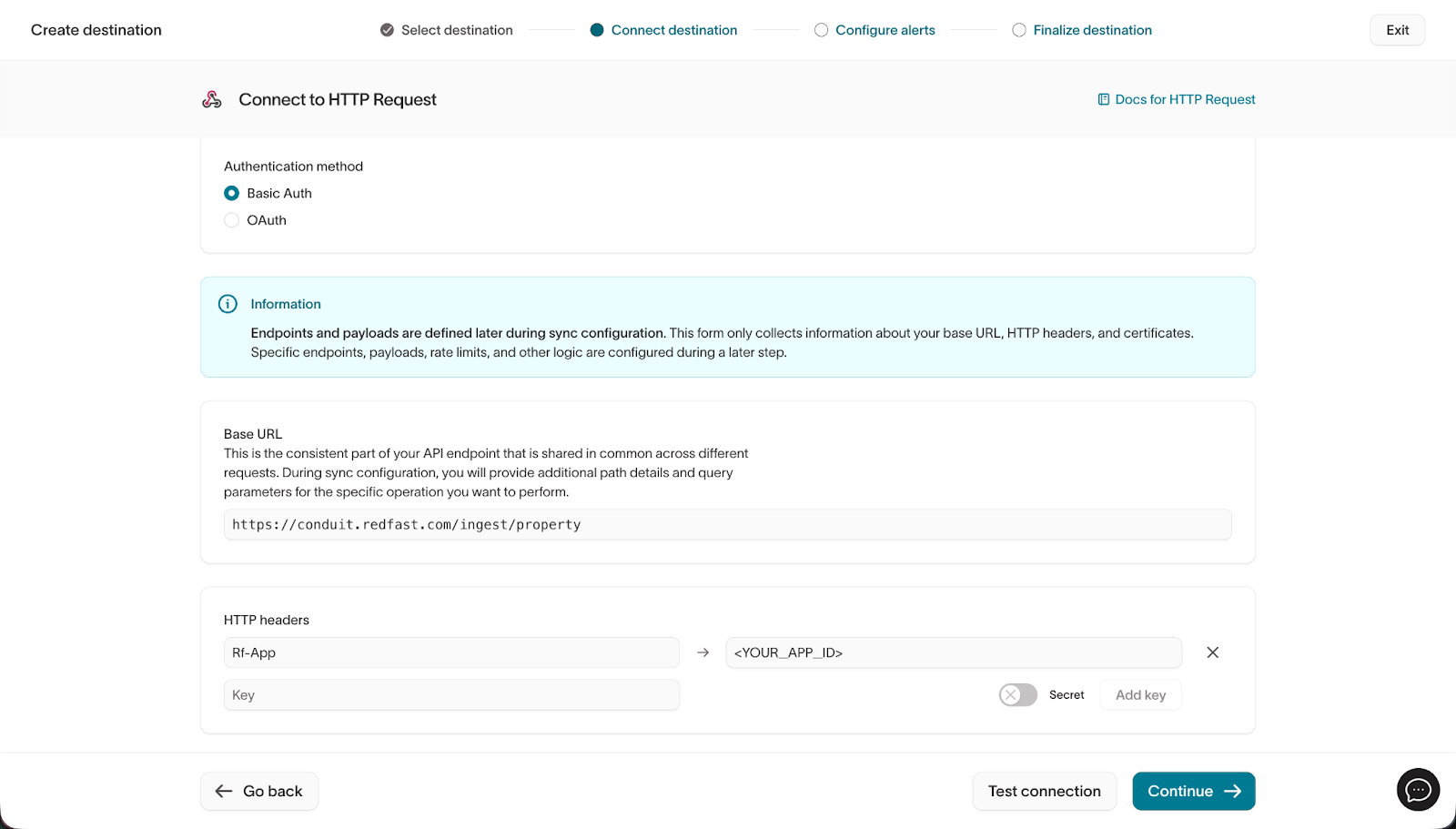
- Authentication Method: Select Basic Auth.
- Base URL:
https://conduit.redfast.com/ingest/property
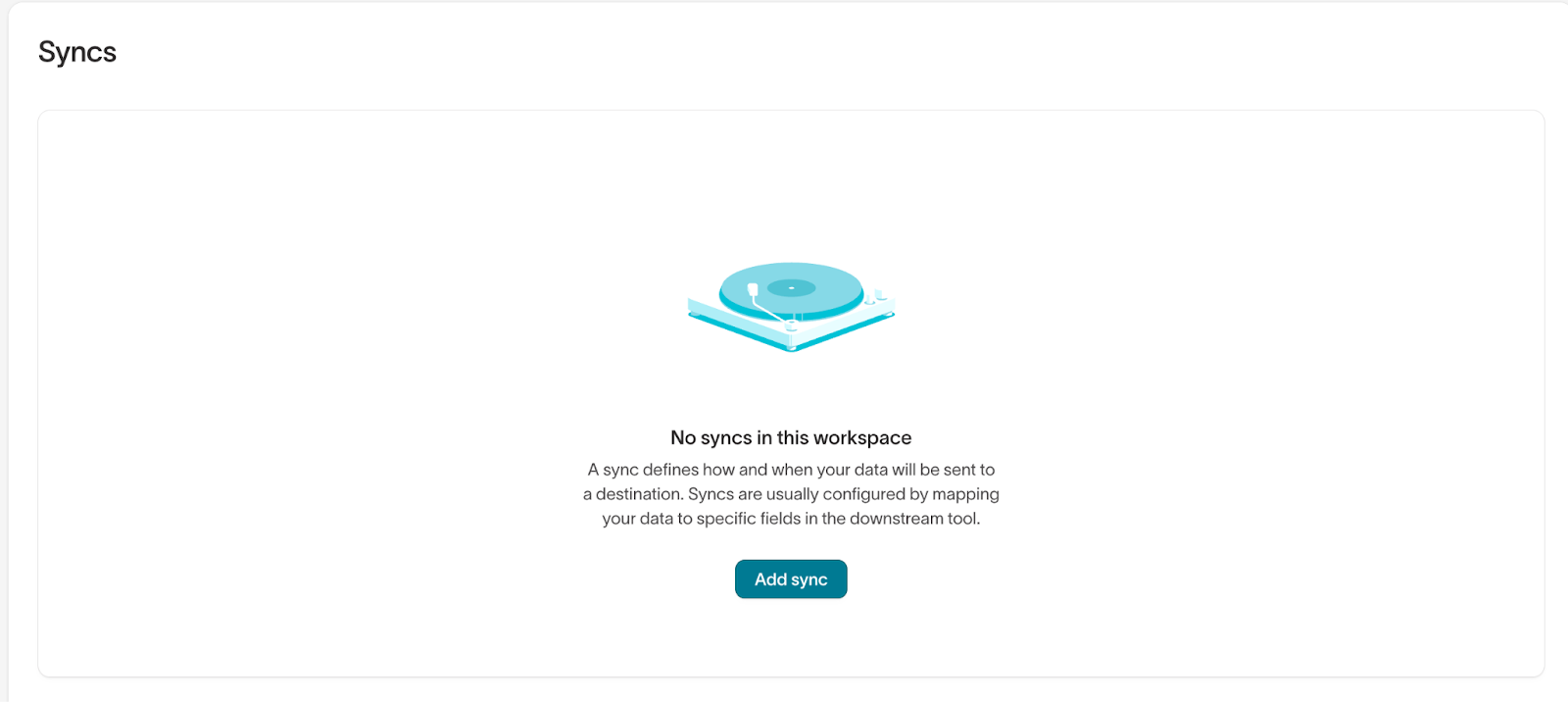
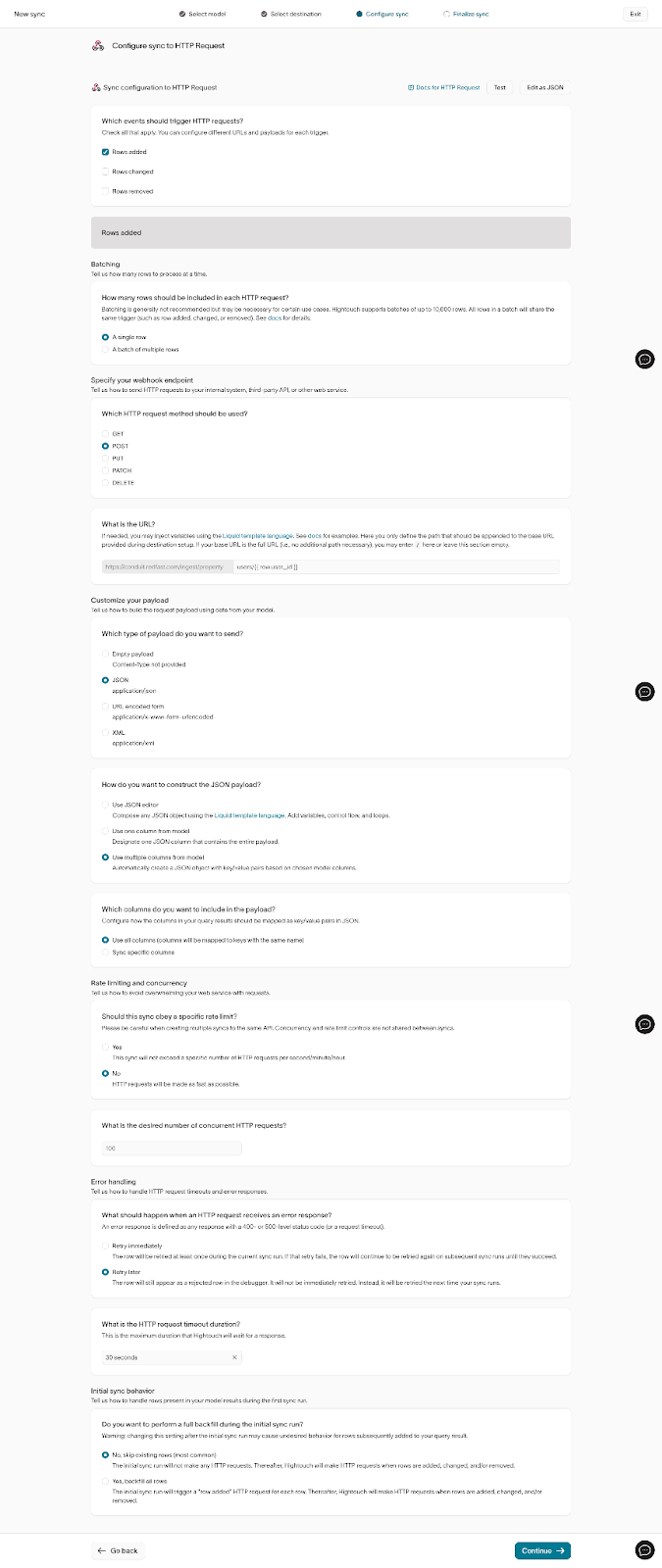
| Setting | Configuration |
| Batching | A single row |
| HTTP Method | POST |
| URL | Add your API key as query string parameter |
| Payload Type | JSON |
NoteTo find your API key, navigate to Settings > Application > API Key.
{
  "id": "123-456-789-012-",
  "user_id": "test-user-001",
  "properties": {
    "first_name": "Jane",
    "plan": "premium"
  }
}
Example response
{
  "success": true
}
Updated 19 days ago
Did this page help you?