
SendGrid
Connect Recurly Engage to SendGrid for dynamic emails and list management
The SendGrid integration lets you send dynamic template emails and manage subscriber lists directly from Recurly Engage prompts, without custom code.
Available on all Recurly Engage subscription plans
Definition
The SendGrid connector uses your SendGrid API key to perform two core actions, sending dynamic template emails to users and adding users to SendGrid contact lists, whenever they interact with a prompt in Recurly Engage.
Key benefits
On-brand communications
Use your SendGrid dynamic templates for polished, consistent emails.
Automated list management
Instantly add engaged users to segmented SendGrid lists.
Single-pane setup
Configure credentials and actions entirely within the Recurly Engage console.
Key details
Required settings
Under Settings → Connectors → SendGrid, provide:
- API Key: Generate and copy it from the SendGrid API Keys page.
Supported actions
Use these actions within prompt configurations to drive SendGrid workflows:
| Action | Description | User dependencies | Additional instructions | Form inputs |
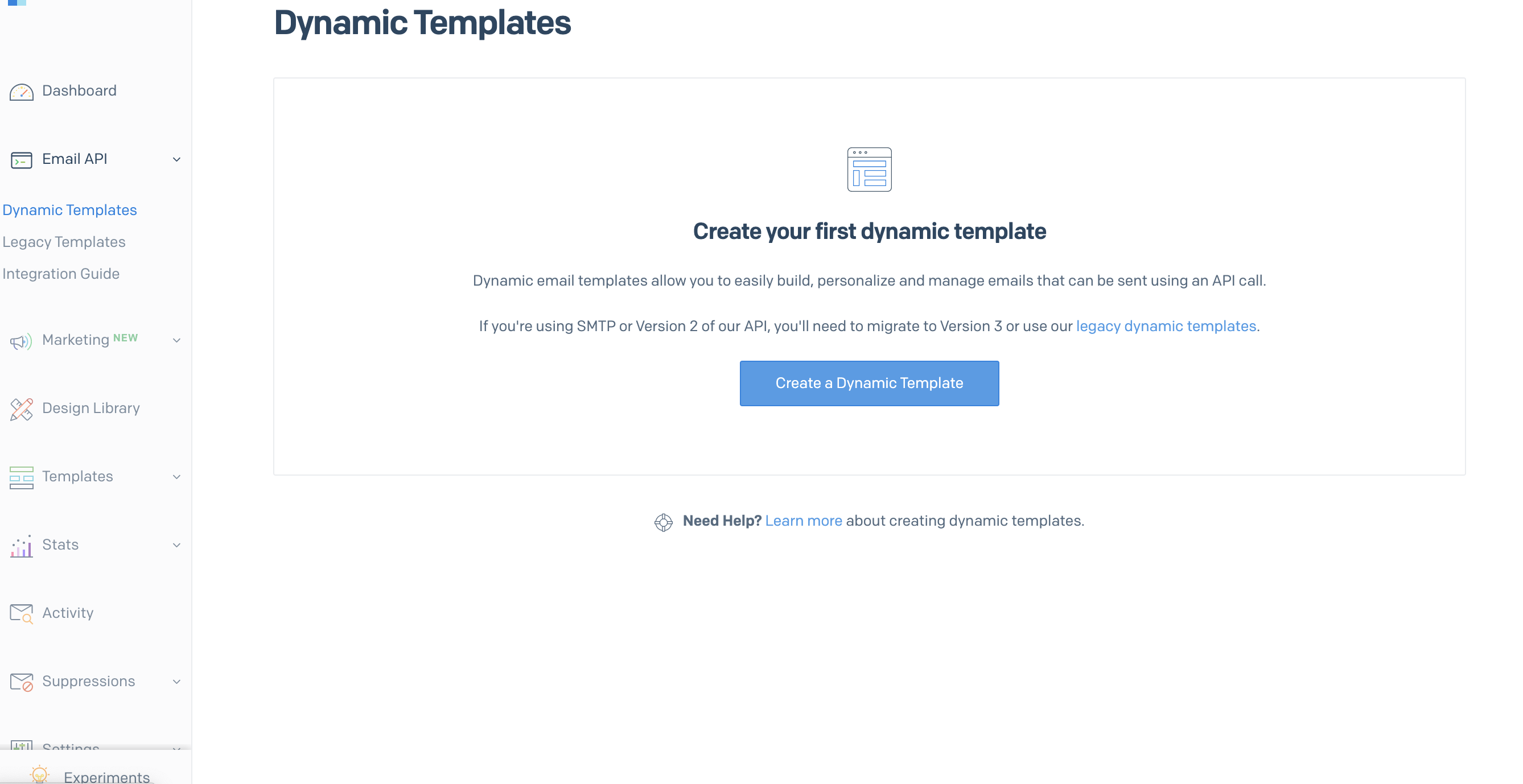
| Send dynamic template email | Sends a selected dynamic template to the user | email_address (optional) | Select your SendGrid dynamic template on the prompt editor. Templates must be pre-configured in SendGrid. | optional |
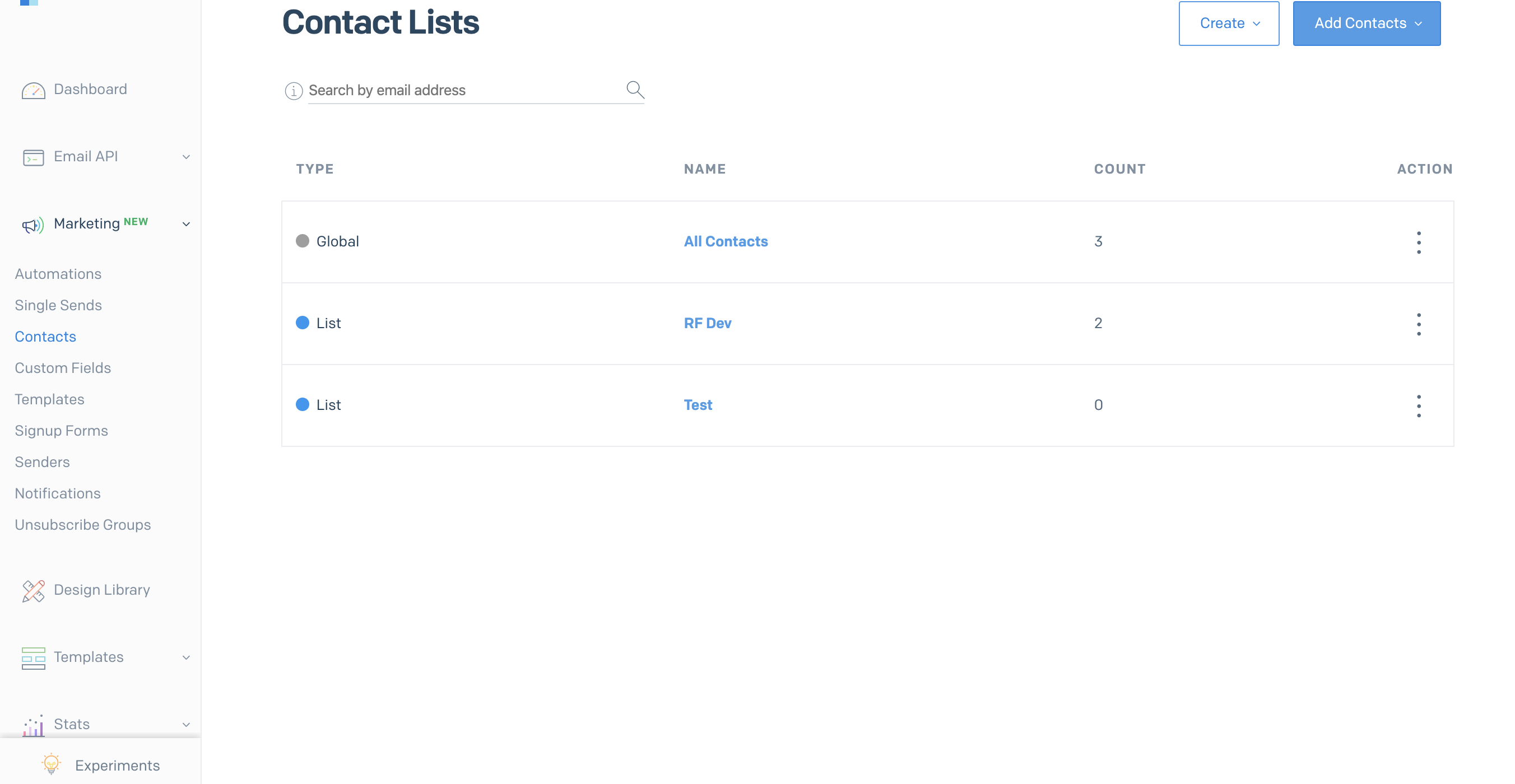
| Add user to list | Adds the user to a specified SendGrid list | email_address | Choose the target SendGrid list on the prompt editor. Lists must be created in SendGrid ahead of time. | n/a |
Additional information
Learn more about SendGrid lists in the official docs: SendGrid Lists API Reference.
Updated about 1 month ago
Did this page help you?