
Recurly.js / HAM / Checkout
Learn how Recurly Engage is automatically available in Hosted Account Management, Recurly Checkout, and Recurly.js, and how to install the tag manually.
If you use Recurly Subscription Management (RSM), Recurly Engage is built into your hosted pages and Recurly.js. This page explains what's included and how to get started.
Available on all Recurly plans
Definition
Recurly Engage is a low-code platform that helps businesses manage and optimize subscriber engagement. For RSM customers, once your Recurly Engage account is enabled, it's automatically available across Recurly.js, Hosted Account Management, and Recurly Checkout. You can start implementing core use cases like Cancel Save and Involuntary Churn right away, with no additional engineering effort.
Key benefits
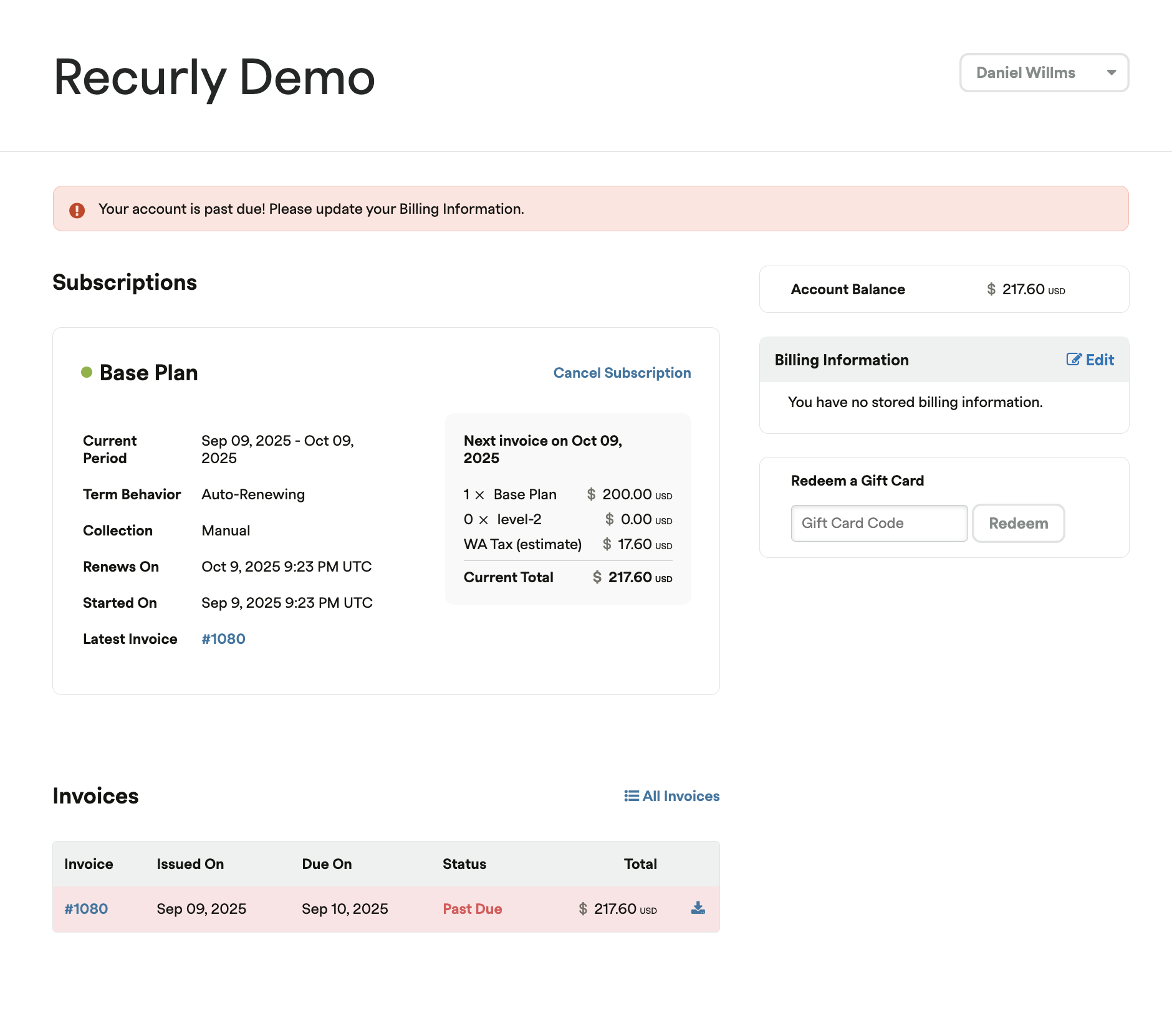
Hosted Account Management
Recurly Engage is automatically enabled on Hosted Account Management pages. Target existing subscribers to reduce involuntary churn, offer cancel-save incentives, or promote plan upgrades.
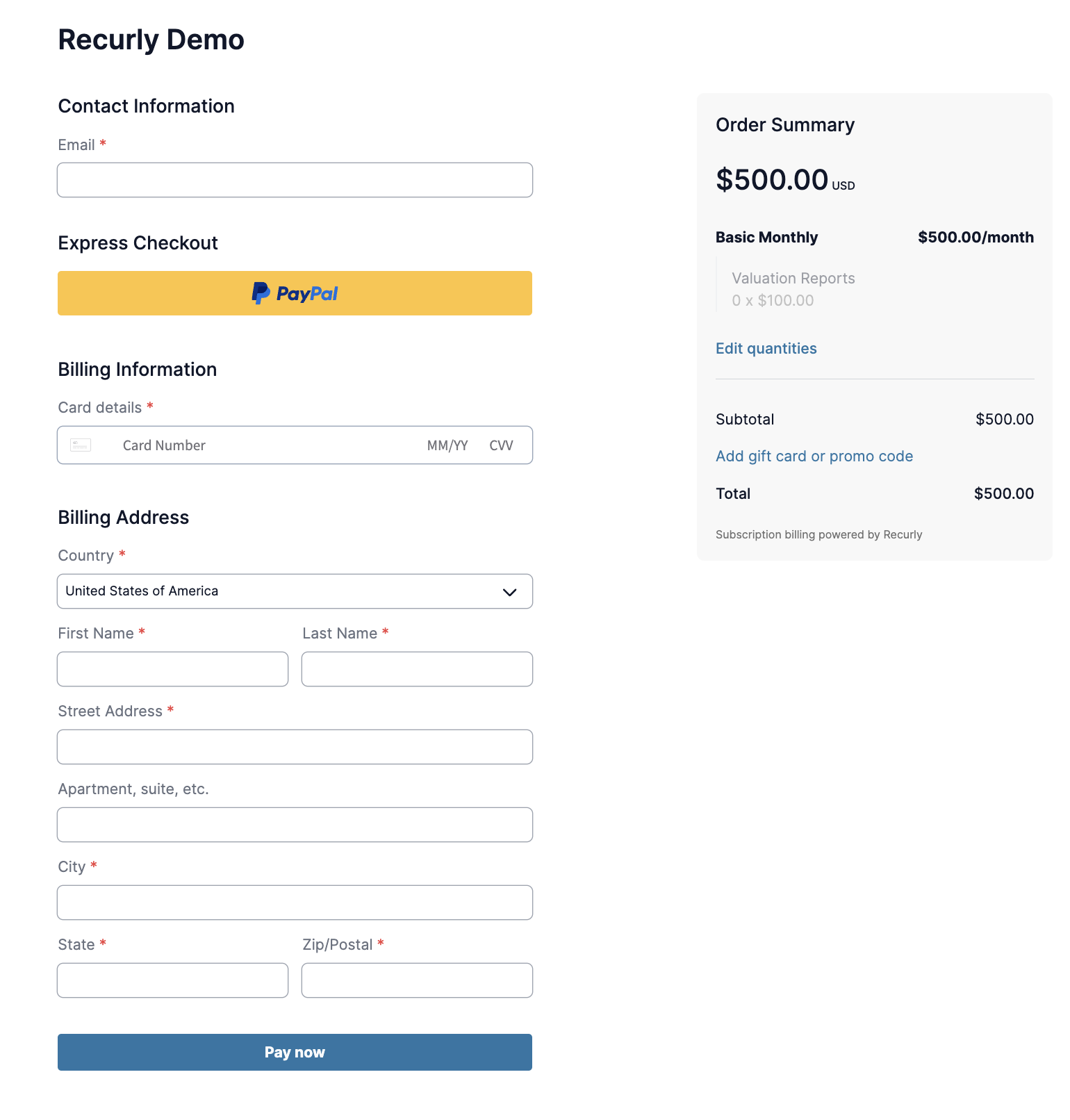
Recurly Checkout
Recurly Engage is pre-integrated into Recurly Checkout pages to optimize your conversion funnel. It supports abandoned cart recovery, cross-sells, and upsells, helping you drive new visitors and improve checkout completion rates.
Recurly.js
If you use Recurly.js to build custom account and checkout experiences, the Engage integration is included automatically wherever Recurly.js is installed. It's a no-code way to add in-app messaging on payment and checkout pages to address abandoned carts, prevent payment failures, and run upsell campaigns.
This deep integration lets you fully customize Engage prompts to suit your business needs across these critical pages.
Key details
After your Recurly Account Manager enables your Recurly Engage account, follow these steps to start using the integration.
1
Follow the integration guide
Follow the official Recurly Engage Integration Guide to complete the initial setup of your Recurly Engage account.
2
The system deduplicates tags, but managing a single tag is the best practice. The system always uses the first tag it encounters. Learn more about disabling Engage.
<head>
  <!-- auto installed when Recurly.js is installed, ideally disable, but we dedupe –>
  <script src="https://00c2a588-6f6c-454a-950a-bbfaae614b3b.redfastlabs.com/assets/redfast.js" async>		</script>

  <!-- manually installed by you or added via google/tealium tag manager →
  <script src="https://00c2a588-6f6c-454a-950a-bbfaae614b3b.redfastlabs.com/assets/redfast.js" async>		</script>
</head>
Updated about 1 month ago
Did this page help you?