
Download data
Configuration guide for the Download Data feature, which allows you to export Segment, Prompt, Guide, and activity data from Recurly Engage.
Get your Recurly Engage data out and into the tools you already use. Download comma-separated values (CSV) exports of segments, prompts, and guides, or pull detailed prompt activity data for offline analysis.
Available on all Recurly Engage plans
Prerequisites
- You must have Company or App Administrator permissions in Engage.
Definition
The Download Data feature lets you export datasets — such as segment definitions, prompt configurations, and user activity — for offline analysis or integration with external systems.
Key benefits
Flexible exports
Get CSV files of segments, prompts, and guides for quick offline review.
Easy integration
Sync activity data with external reporting tools like Google Analytics or Amazon Web Services (AWS) S3.
Comprehensive auditing
Access detailed prompt interaction logs to understand user behavior and system performance.
Key details
Engage can export data to various external systems. The simplest option is a CSV export of Segment, Prompt, and Guide data. More advanced options are also available, including receiving event data and syncing with an external reporting system like Google Analytics.
Download from Pulse
See the article on downloading prompt interaction data for instructions on downloading activity data directly from Pulse.
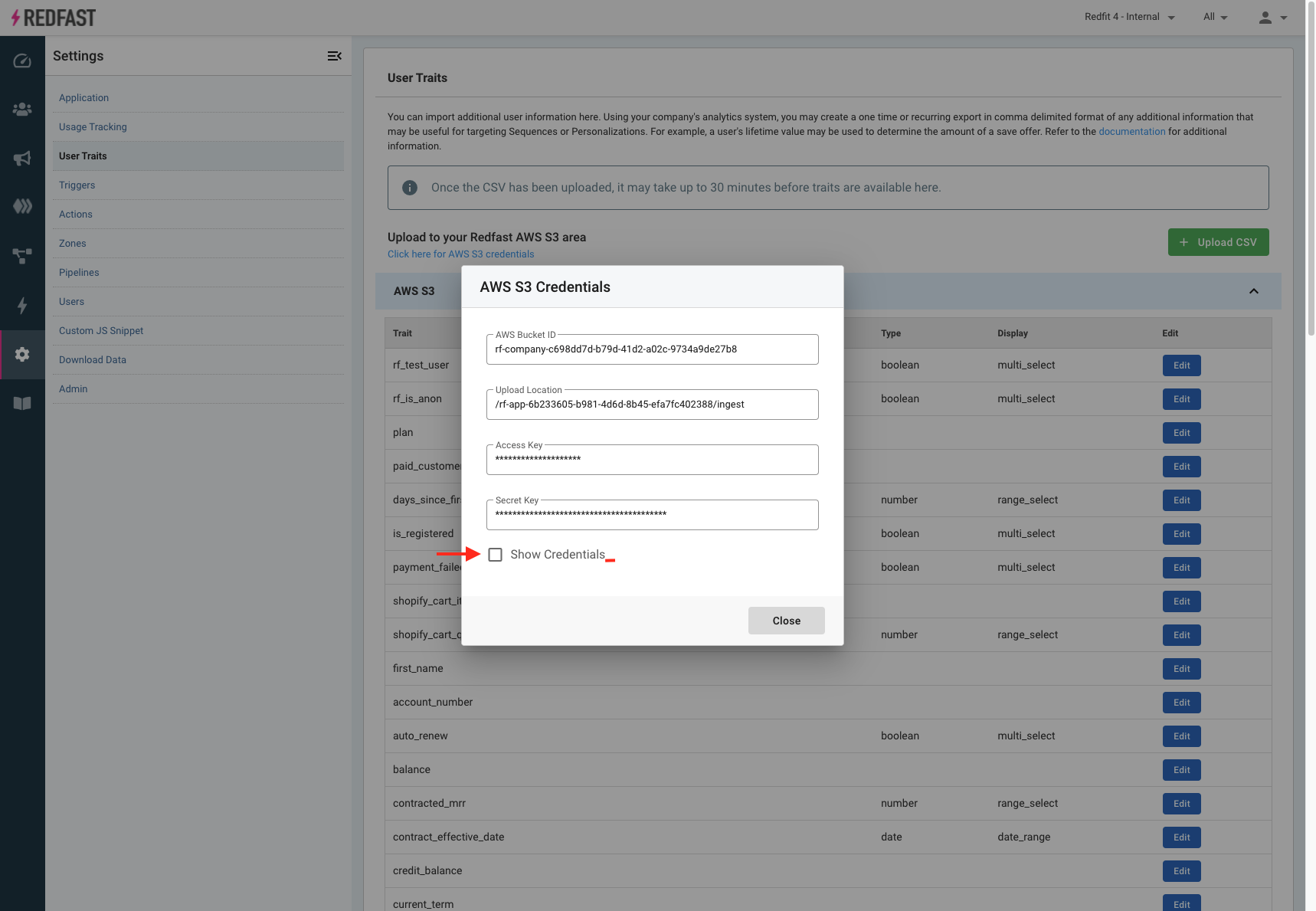
Download from AWS S3
Data from all user activity relating to running prompts is continuously saved to an AWS S3 bucket. You can import this data into your business intelligence (BI) system for offline analysis.
Prompt activity data specifications
| Field | Description | Notes |
app_id | Engage app ID | Assigned by Engage |
app_name | Engage app name | Name as saved in Settings > Application |
activity | Type of activity | Values: impression, timeout, dismiss, decline, click, exclude |
user_id | Unique ID of user | |
anonymous_user_id | Identifier for a user when userId isn't available | |
promo_id | Unique ID of prompt | Assigned by Engage |
promo_name | Name of prompt | As configured in the Engage console |
experiment_id | Unique ID of experiment | Only populated if there is a running experiment |
variation_id | Unique ID of variation | Only populated if there is a running experiment |
variation_name | Name of variation | Only populated if there is a running experiment |
survey_option | Survey option label | Only populated for survey prompts |
ts | Timestamp of when the activity occurred | Epoch |
pipeline_stage_start_id | Unique ID of pipeline stage | Populated as part of Pipeline_Transition activity (optional) |
pipeline_stage_start_name | Name of pipeline stage | Populated as part of Pipeline_Transition activity (optional) |
pipeline_stage_end_id | Unique ID of pipeline stage | Populated as part of Pipeline_Transition activity (optional) |
pipeline_stage_end_name | Name of pipeline stage | Populated as part of Pipeline_Transition activity (optional) |
Updated about 1 month ago
Did this page help you?