
Invisible prompts
Configure and trigger background behaviors in your application without any user-facing UI using Invisible Prompts.
Invisible Prompts run automations behind the scenes—no banner, no pop-up, nothing your users ever see. Define a trigger, and Recurly Engage fires off API calls, toggles UI elements, or applies discounts the moment it matches. It's the same prompt-building flow you already know, just without the visual layer.
Available on all Recurly Engage plans
Prerequisites
- Company, App Administrator, or App Member permissions in Recurly Engage.
Definition
An Invisible Prompt is a hidden rule that runs a server-side or client-side action automatically when its trigger matches—it never presents anything to the user.
Key benefits
Automate background tasksLaunch API calls, hide or show UI elements, or apply discounts without user clicks.
Seamless user experienceModify behavior or content without interrupting the user.
Flexible triggersFire on page load, custom events, or segment entry to suit any workflow.
Key details
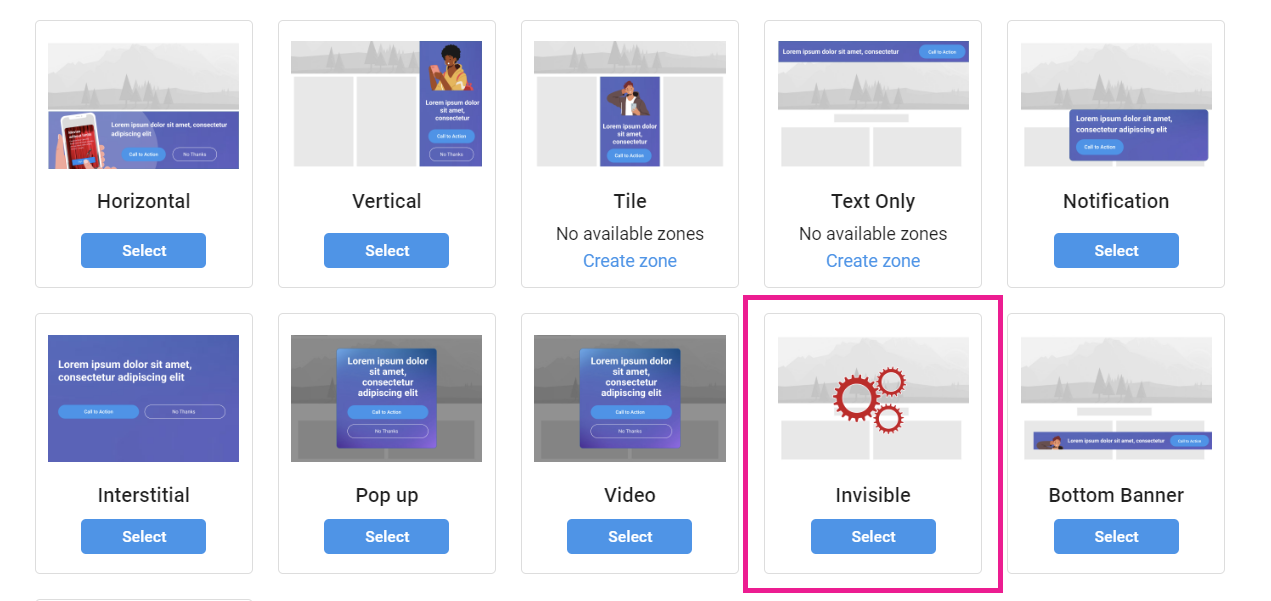
This prompt type shares its configuration flow with a pop-up, but with no visual component—every action runs immediately when the trigger fires.
Example use cases
- Automatically add a show to a user's watchlist on page load.
- Hide competing ads for premium subscribers.
- Trigger a fulfillment API or apply a discount coupon.
Configuring metadata
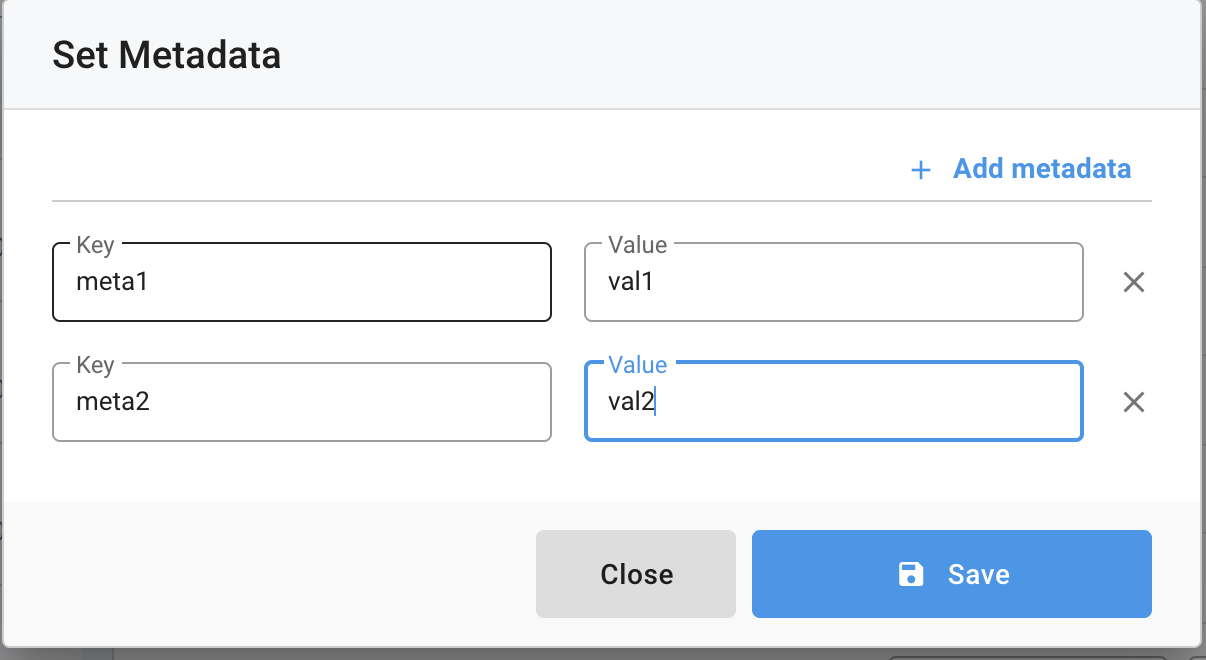
Use metadata tags to pass custom key-value pairs into your Invisible Prompt for advanced behaviors.

Retrieving metadata in code
Redfast.getMetas()
// returns { 'meta1': 'val1', 'meta2': 'val2' }
Test the prompt
Validate your trigger and actions before full deployment by assigning the Test Users segment. See the test user guide for details.
Updated 23 days ago
Did this page help you?