
Segment traffic split
A guide on Recurly Engage's traffic splitting feature. It explains how to A/B test different prompt experiences, like modals and banners, to optimize performance and conversion rates.
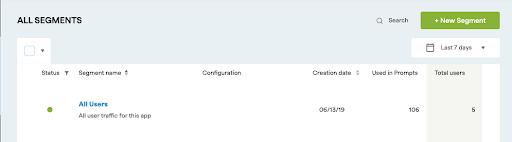
Segment traffic splitting lets you A/B test different prompt experiences by distributing a segment's traffic across multiple prompts. Compare formats head to head, such as a modal and an inline banner. Unlike experiments, which test variations within a single prompt, traffic splits let you test across different prompt types.
Available on all Recurly plans
Definition
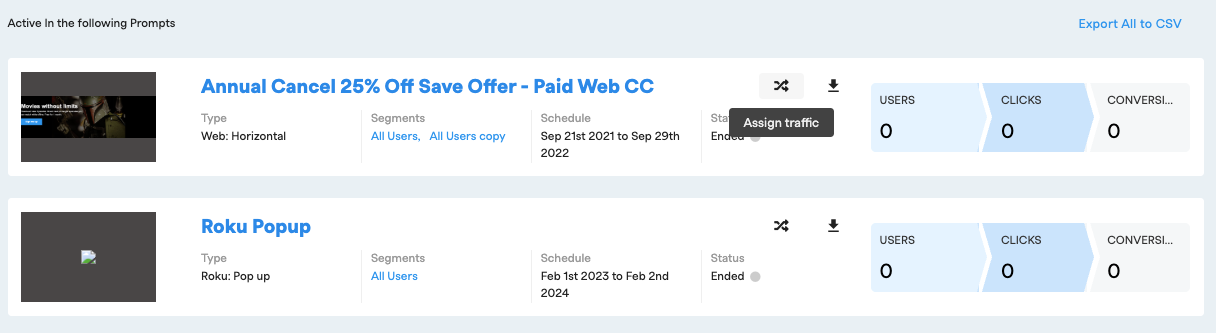
A segment traffic split distributes a segment's traffic across multiple prompts so you can compare how different prompt types perform. Each user is assigned to a group by percentage range and stays in that group.
Key benefits
Data-driven decisions
Move beyond guesswork by comparing how different prompt types engage your audience, so you can make informed choices that drive the best results.
Direct comparison
Experiments test variations within a single prompt. Traffic splits compare fundamentally different experiences, such as a modal and a banner, to show which performs better.
Maximize conversions
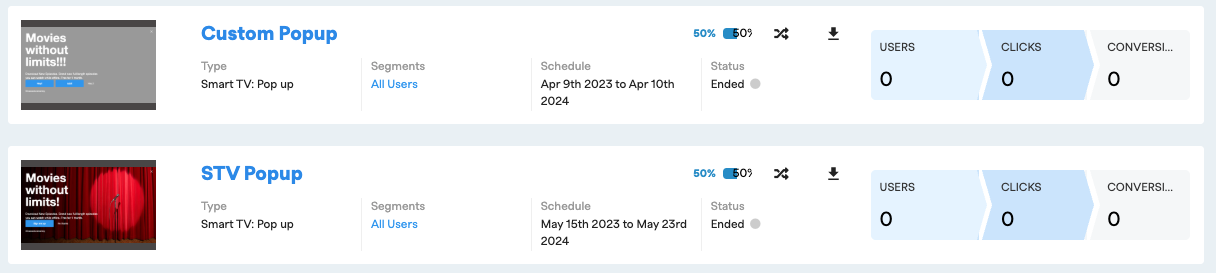
Collect performance data and use it to maximize conversions. For example, show a modal to the first 30% of your target segment and an inline banner to the remaining 70%, then analyze which experience drives higher engagement.
Control group
Set a control group by holding back a percentage of users in a segment who are never targeted.
Key details
To implement a segment traffic split, follow these steps.
1
Confirm your Recurly Engage access
Make sure you're an active Recurly Engage member. If you're not, book a demo.
ImportantOnce a user is assigned to a group, they always remain in that group, based on a bucketing methodology.
ExampleFor the first group, set the split to
0-50. For the second group, set the split to 51-100.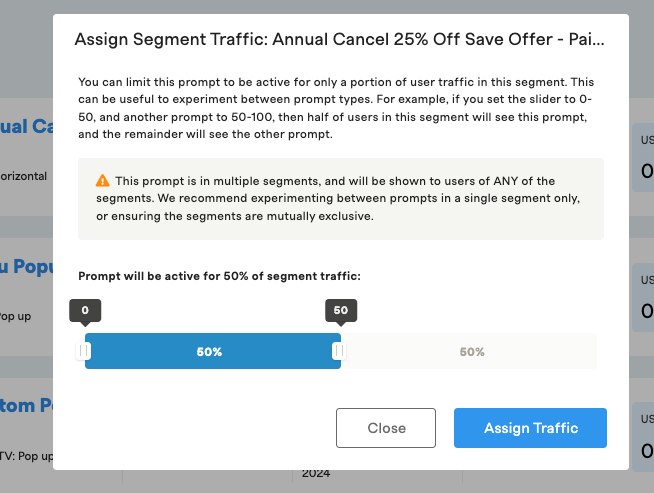
Updated about 1 month ago
Did this page help you?