
Localization (Multi-language support)
How to localize prompts based on your user’s browser or app locale without duplicating prompts for each language.
Overview
Required plan
This feature or setting is available to all customers on any Recurly Engage subscription plan.
Prerequisites & limitations
You must have Company, App Administrator, or App Member permissions in Recurly Engage.
Definition
Prompt localization uses a CSV of translations to serve prompt copy in multiple languages, automatically matching your user’s locale without creating separate prompts.
Key benefits
- Single-prompt maintenance: Manage all languages in one place—no need for multiple prompt copies.
- Automatic matching: Detects user locale and serves the correct translation.
- Fallback support: Default language ensures coverage when no match is found.
Key details
Setup
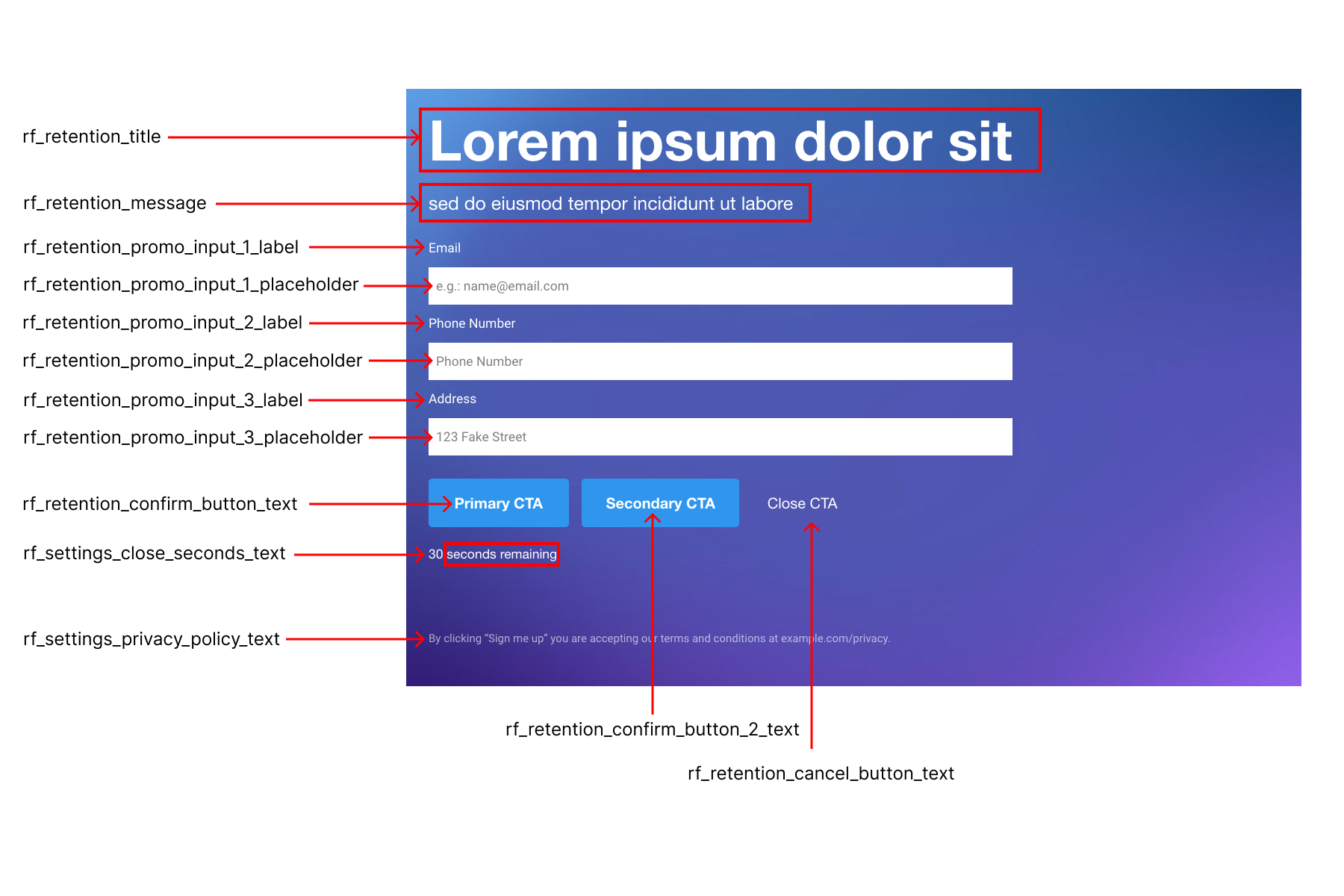
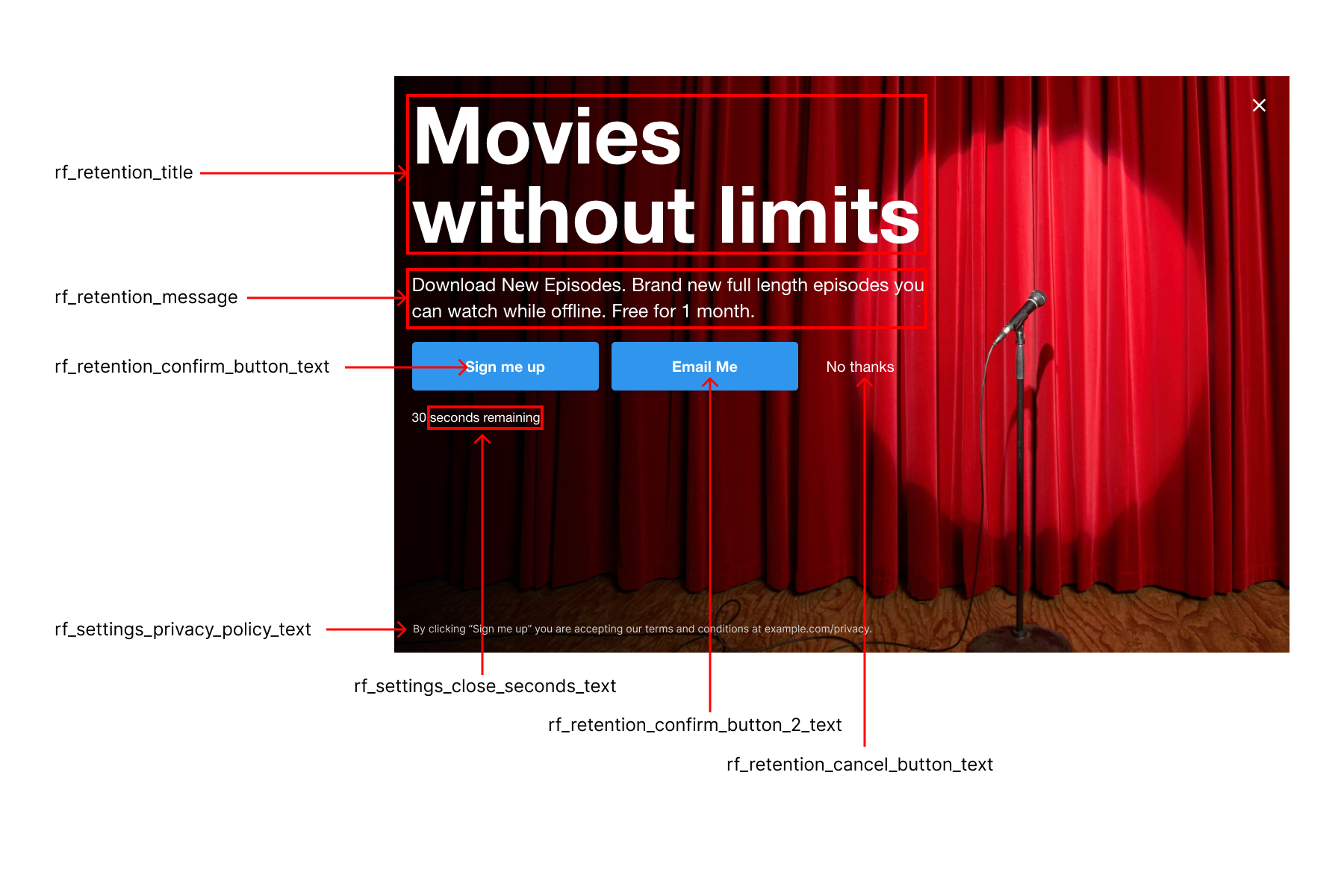
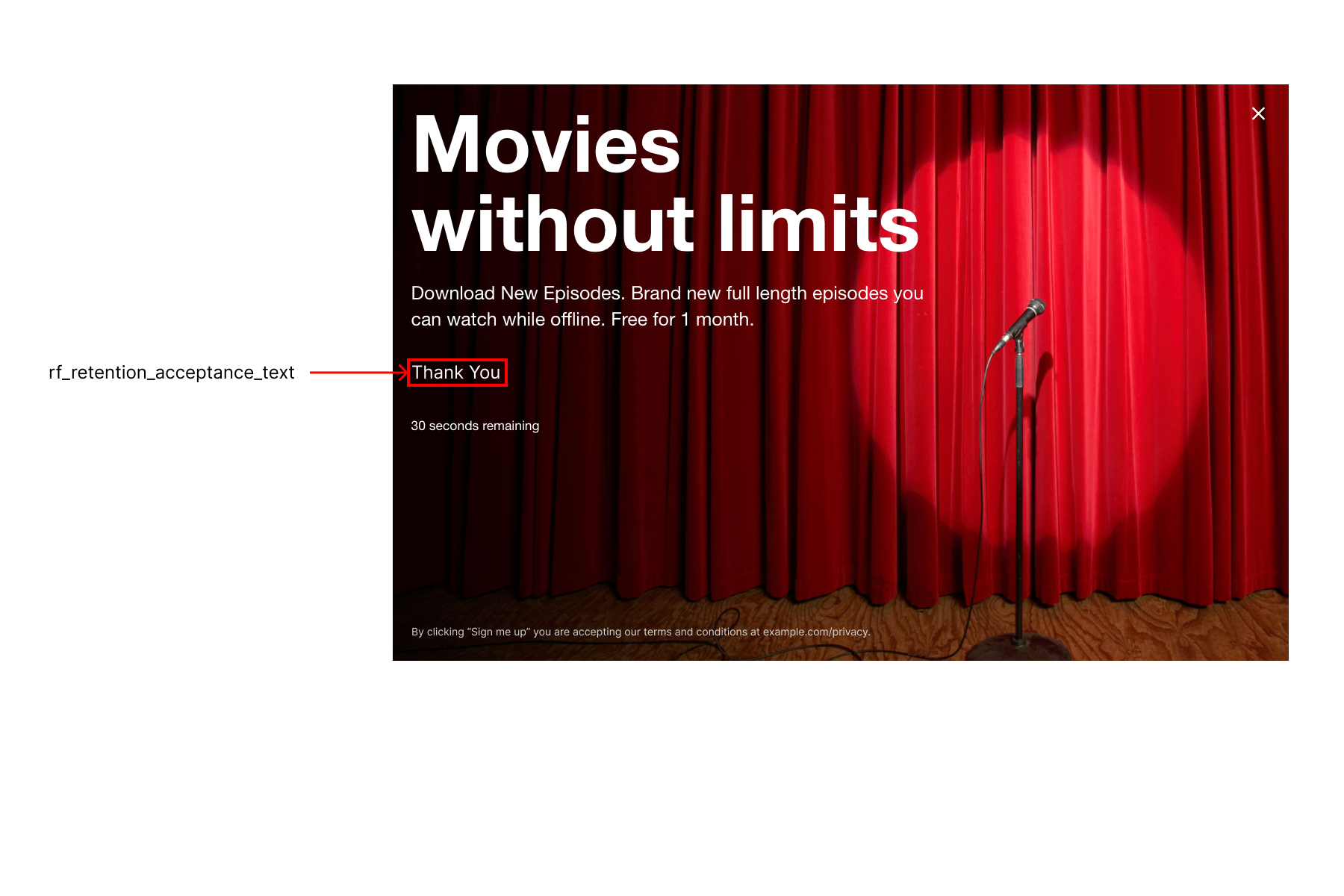
- Prepare a CSV with one row per language, using ISO 639-1 codes. Columns correspond to prompt fields (headline, body, button labels).
- Use the sample CSV as a template.
- Upload the CSV in Pulse under your prompt’s Localization section.
ImportantDo not delete columns in the CSV—all columns are required. Leave unused fields blank.
Exactly one row must have
default=true; this language serves as the fallback.
Desktop preview

Mobile preview
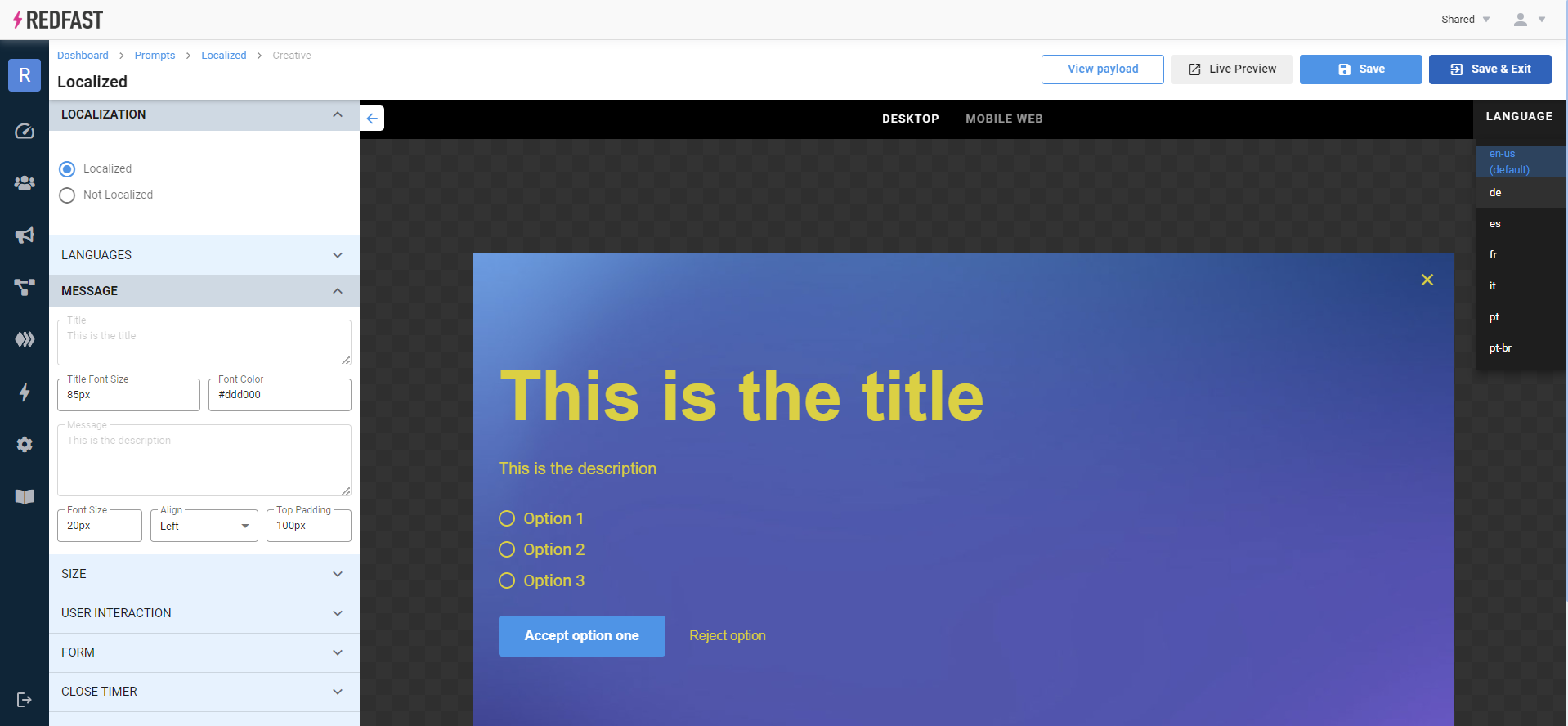
After saving, a language selector appears in the preview area. Choose a language to verify translations, then use Live preview to test on your site.
Technical elements
Recurly Engage determines the end user’s language from three sources (in priority order):
- Value passed by
Redfast.setLanguage()in your web snippet - User’s
languagetrait - Browser
Accept-LanguageHTTP header
Matching logic:
- Exact match on 2-letter or 4-letter code (e.g.,
en-US). - If no exact match, attempts generic 2-letter match (
enforen-GB). - If still no match, serves the row with
default=truefrom your CSV.
Updated about 1 year ago