
Global limits
Configuration guide for the Global Limits tab, which allows you to apply account-wide holdout, frequency cap, impression limits, and overlay interval settings in Recurly Engage.
Prerequisites
- You must have Company or App Administrator permissions in Engage.
Definition
Key benefits
Key details
This tab lets you apply limits to your Pulse account globally by setting a holdout percentage, frequency cap, impression limit, and overlay interval.
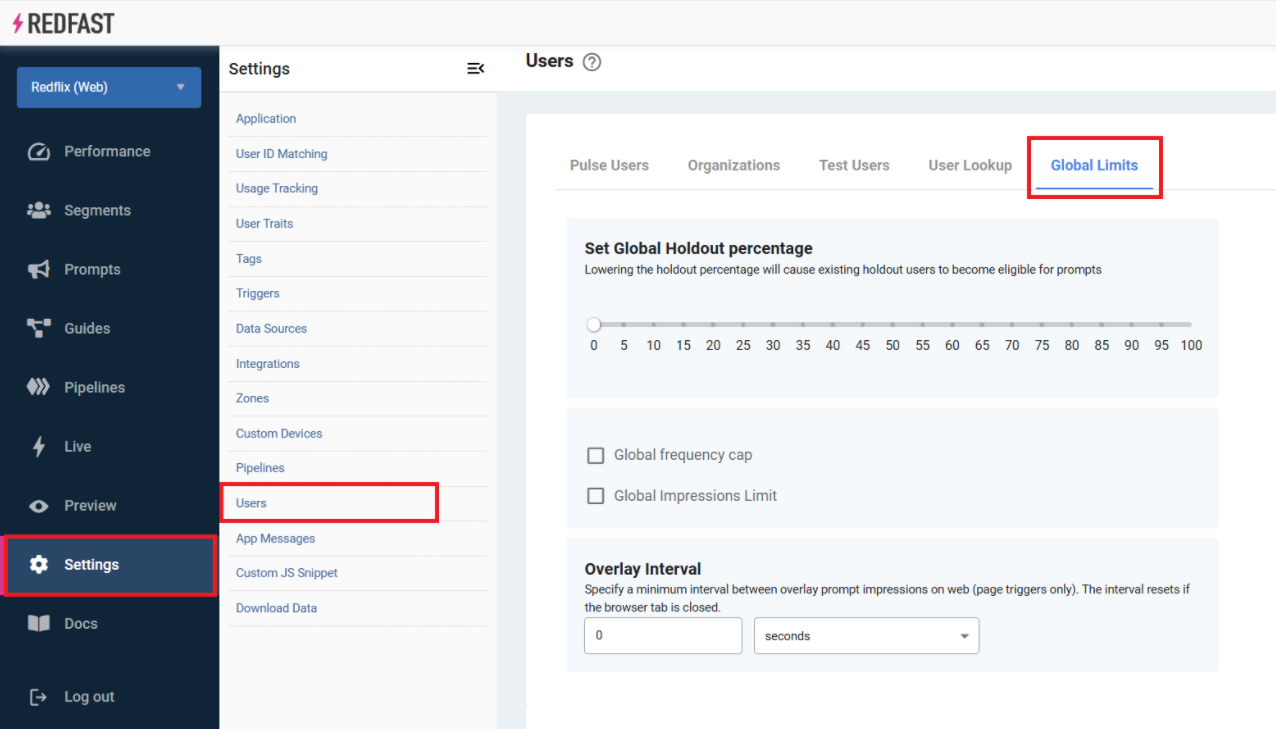
Global holdout
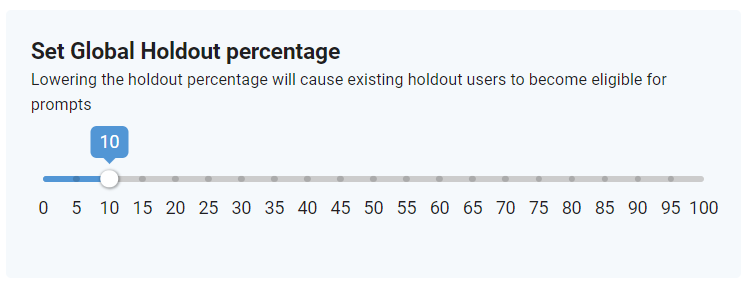
The Global Holdout setting lets you set a percentage of users who never see any Engage prompts. For example, with the settings below, only 90% of your users across all segments are shown prompts.
Global frequency cap
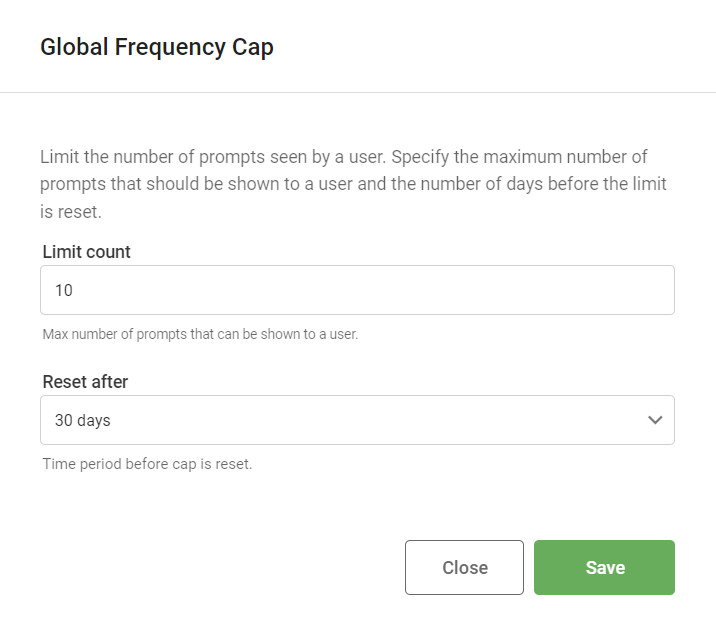
The Global Frequency Cap setting lets you set the maximum number of prompts a user can be shown within a specified time range. For example, with the settings below, a single user can see no more than 10 prompts within 30 days. After 30 days, the cap resets.
Global impression limit
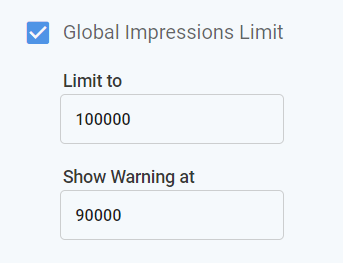
The Global Impression limit setting restricts the total number of times prompts are shown to your users. For example, setting it to 100,000 impressions limits the system to showing prompts only the first 100,000 times they're triggered. Once the limit is reached, prompts are paused automatically. You can also configure a warning to notify you when the global impression limit is approaching.
Overlay interval
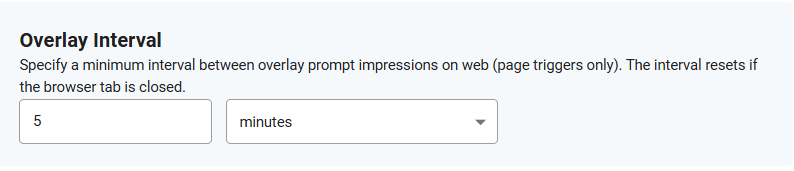
The Overlay Interval setting lets you set a minimum interval between overlay prompt impressions on web (page triggers only). For example, if you set the interval to 5 minutes, your users won't see page-triggered overlay prompts on web more often than every 5 minutes.
Once you've set the limits, click Save changes to apply them to your account.
Updated about 1 month ago