
Segments
Define your accounting structure in Recurly RevRec using Segments, and use the Segment mapper to link segment values to contract attributes or static codes.
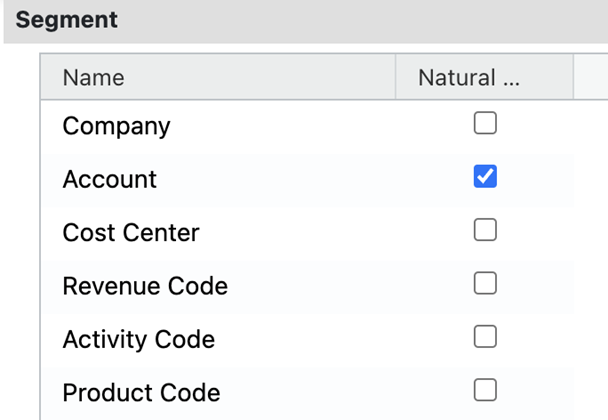
Segments help define your company's accounting structure, typically based on your reporting needs or business processes. Set them up once, then use the Segment mapper to control how each segment gets its value — pulled from a contract attribute or assigned as a fixed code.
Available as part of Recurly RevRec
Defining segments
Segment mapper
The Segment mapper lets you assign a value to each defined segment — either by linking it to a contract attribute or assigning a static value. For example, segments like Company and Revenue Code might pull from contract attribute values, while others, like Cost Center, use a fixed code. The segment account pulls the account number from its respective contract.
Updated 3 months ago
Did this page help you?