
On-account credit
Learn how on-account credits work in Recurly RevRec — how they're issued when subscriptions are canceled, redeemed, voided, and tracked in revenue recognition reports using plan codes.
Prerequisites
- A cancellation and refund policy that supports account crediting.
Limitations
- On-account credits are non-transferable between accounts.
- Credits may be subject to expiration per your business's terms and conditions.
Definition
Key benefits
Key details
When a customer's subscription is canceled and a refund is due, Recurly can credit the account instead of issuing a direct refund. That on-account credit can then be used for any purchases within Recurly's platform.
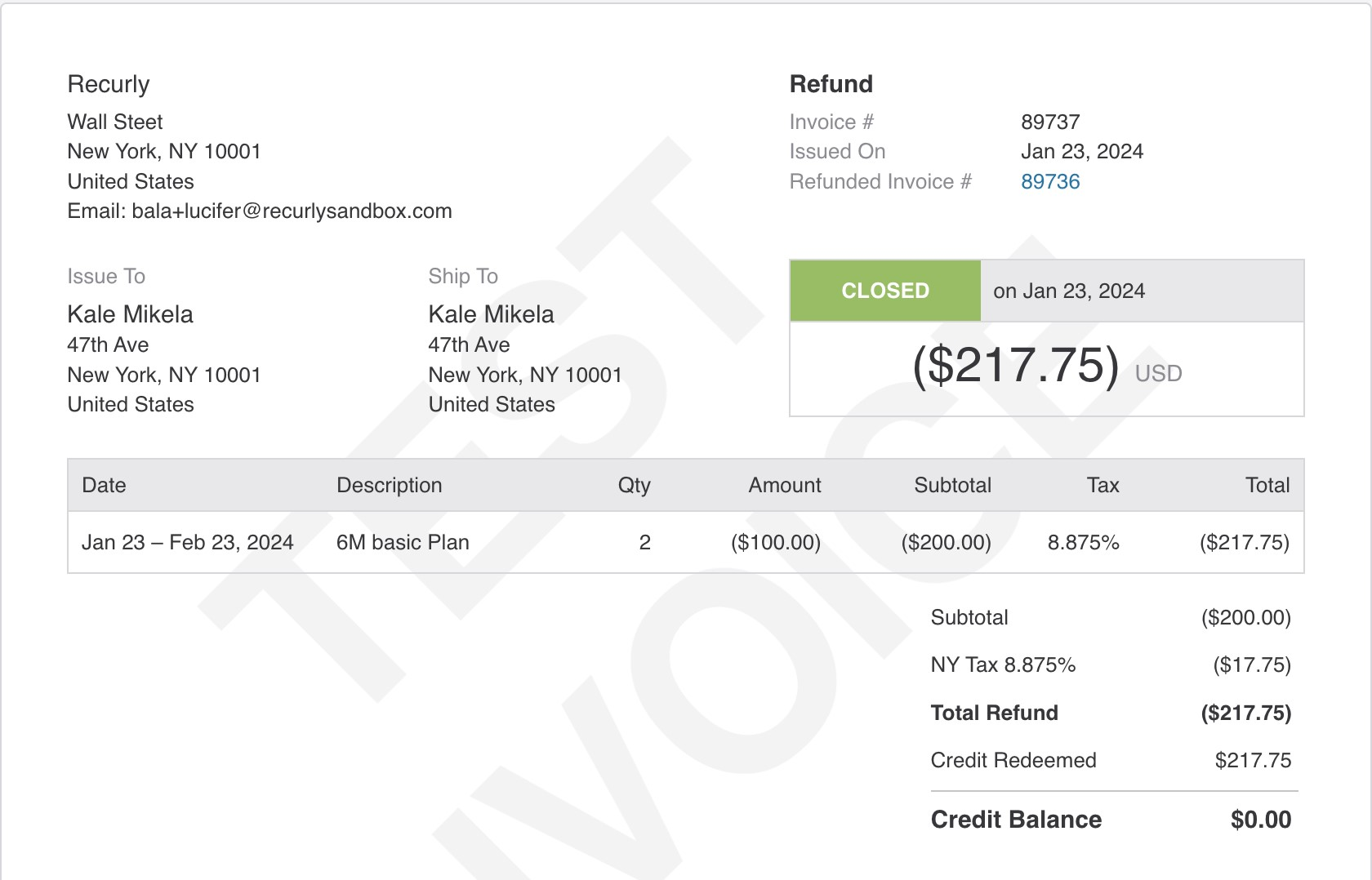
Upon issuing an on-account credit, Recurly generates a credit invoice reflecting the credited amount and any subsequent redemptions. The invoice updates to show the remaining balance over time, providing transparency for both the customer and your business.
Credits and their redemptions are recorded in RevRec as distinct entries, categorized by origin (credit-event) and identified by unique plan codes for easy reconciliation.
| Origin | Activity | Plan code |
| credit-event | On-account credit issued | credit-on-account |
| credit-event | On-account credit redeemed | credit-on-account-redeemed |
| credit-event | On-account credit voided | credit-voided |
| credit-event | On-account credit refunded | credit-paid |

FAQ
How is an on-account credit created in the billing system?
When an on-account credit is issued, Recurly creates a credit invoice showing the initial credit amount. As the credit is redeemed, the invoice reflects the remaining balance over time.
How can I differentiate on-account credit activities in RevRec?
Filter by origin = credit-event and use these plan codes to identify each activity:
- Credit issued:
credit-on-account - Credit used/redeemed:
credit-on-account-redeemed - Credit canceled/voided:
credit-voided - Credit refunded (paid out as cash):
credit-paid
Updated 4 months ago