
Currencies
Review and edit currency precision settings in Recurly RevRec, where all ISO currency codes are predefined by default.
Recurly RevRec predefines all currencies as ISO codes, each with its own precision, listed on the Currencies page. You can review and adjust these settings to match your reporting needs.
Available as part of Recurly RevRec
Editing currencies configuration
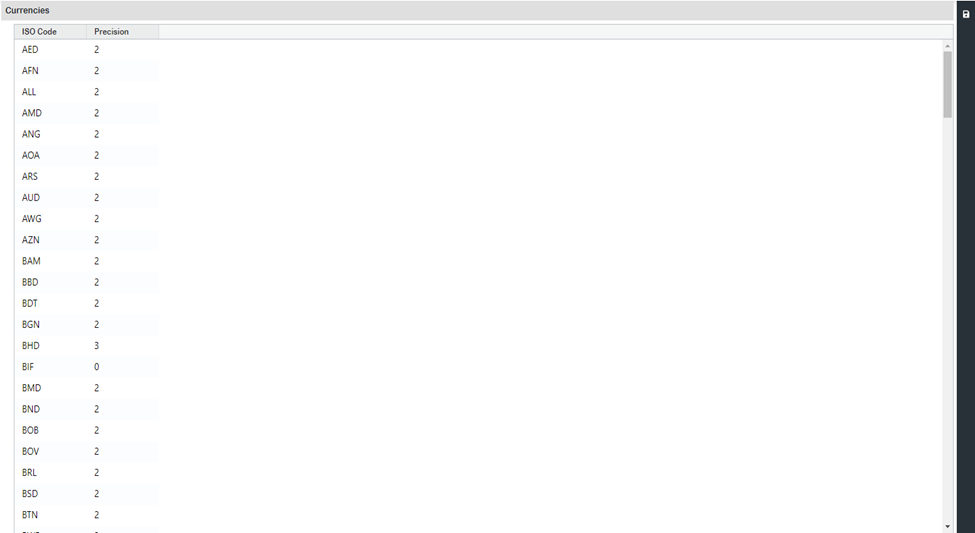
All currencies are predefined in Recurly RevRec. To edit one:
Updated 3 months ago
Did this page help you?