
App Management — RevRec
Configure Recurly RevRec to handle App Store and Google Play Store subscription data through contract grouping, an exclusive POB, data rules, and the App Management integration.
Definition
Key benefits
Grouping configuration
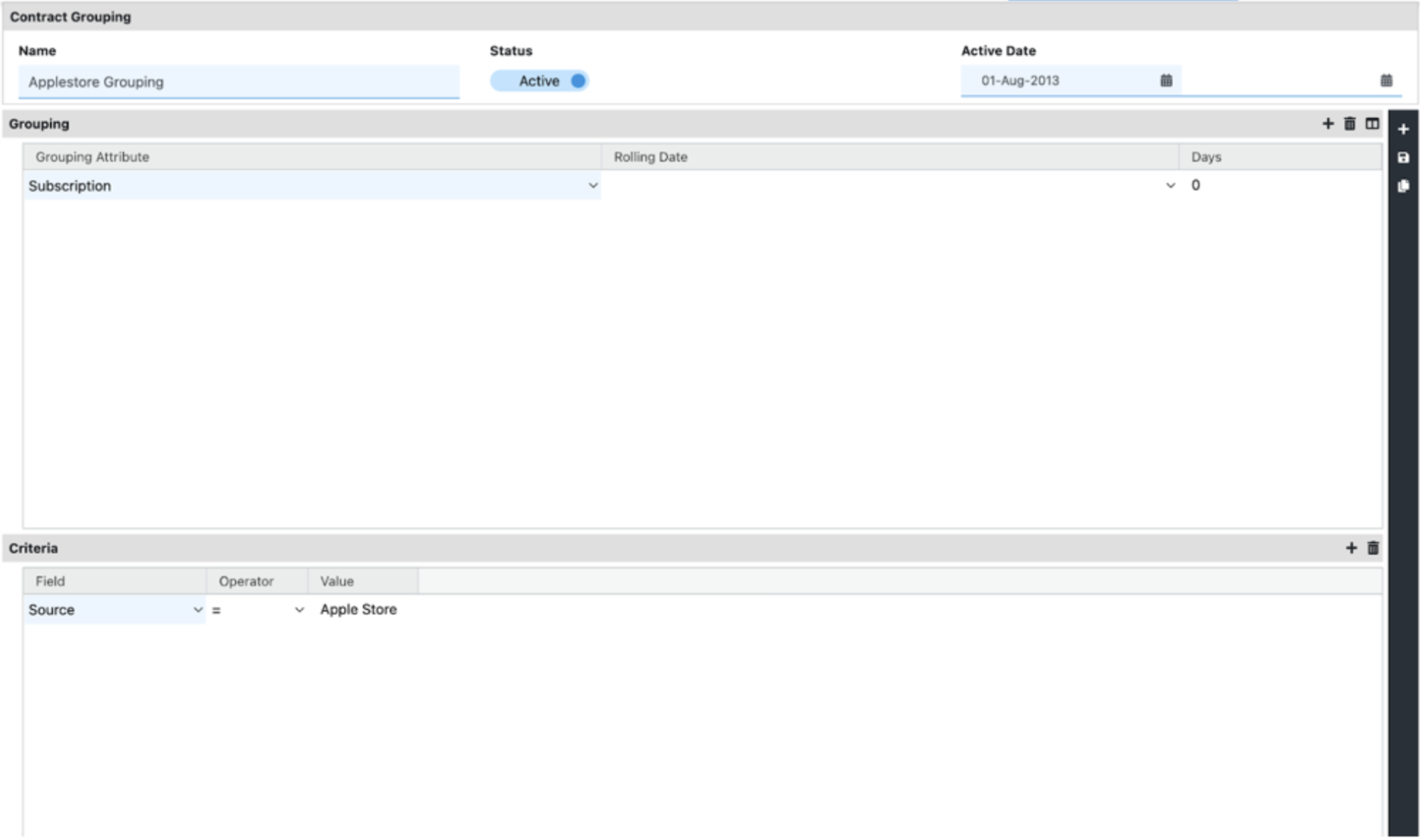
Configure your system to group order lines based on the subscription's source — Apple App Store or Google Play Store.
App store data is organized by subscription, so you'll create two separate grouping rules using the contract grouping feature:
- Apple Store grouping rule: set the grouping attribute to Source = Apple Store.
- Play Store grouping rule: set the grouping attribute to Source = Play Store.
This setup ensures order lines are accurately grouped by subscription source.
Performance obligation
Define an exclusive Performance Obligation (POB) for app store data, where revenue is recognized over time.
This POB — called App Subscription — is automatically assigned to any order line in a contract that meets the Recurly RevRec rules for either Play Store or Apple Store data.
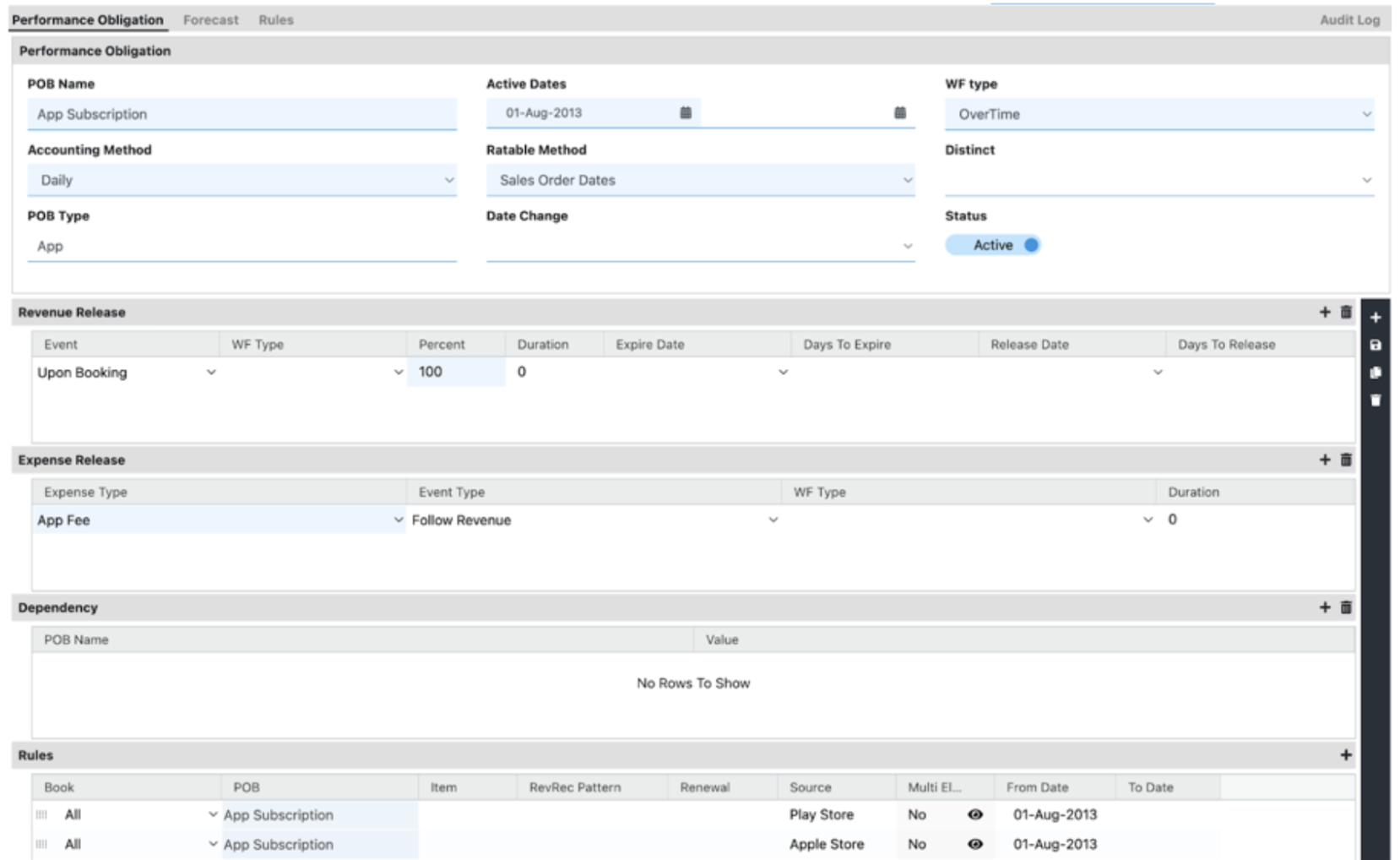
The POB rules are based on the source of the data, ensuring that all order lines with the specified source are grouped under the App Subscription POB.

Data rule configuration
To ensure accurate revenue recognition, configure data rules that transform your app store data correctly. You'll copy the sell price from Google Fees lines into the App Fees attribute and assign the proper account numbers for Play Store and Apple Store data. There are four data rules.
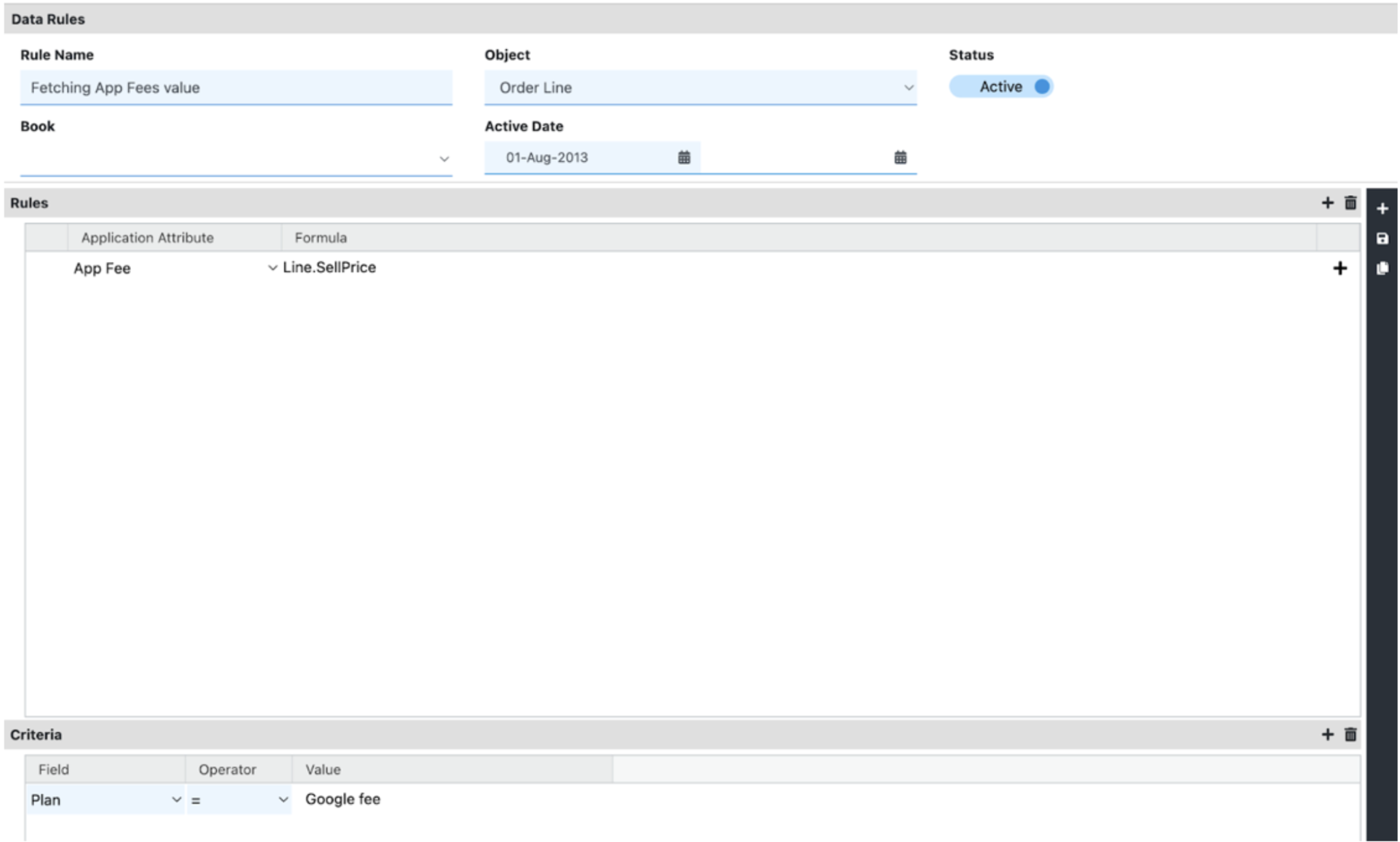
Data rule 1 — Copy Google fees to App Fees
Copies the sell price from Google Fees lines into the App Fees attribute.
Rule
| Application attribute | Formula |
| App Fees | Line.SellPrice |
Criteria
| Field | Operator | Value |
| Plan | = | Google Fees |
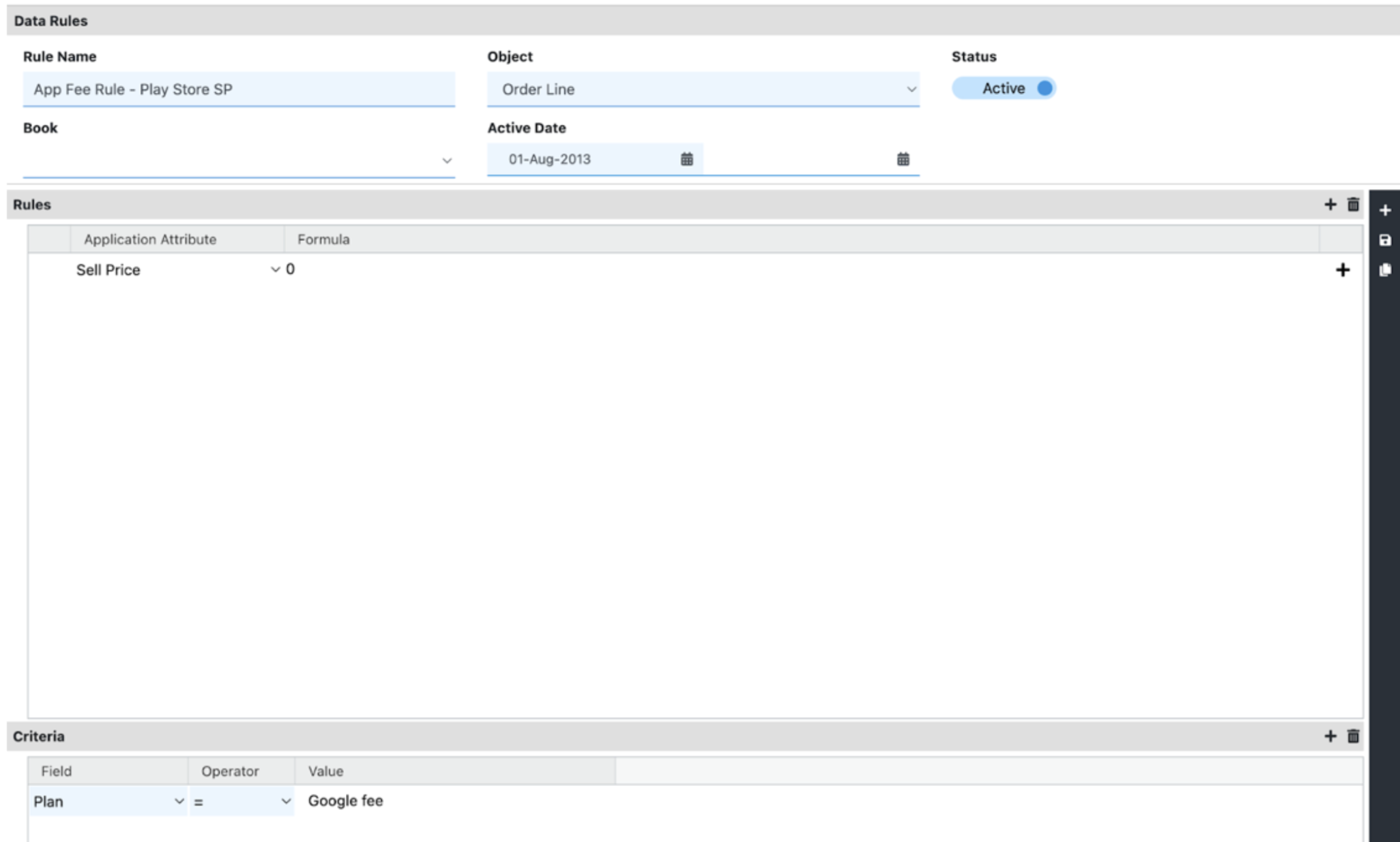
Data rule 2 — Zero out Google fees
Sets the sell price of the Google Fees plan to zero to avoid duplicative charges.
Rule
| Application attribute | Formula |
| App Fees | 0 |
Criteria
| Field | Operator | Value |
| Plan | = | Google Fees |
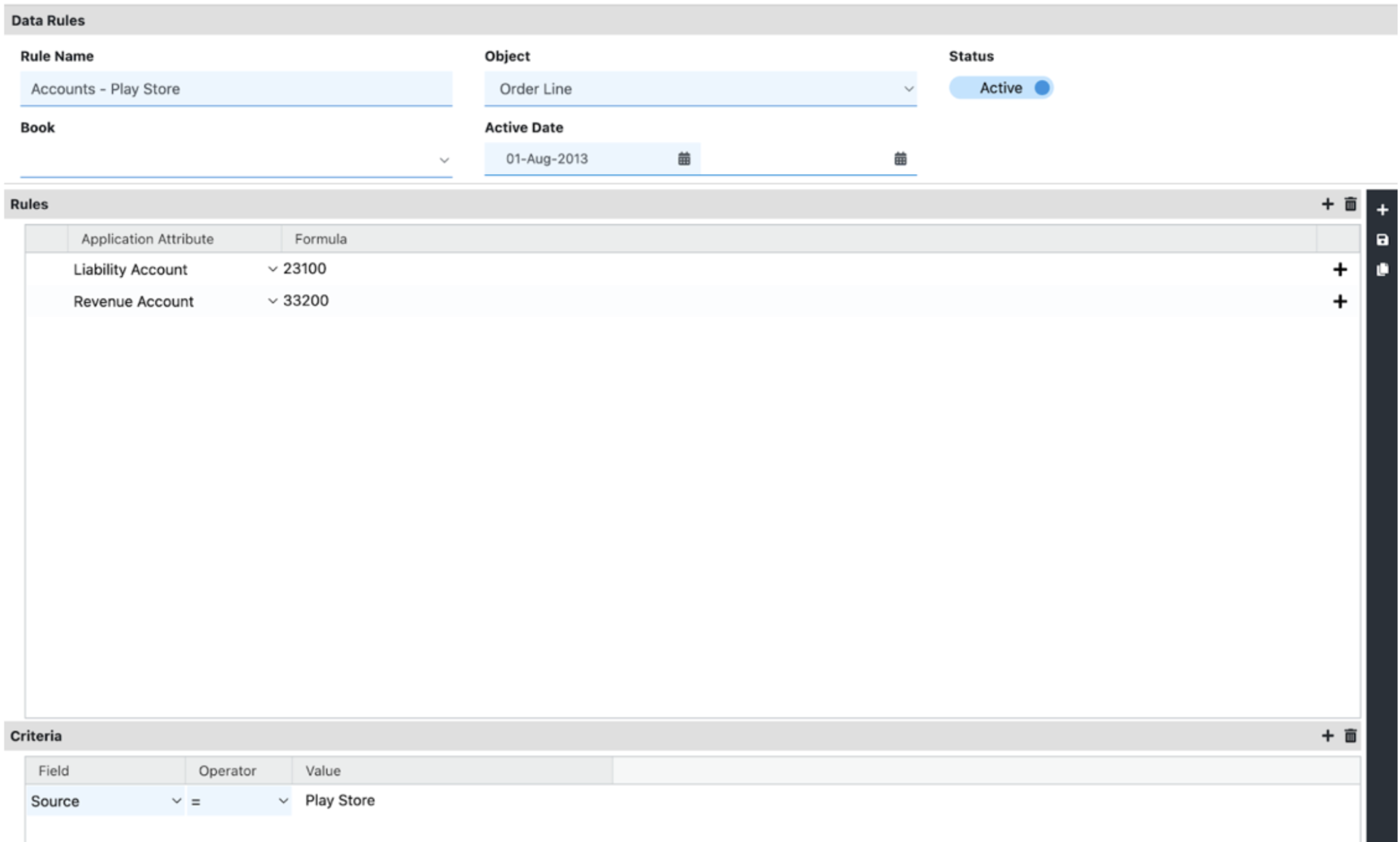
Data rule 3 — Assign account numbers for Play Store data
Applies the appropriate account number for all order lines with a source of Play Store.
Rule
| Application attribute | Formula |
| Liability Account | 23100 |
| Revenue Account | 33200 |
Criteria
| Field | Operator | Value |
| Source | = | Play Store |
Data rule 4 — Assign account numbers for Apple Store data
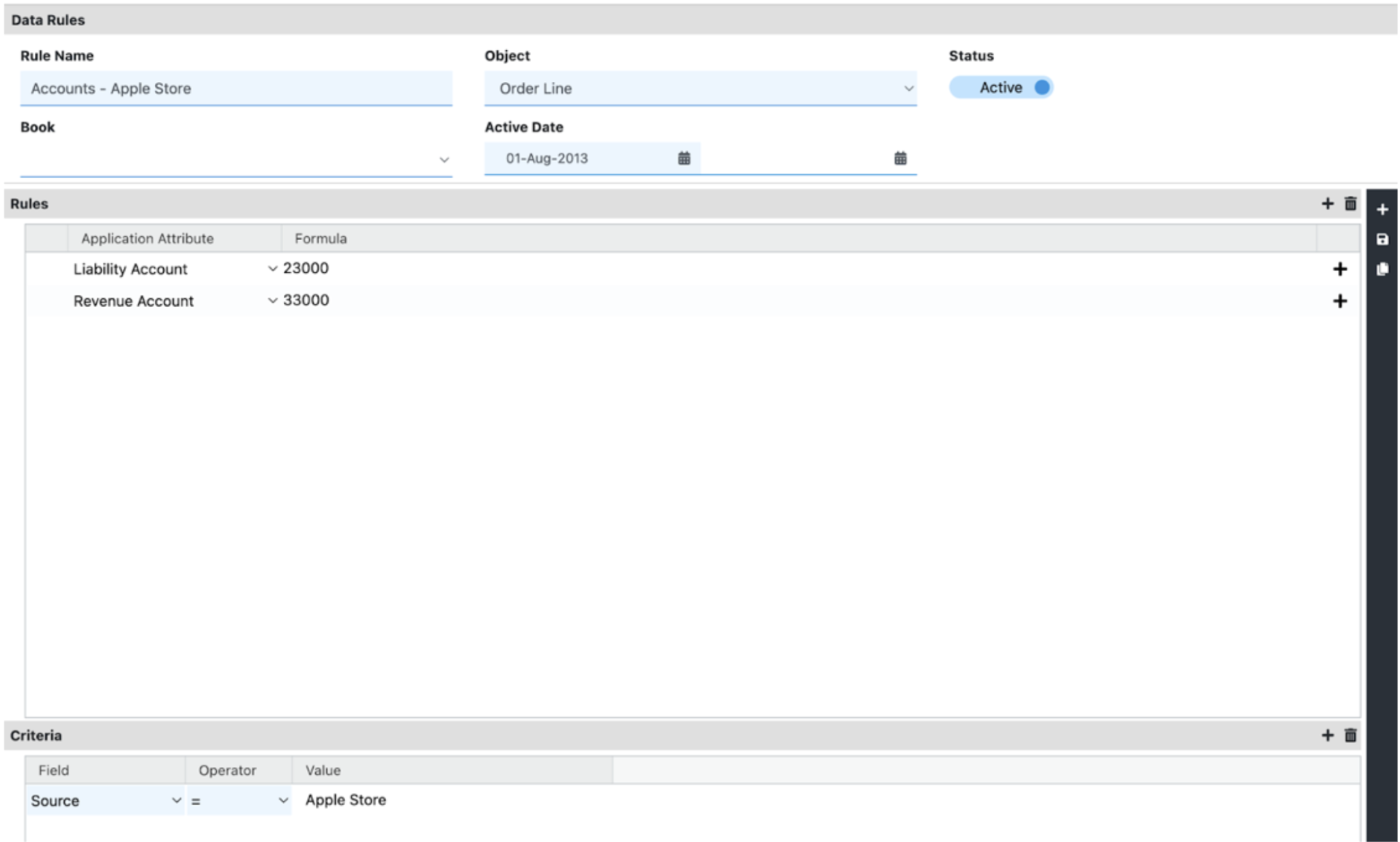
Applies the appropriate account number for all order lines with a source of Apple Store.
Rule
| Application attribute | Formula |
| Liability Account | 23000 |
| Revenue Account | 33000 |
Criteria
| Field | Operator | Value |
| Source | = | Apple Store |
App Management integration
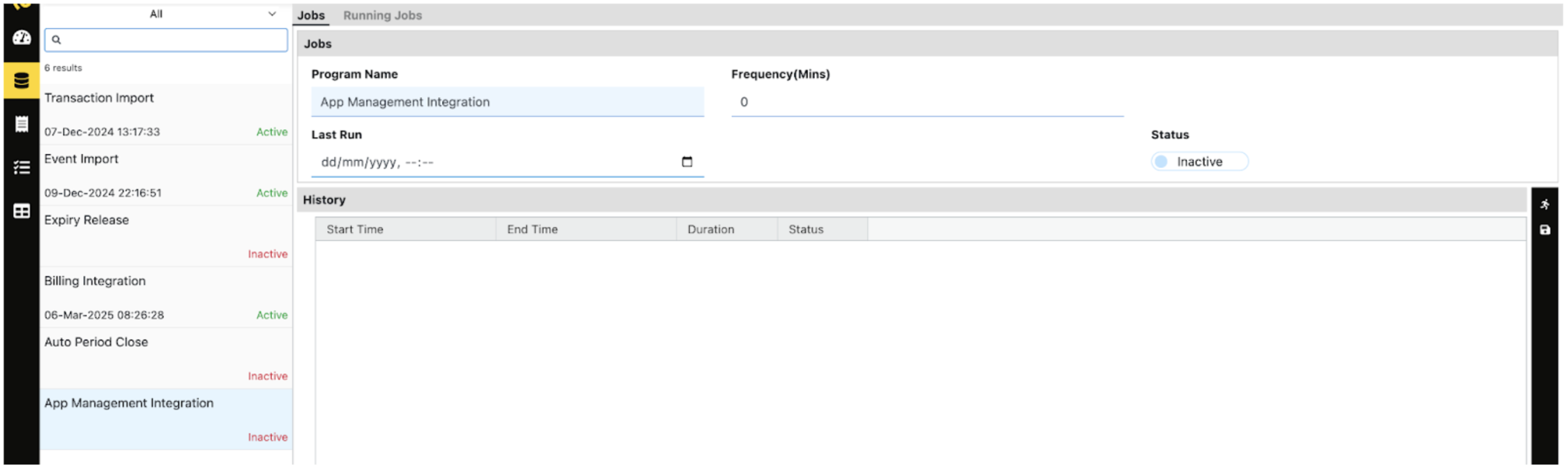
Once your data rules are configured, run the App Management integration job. This integration pushes all processed app store data into Recurly RevRec.
Updated 4 months ago