
Change your Recurly Commerce plan
Upgrade or downgrade your Recurly Commerce subscription plan directly from the app to unlock new features, support tiers, and flexible billing options.
Overview
Prerequisites & limitations
You must be an active Recurly Commerce merchant with billing managed through Shopify.
Change your plan
- In the Recurly Commerce app, go to Settings → Change Plan (top right).
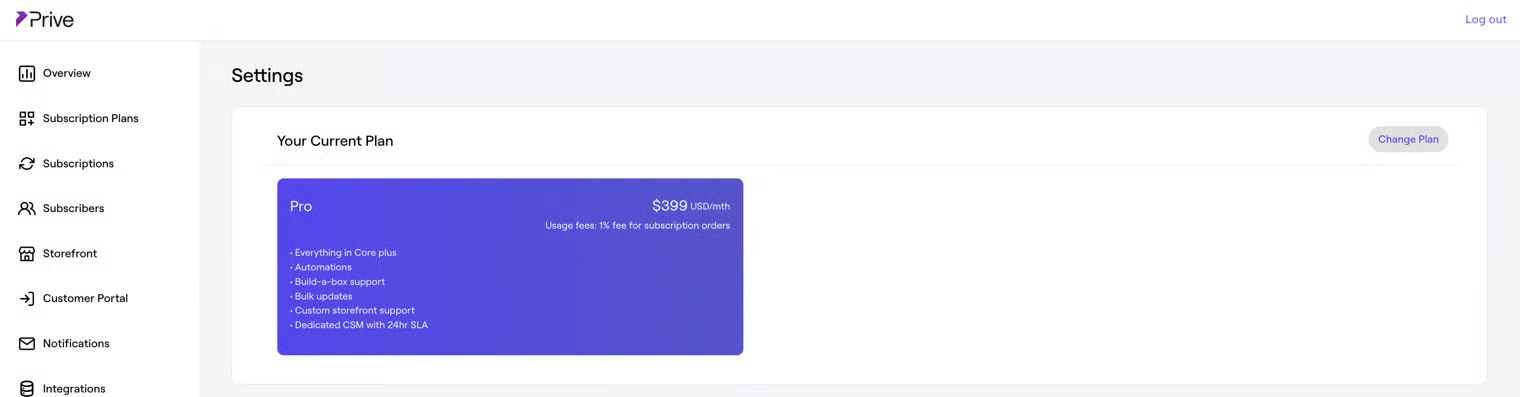
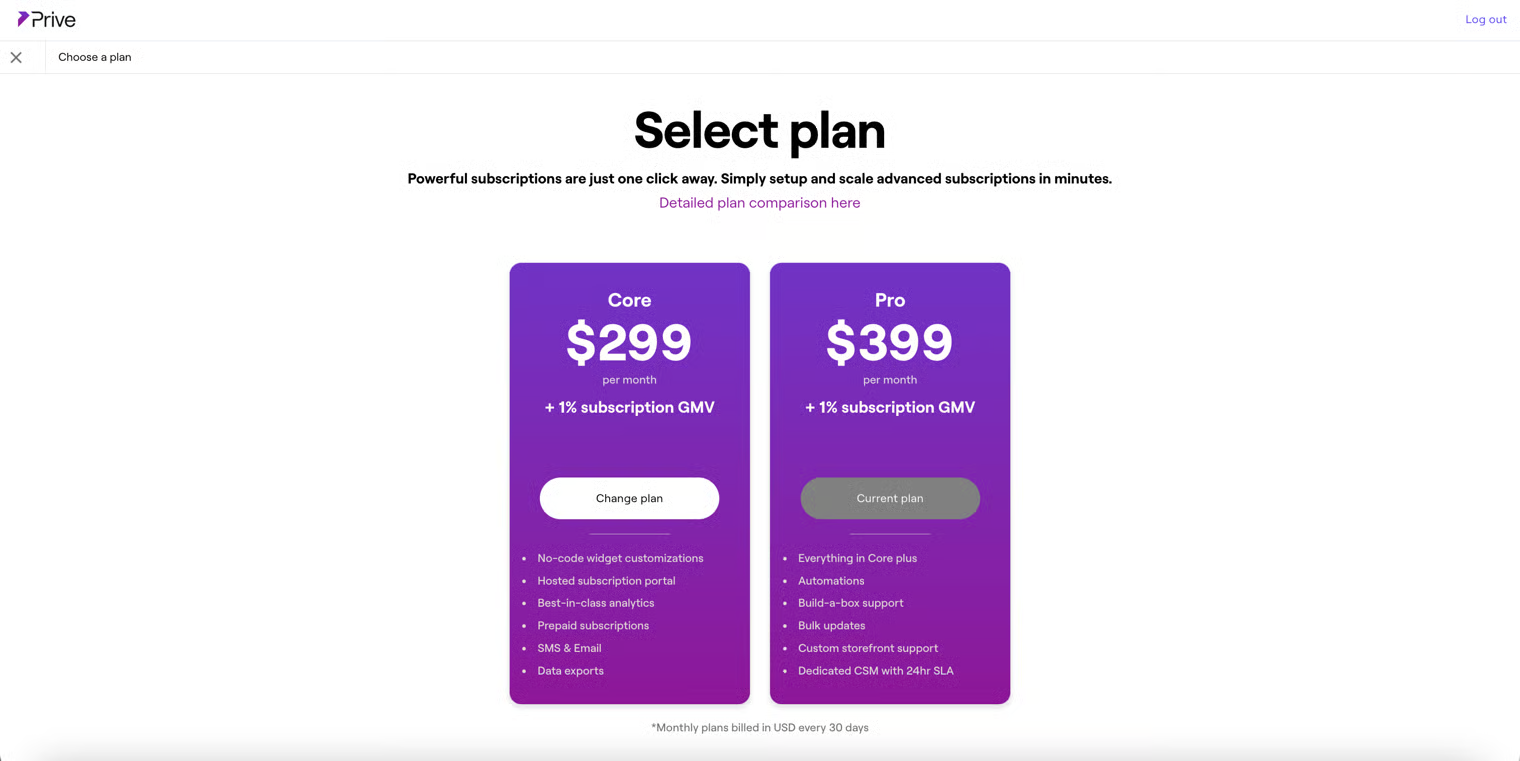
- Select your desired plan tier. You’ll be redirected to Shopify to review and approve the new recurring charge.
Note: To learn more about each plan’s features and pricing, view our detailed plan comparison document here.
- Complete the approval in Shopify to confirm your new Recurly Commerce subscription.
- Return to Settings in the Recurly Commerce app—your updated plan will be displayed.
Updated over 1 year ago
Did this page help you?