
Plans
Streamline your billing process with Recurly's versatile and customizable plans. Establish varied pricing strategies, offer free trials, and create seamless user journeys through the Hosted Payment Pages.
Overview
Required plan
This feature or setting is available to all customers on any Recurly subscription plan.
Definition
Recurly plans are the blueprint for your subscription business, orchestrating the frequency and amount your customers are charged. Whether your model includes free trials, optional add-ons, or initial setup fees, Recurly’s plans are designed to be a perfect match for your distinct business needs—and there’s no limit to the number of plans you can create.
Key benefit
- Custom plan configuration: Shape subscription plans using Recurly, tailoring to your business needs with customizable billing and term options.
- Trial and pricing flexibility: Offer attractive trials and select from diverse pricing models to match your revenue goals.
- Enhanced offerings: Boost value with supplemental services or products, optimizing customer upsell opportunities.
Dashboard
Your plans dashboard contains a list of plans defined in your Recurly account. You can select any plan name to view detailed plan information, edit the plan, or link to that plan's Hosted Payment Page.
Creating a plan
- From your main plan page, navigate to Configuration > Plans. Click on "New Plan."

- Define the following parameters:
Plan Details
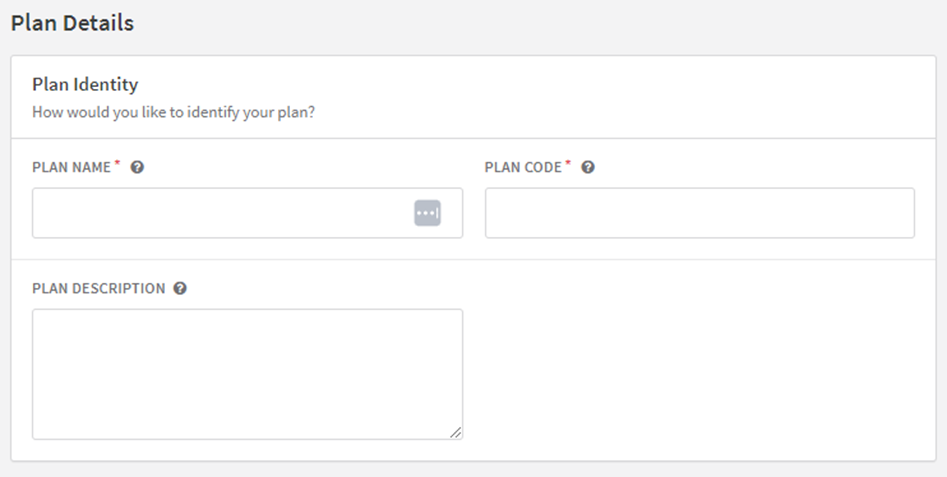
- Plan Name: This name describes your plan and appears on the Hosted Payment Page and the subscriber's invoice. Limit to 255 characters. Check with your payment gateway provider before using special characters.
- Plan Code: This is your plan's unique identifier on Recurly. It's used in Hosted Payment Page URLs and API fetch requests. Limit to 25 alphanumeric characters.
- Plan Description: Describe what the plan includes. This will appear on the subscriber's email invoice, if configured in email templates.
Plan Configuration
-
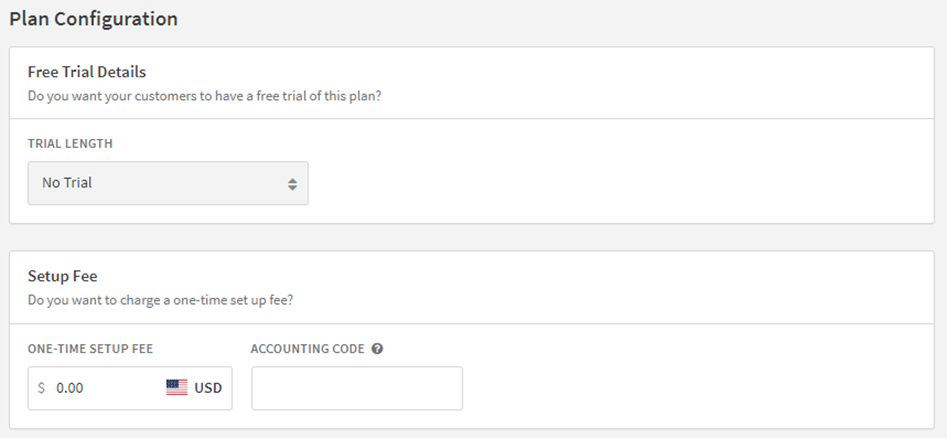
Free Trial: Define a free period for the plan in days or months. The paid subscription starts after the trial period ends. Choose whether to require billing information at sign-up, offering flexibility to reduce initial barriers for new customers.
-
Setup Fee: Include a one-time charge that is processed at the time of sign-up.
Billing Configuration
-
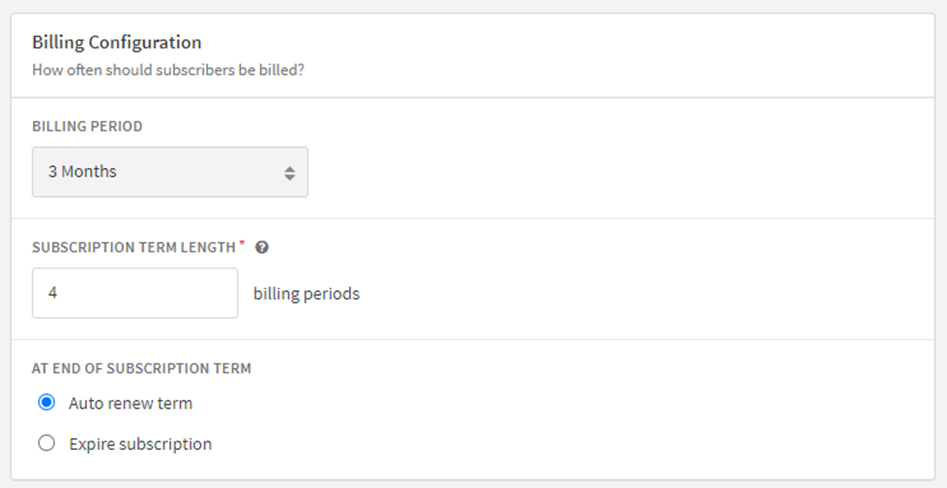
Billing Period: Set how often a subscriber will be billed.
-
Subscription Term Length: Set the default length of time that customers are committed to a subscription. A subscription to this plan will always renew with this term unless the account’s individual subscription term is modified.
-
Billing Cycles: Decide to automatically renew or expire the subscription after a set number of billing periods in the “At end of subscription term” section.
Pricing Model
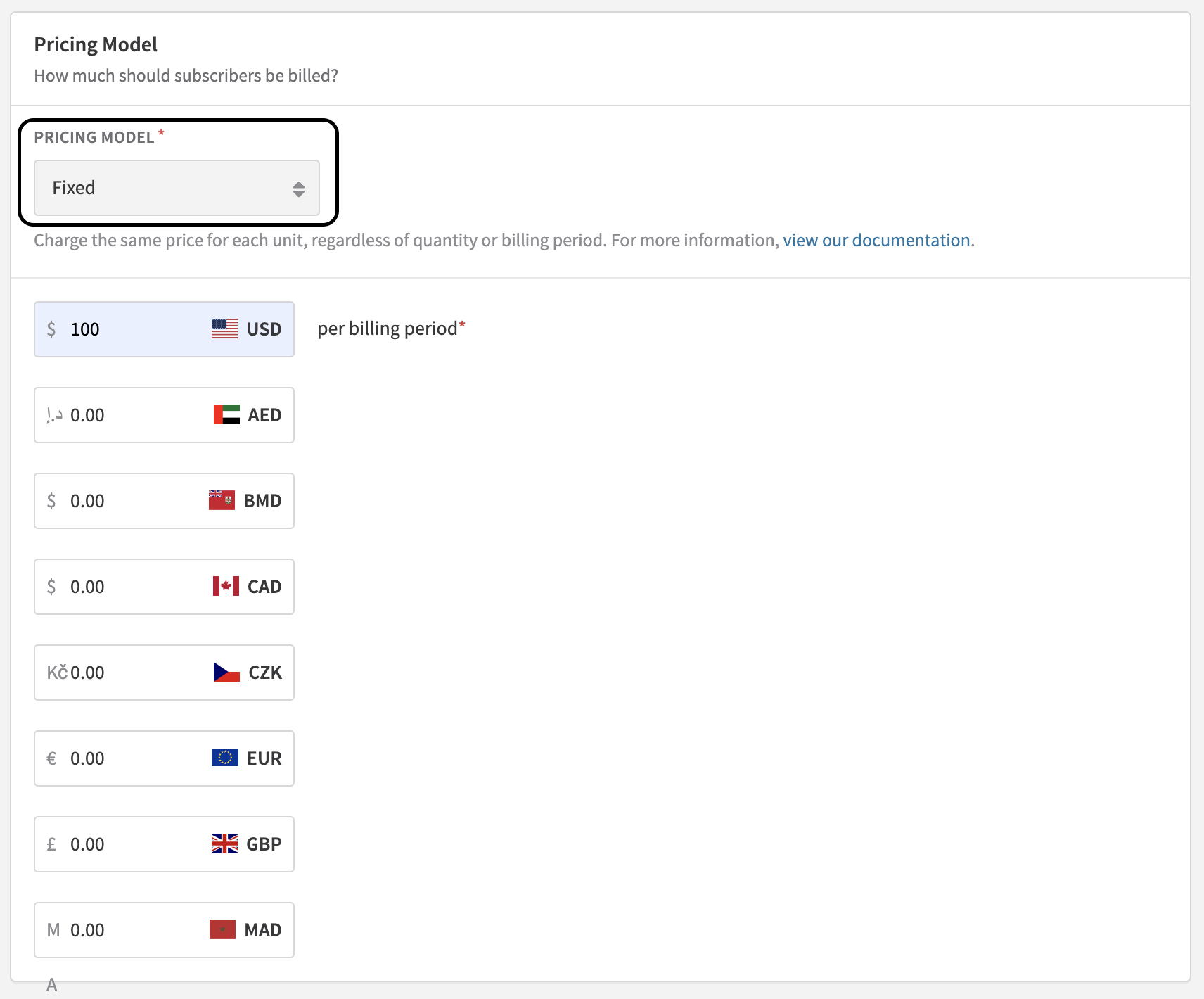
- Pricing model: Set the pricing model that best suits the subscription. Choose from fixed or ramp, accordingly.
- Price: Set a fixed price to charge to a plan's subscribers. For Quantity-Based Pricing, use Add-Ons.
Billing Details
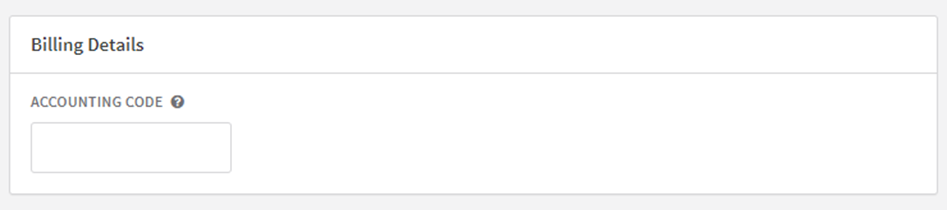
- Accounting Code: Select a unique code to identify plans in your internal invoice exports. This code should be configured based on your specific tax settings and compliance requirements. Limit to 25 lowercase alphanumeric characters.
Plan Add-ons

- Add-ons: Optional products that can be included in a recurring subscription's invoices. Also supports Quantity-Based Pricing Models. You can add items from the Item Catalog to a plan.
Dunning Campaign
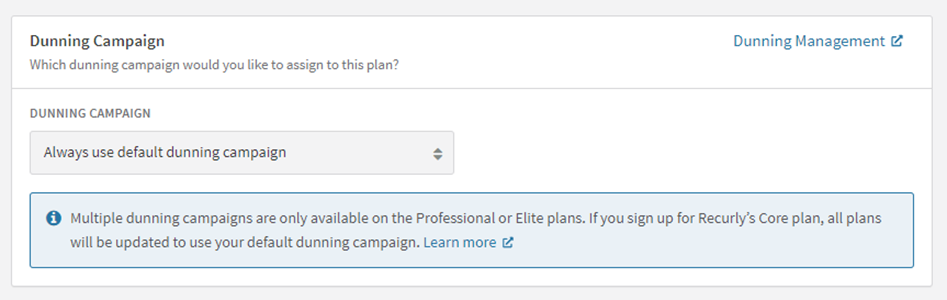
- Dunning campaign: Select the dunning campaign for this plan.
Customer Emails
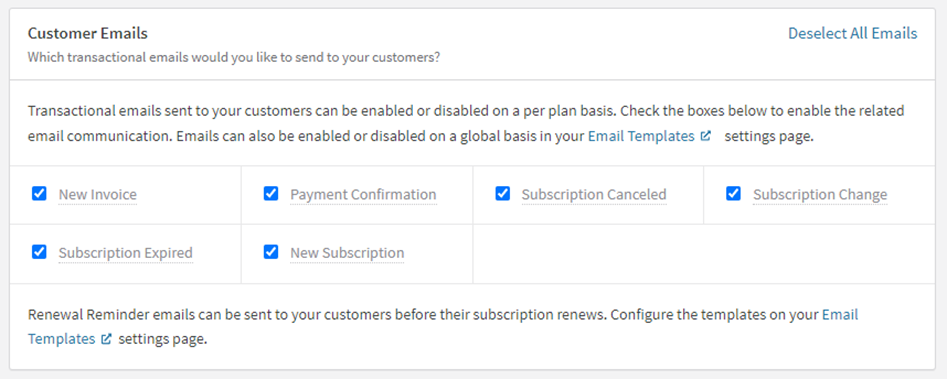
- Select the emails: Check the boxes to enable email communication on specific matters. You can also modify and manage your templates on your Email Templates setting page.
Hosted Payment Pages
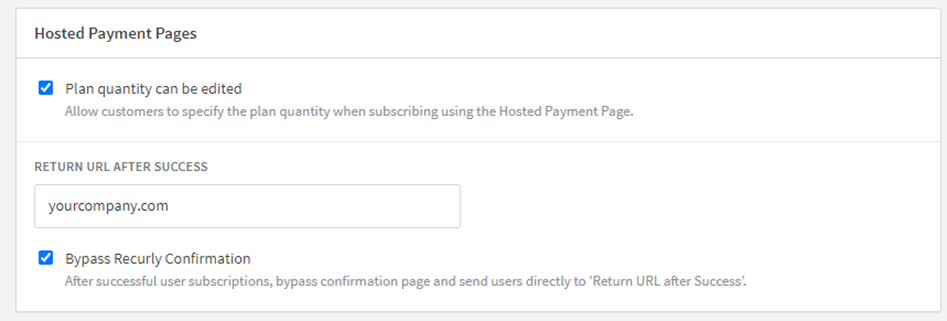
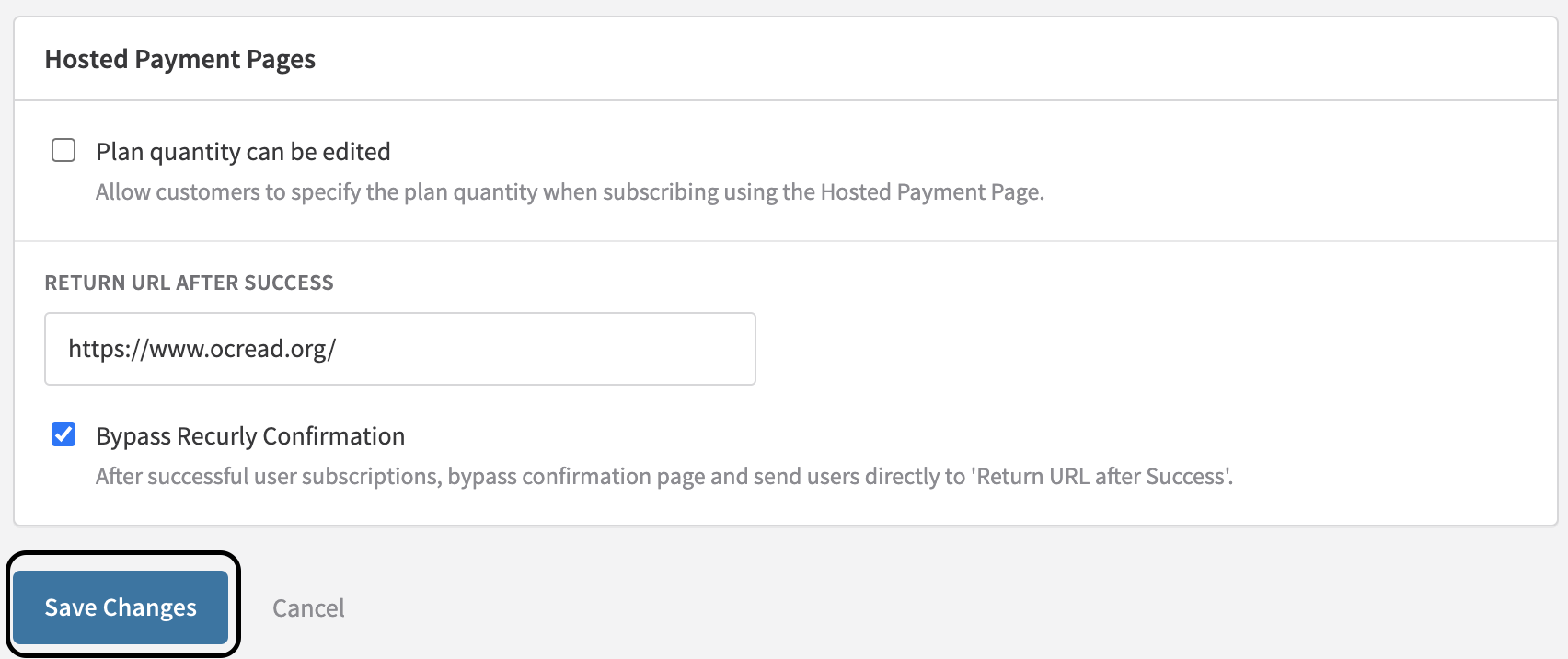
- Plan quantity can be edited: Determine if subscribers can choose their own quantity on the Hosted Payment Pages.
- Return URL after Success: After a successful transaction via the Hosted Page, redirect the customer to a specific URL.
- Bypass Recurly Confirmation: If using the Hosted Payment Pages, choose to bypass Recurly's confirmation page and use a custom return URL.
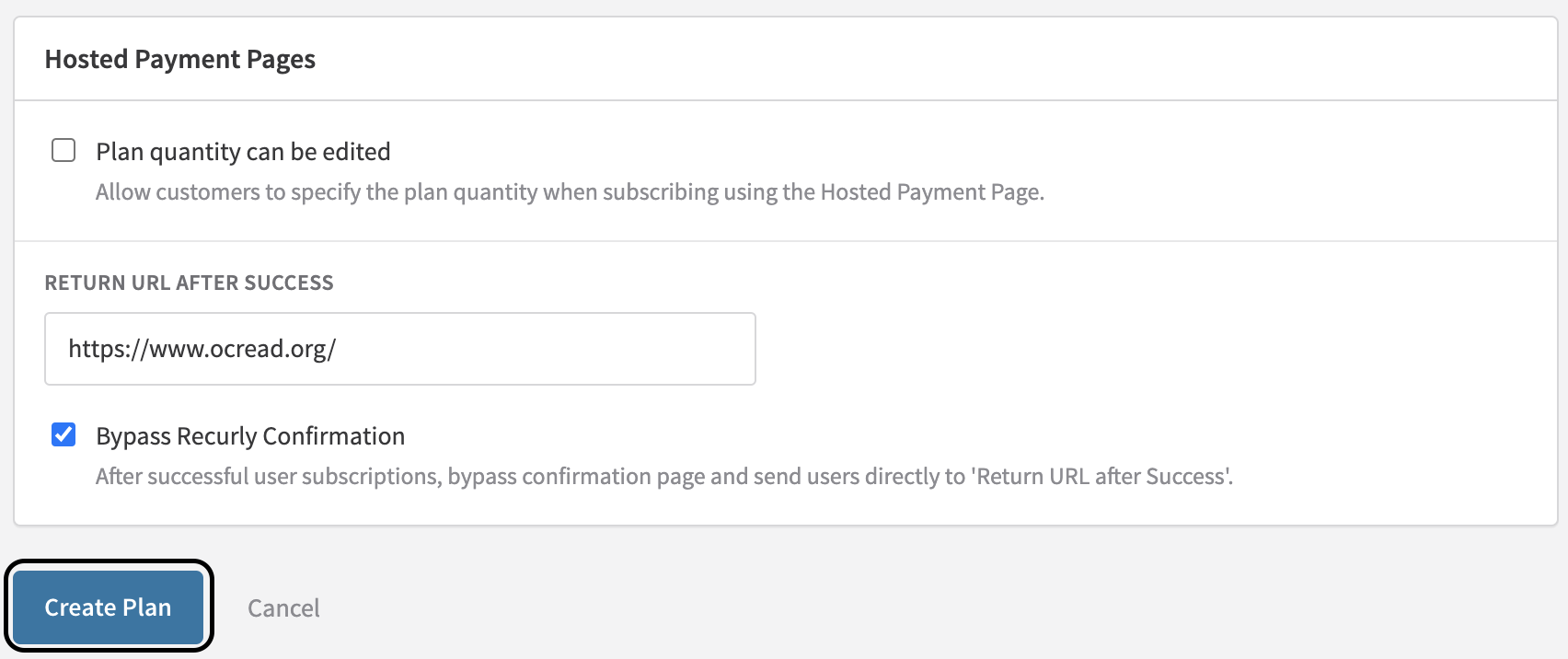
- Once all parameters are defined, click "Create Plan" to finalize.
Updating plans
-
Navigate to Configuration > Plans.
-
Either from the plan list view (right option hover) or the plan actions drop down menu on a specific plan detail page, select "Edit."

- Make the desired changes and click "Save Changes".
Note: Changes will apply to new subscribers only. Existing subscribers will continue with the plan terms present at the time of their signup.
Duplicating plans
-
Navigate to Configuration > Plans.
-
Either from the plan list view (right option hover) or the plan actions drop down menu on a specific plan detail page, select "Duplicate."

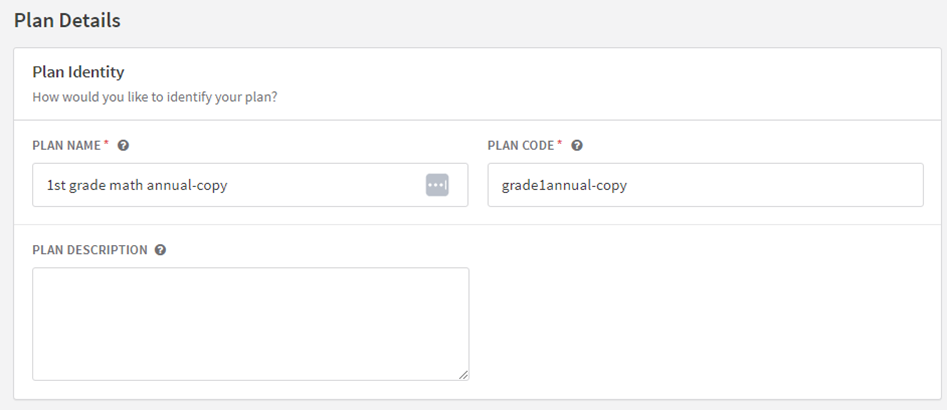
- All details of the original plan will be copied to the "Create a Plan" page. "-copy" will be appended to the "Plan Name" and "Plan Code" fields.
-
Adjust these field names and modify any other fields as required for the new plan.
-
Click "Create Plan" once you've finished adjusting the details.
Note: You can also duplicate plans after creating a plan. On the success info alert once a plan is created, there is an option to duplicate it.
Deleting plans
-
Navigate to Configuration > Plans.
-
Either from the plan list view (right option hover) or the plan actions drop down menu on a specific plan detail page, select "Delete."

- Confirm your decision.
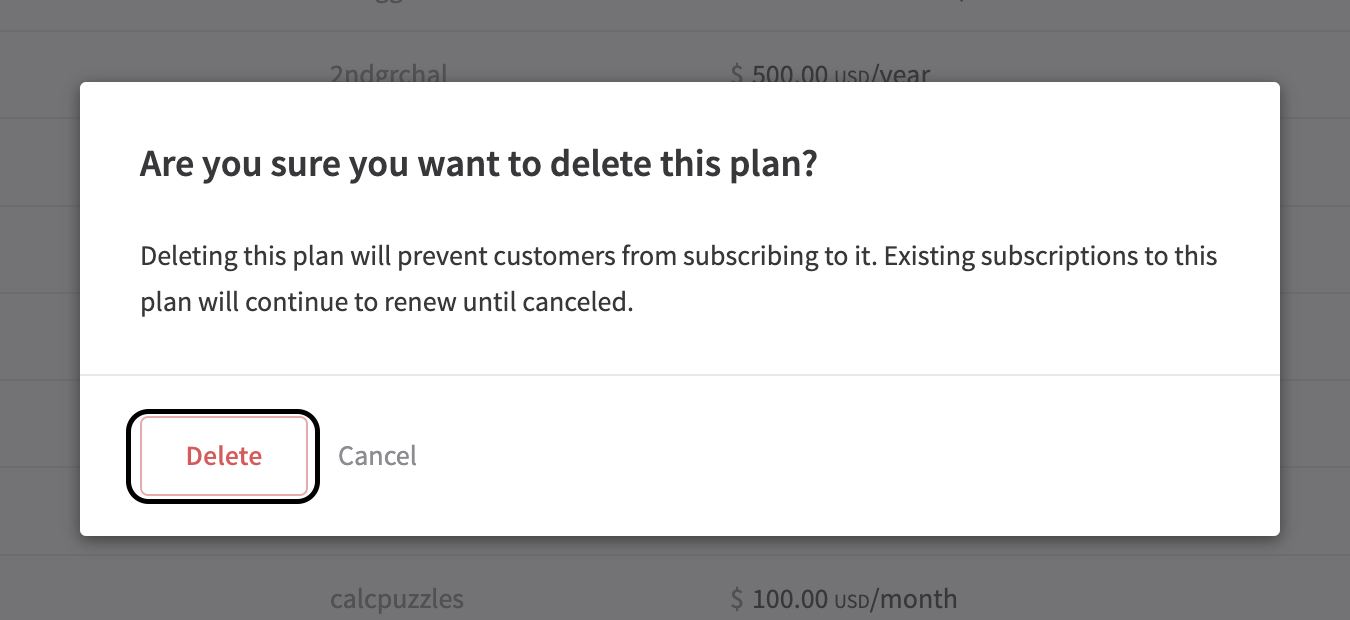
Note: Deleting a plan is permanent and will prevent new customers from subscribing to it. Existing subscriptions to this plan will continue to renew, but once a plan is deleted, it cannot be reactivated.
Updated 17 days ago