---
updatedAt: 2026-05-28T03:40:31.000Z
agentTools:
  siteIndex: https://docs.recurly.com/llms.txt
  projectIndex: https://docs.recurly.com/recurly-subscriptions/llms.txt
---

# Do you need help?

An overview of the support channels, sales resources, and documentation available to Recurly customers.

<span id="rp-close"></span>

<div class="rp-page">
  <div class="rp-overview">Whether you're stuck on a configuration, exploring Recurly for the first time, or looking for technical guidance, here's where to go to get the help you need.</div>
  <div class="rp-plan"><i class="fa-solid fa-key" aria-hidden="true"></i> Available on all Recurly plans</div>
  <div class="rp-cost">
    <strong>Additional cost</strong><br/>
    Some support and service tiers may require an additional cost. Reach out to your Recurly account manager or <a href="mailto:support@recurly.com" target="_blank">support@recurly.com</a> for pricing details.
  </div>
  <div class="rp-toc">
    <a class="rp-toc-pill" href="#support-channels"><span class="rp-toc-num">1</span>Support channels</a>
    <a class="rp-toc-pill" href="#sales-channel"><span class="rp-toc-num">2</span>Sales channel</a>
    <a class="rp-toc-pill" href="#documentation"><span class="rp-toc-num">3</span>Documentation</a>
  </div>
</div>

# Support channels

We're here to assist you every step of the way. Pick the channel that fits the kind of help you need — instant answers, tracked tickets, or a deeper conversation.

<div class="rp-sdk-grid">
<Cards columns={2}>
  <Card title="Live chat" href="https://recurly.com" target="_blank" icon="fa-comments">
    Instant help from our team. Visit Recurly or your Sandbox, log in, and select the purple Live Chat button at the bottom-right of your screen.
  </Card>
  <Card title="Support ticket" href="https://support.recurly.com/hc/en-us/requests/new" target="_blank" icon="fa-ticket">
    Best for product issues or technical inquiries. Open a ticket and our technical support team will follow up.
  </Card>
</Cards>
</div>

<span class="rp-zoom">
  <a class="rp-zoom-label" href="#zoom-support-ticket-page">
    <img class="rp-zoom-img" src="https://files.readme.io/9ce8fa2-image.png" alt="Recurly Support Ticket page" />
  </a>
  <a id="zoom-support-ticket-page" class="rp-zoom-overlay" href="#rp-close">
    <img src="https://files.readme.io/9ce8fa2-image.png" alt="" />
  </a>
</span>

<div class="rp-card">
<strong>Our commitment to you</strong>
<p>Prompt, effective problem-solving is what keeps your subscribers happy and your business running. Our support is friendly, responsive, and built to help you focus on what you do best: managing your subscription business. Depending on your plan, you'll have access to:</p>
<ul>
  <li>Our comprehensive self-serve product documentation.</li>
  <li>Direct channels to our technical support team via Portal, Chat, and Email.</li>
  <li>Guaranteed response times based on our service level objectives.</li>
</ul>
</div>

# Sales channel

New to Recurly, curious about plans, or interested in a demo? Choose the path that fits.

<div class="rp-sdk-grid">
<Cards columns={2}>
  <Card title="Email sales" href="mailto:sales@recurly.com" icon="fa-envelope">
    Drop our sales team a line at <a href="mailto:sales@recurly.com">sales@recurly.com</a>.
  </Card>
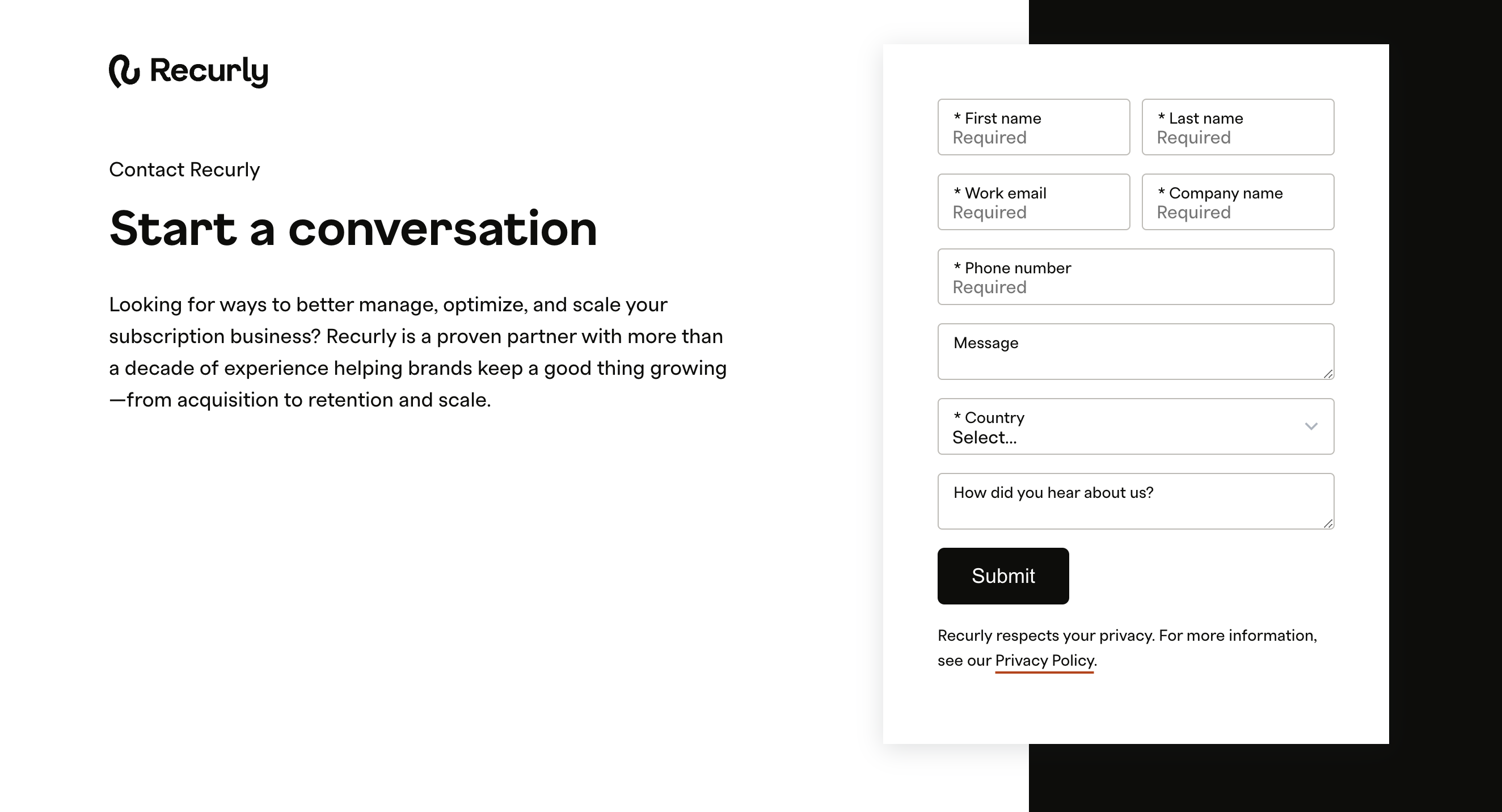
  <Card title="Contact sales" href="https://recurly.com/demo/contact-sales/" target="_blank" icon="fa-handshake">
    Start a conversation or request a demo through our Contact Sales page.
  </Card>
</Cards>
</div>

<span class="rp-zoom">
  <a class="rp-zoom-label" href="#zoom-contact-sales-page">
    <img class="rp-zoom-img" src="https://files.readme.io/91b38fd88e6583b0c4660966e9c774118f948dc093f8db935167402ce90ae7e3-image.png" alt="Recurly Contact Sales page" />
  </a>
  <a id="zoom-contact-sales-page" class="rp-zoom-overlay" href="#rp-close">
    <img src="https://files.readme.io/91b38fd88e6583b0c4660966e9c774118f948dc093f8db935167402ce90ae7e3-image.png" alt="" />
  </a>
</span>

# Documentation

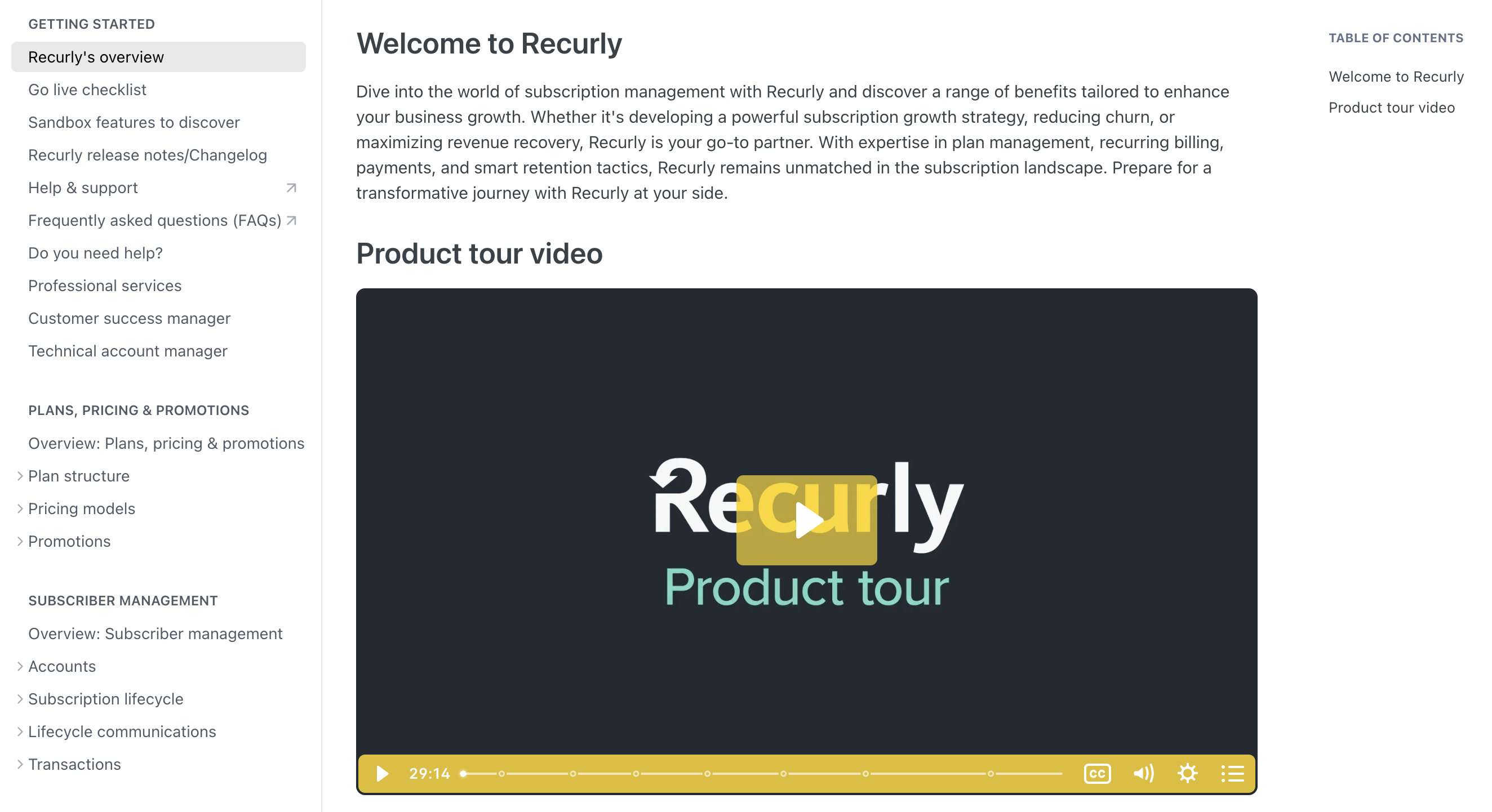
Visit any of the sections in our documentation hub to explore product documentation, API guides, and the full API reference.

<div class="rp-sdk-grid">
<Cards columns={3}>
  <Card title="Product documentation" href="https://docs.recurly.com/recurly-subscriptions" target="_blank" icon="fa-book">
    Features, settings, and how-to guides for every part of the Recurly platform.
  </Card>
  <Card title="API guides" href="https://docs.recurly.com/recurly-subscriptions/docs/quick-start-guide" target="_blank" icon="fa-code">
    Walkthroughs and integration patterns to help you build on Recurly.
  </Card>
  <Card title="API reference" href="https://docs.recurly.com/recurly-subscriptions/reference" target="_blank" icon="fa-terminal">
    The complete reference for every Recurly API endpoint, parameter, and response.
  </Card>
</Cards>
</div>

<span class="rp-zoom">
  <a class="rp-zoom-label" href="#zoom-product-documentation">
    <img class="rp-zoom-img" src="https://files.readme.io/67de283bea1a28224ee2ea8d10016861b798d11dd1ff6ec960f188d479f8100d-image.png" alt="Recurly product documentation site" />
  </a>
  <a id="zoom-product-documentation" class="rp-zoom-overlay" href="#rp-close">
    <img src="https://files.readme.io/67de283bea1a28224ee2ea8d10016861b798d11dd1ff6ec960f188d479f8100d-image.png" alt="" />
  </a>
</span>

<div class="rp-callout rp-callout-tip">
  <div><strong><i class="fa-solid fa-lightbulb" aria-hidden="true"></i> Can't find what you need?</strong> Reach out to <a href="mailto:support@recurly.com" target="_blank">support@recurly.com</a> and our team will help you out.</div>
</div>

# Sibling pages

* [Recurly's overview](https://docs.recurly.com/recurly-subscriptions/docs/getting-started-recurly.md)
* [Go live checklist](https://docs.recurly.com/recurly-subscriptions/docs/go-live.md)
* [Sandbox features to discover](https://docs.recurly.com/recurly-subscriptions/docs/sandbox-features-to-discover.md)
* [Recurly Subscriptions Changelog](https://docs.recurly.com/recurly-subscriptions/docs/recurly-subscriptions-changelog.md)
* [Browser support](https://docs.recurly.com/recurly-subscriptions/docs/browser-support.md)
* [Professional services](https://docs.recurly.com/recurly-subscriptions/docs/professional-services.md)
* [Customer success manager](https://docs.recurly.com/recurly-subscriptions/docs/customer-success-manager.md)